Template Module, Version 2.2, 15.11.2022 / Version - 07.07.2020
Making calls
Gigaset IP BASE / SBG IE-UK-International en / A31008-M3037-S301-1-X119 / telephony_SBG.fm / 3/12/24
14
Making calls
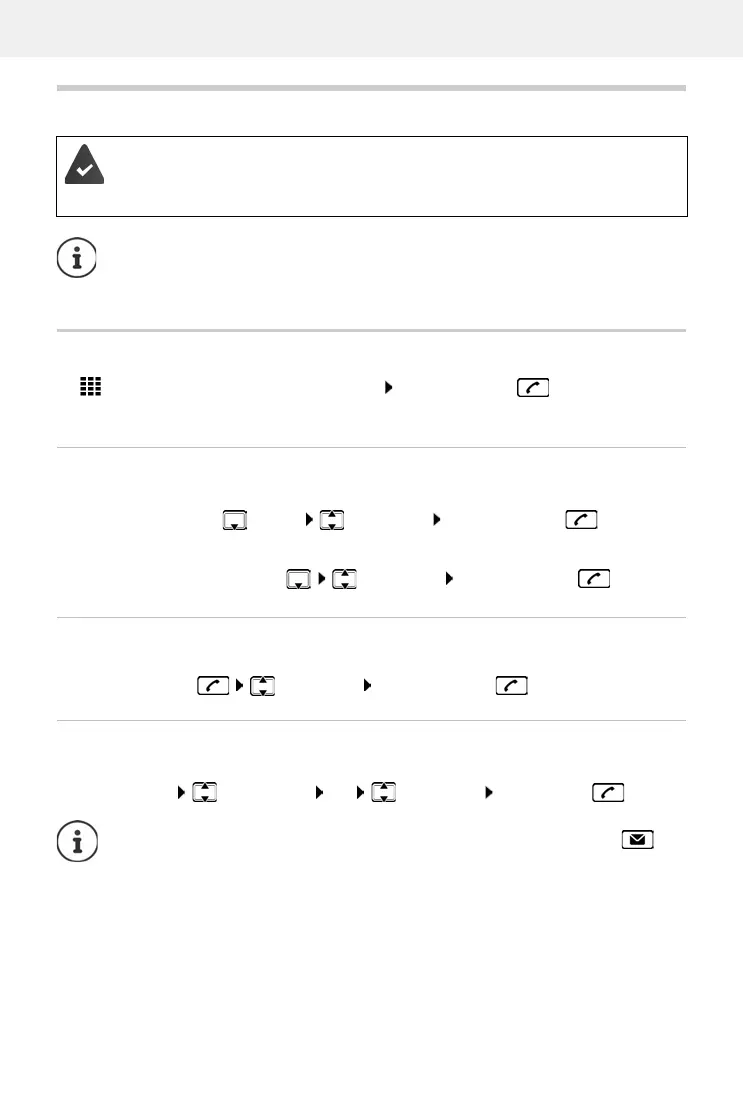
Calling numbers
Enter the number using the handset keys Press the Talk key
The connection is dialled via the connection set for the handset for outgoing calls.
Dialling from the directory
From the handset’s local directory:
From the central directory:
Dialling from the redial list
The redial list contains the numbers last dialled with the handset.
Press the Talk key Select entry Press the Talk key
Selecting from a call list
There are call lists for outgoing, accepted or missed calls.
Your phone is connected to the local network.
At least one VoIP connection has been set up and assigned to the telephone.
At least one handset is registered.
Telephony functions depend on the handset being used. The main functions are
described below. The operation of your handset may differ. For more detailed informa-
tion, please see the user guide for your handset.
Press the Control key briefly Select entry Press the Talk key
Press and hold the Control key Select entry Press the Talk key
Open call lists Select call list OK Select entry press talk key
The list of new missed calls can also be opened by pressing the message key .



 To Next Page