Gigaset IP BASE / SBG IE-UK-International en / A31008-M3037-S301-1-X119 / applications_SBG.fm / 3/12/24
Template Module, Version 2.2, 15.11.2022 / Version - 07.07.2020
Expanding the DECT network
33
Additional functions
Expanding the DECT network
The range of the DECT wireless network can be increased by using up to two
Gigaset Repeater HX.
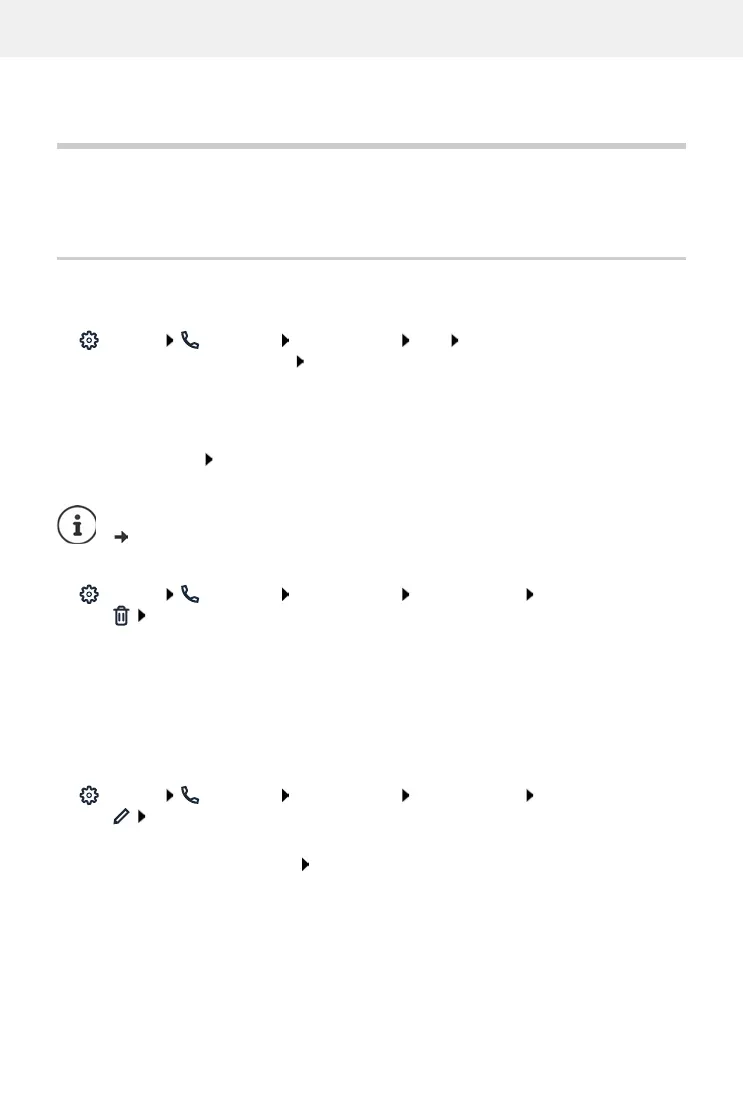
Registering/de-registering DECT handsets
On the web interface
Settings Telephony Phone devices Add DECT handset ... the wizard for
the DECT registration is opened Next
The phone goes to registration mode. The remaining registration time and the registration PIN
are displayed.
Start the registration process on the DECT handset . . . the handset searches for a base in
registration mode enter registration PIN . . . the handset is registered and entered in the
list of handsets
DECT handset de-registration
Settings Telephony Phone devices DECT handsets next to the handset,
click confirm with Ok . . . the handset is de-registered
Replacing a DECT handset
Replacing one handset with another when changing a handset. All settings associated with the
first handset are retained, only the DECT registration is changed.
This function is also useful if you have uploaded a backup file, as some settings cannot be copied
when backing up the system (DECT registration, Google/Microsoft accounts).
On the web interface
Settings Telephony Phone devices DECT handsets next to the handset,
click Replace device ... the wizard DECT replace is opened, a registration procedure
is started
Registering a new DECT handset Finish
The following settings will be transferred: Name, internal number, numbers for outgoing and
incoming calls, MWI assignment of an answering machine.
Detailed information on the registration procedure on the handset:
User guide for your handset



 To Next Page