Gigaset IP BASE / SBG IE-UK-International en / A31008-M3037-S301-1-X119 / settings_advanced.fm / 3/12/24
Template Module, Version 2.2, 15.11.2022 / Version - 07.07.2020
Network
49
VLAN
VLAN (Virtual Local Area Network) divide a physical network into multiple virtual networks.
Enable VLAN if your phone is on a local network divided into virtual subnets. In a "tagged" VLAN,
data packets are assigned to individual subnets with tags that consist of, among other things, a
VLAN identifier and the VLAN priority. The VLAN password identifies the subnet. The VLAN
priority permits the prioritisation of various data, e.g. the preferred transport of voice data.
In the phone configuration, save the VLAN identifier and VLAN priority of your network. Your
VLAN provider will supply you with this data.
On the web interface
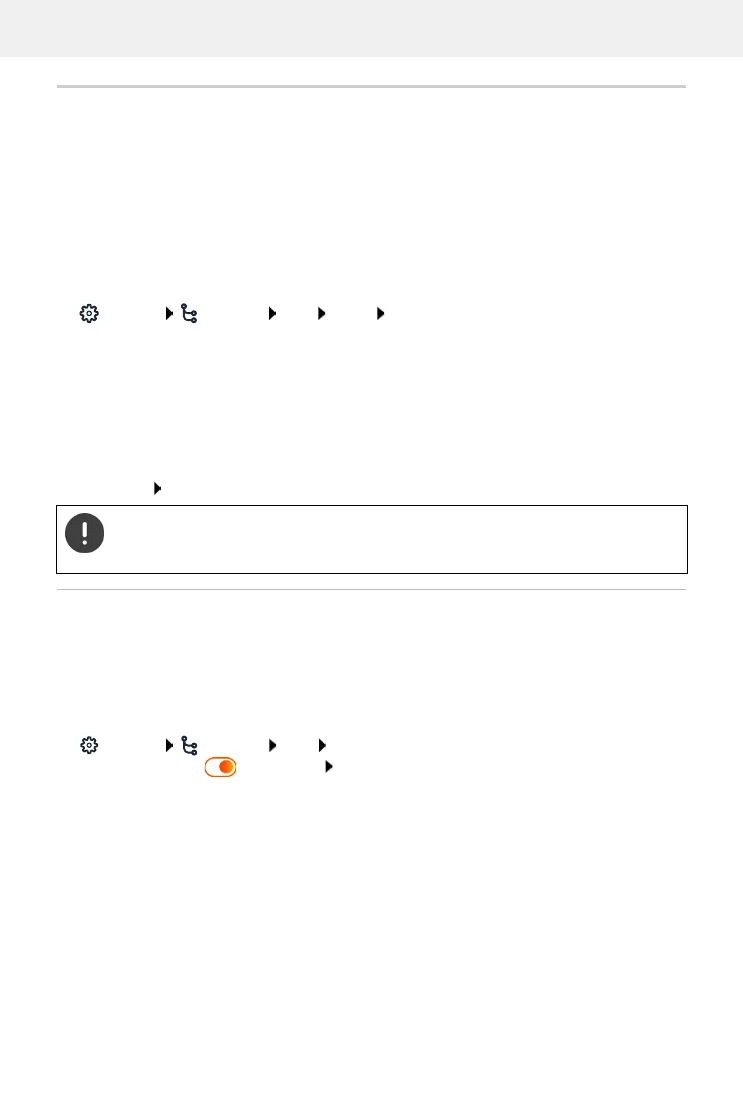
Settings Network LAN VLAN VLAN tagging activate/deactivate (LAN acti-
vated; No =deactivated)
Other settings
Save settings: Save
Activate/deactivate Link Layer Discovery Protocol
The Link Layer Discovery Protocol (LLDP) allows devices from different providers to exchange
information with directly connected neighbouring devices, for example for troubleshooting or
network management. Activate LLDP if you have devices from different providers on your
network.
On the web interface
Settings Network LAN Link Layer Discovery Protocol (LLDP) activate/deac-
tivate with switch ( = activated) enter value for Packet intervals (interval in which
LLDP packages are transferred) (preset: 60 sec.)
VLAN identifier (LAN) ID of the virtual network of the LAN interface;
permissible values: 0 – 4094
VLAN Priority (LAN) VLAN priority of the virtual network of the LAN interface;
permissible values: 0 – 7
If you enter values in the VLAN configuration that do not match your local network,
the device and the web user interface can no longer be reached. In this case, reset
the device to factory settings.



 To Next Page