44
Using the directory and lists
Gigaset SL400-SL400A / EN for IM-Nord / A31008-M2103-R201-3-SM19 / direct_charges.fm / 01.02.2011
Version 4, 16.09.2005
Lists containing new messages are at the top
of the list and are marked in a bold font.
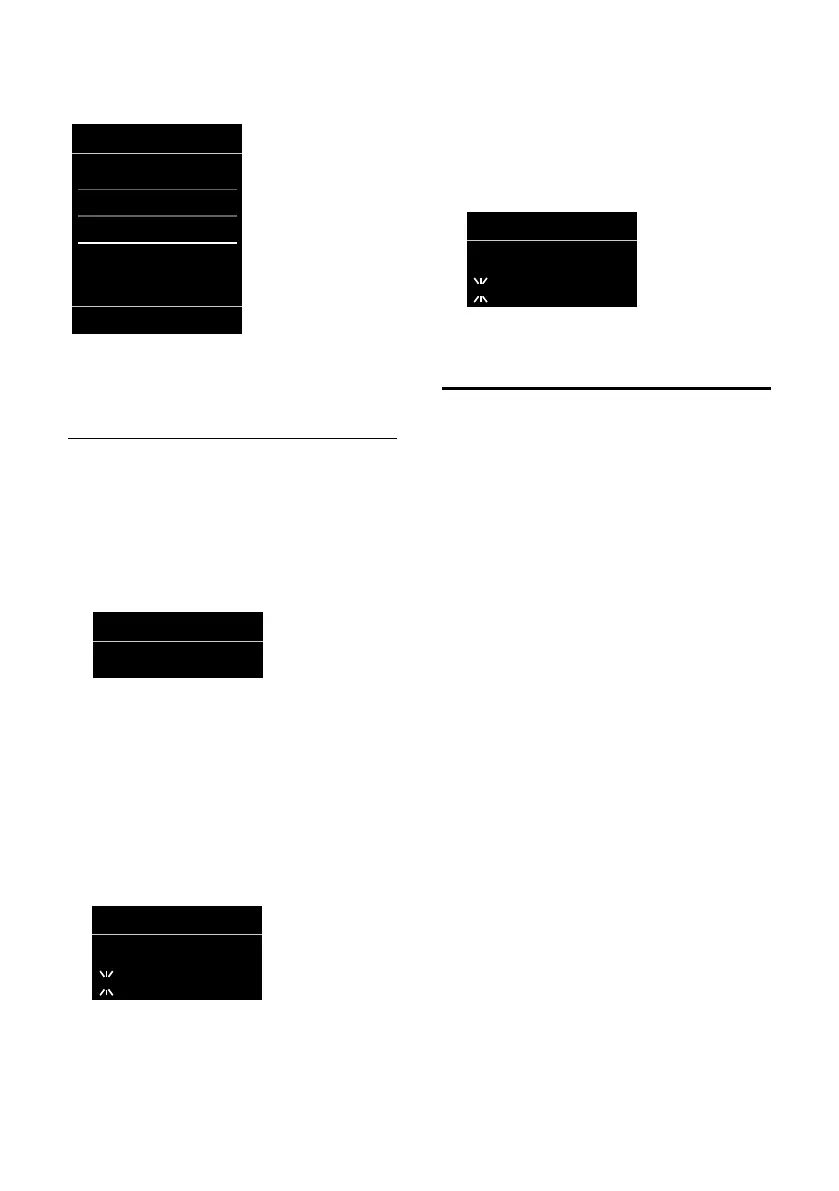
Select a list with q. To open, press
§OK§.
Disable/enable flashing of the
message key
You can select whether the message key
f flashes (default setting) or does not
flash when new messages arrive. Please do
the following:
¤ Press the key sequence:
v
¢ *#Q5#M
The following is displayed:
¤ Press one of the following keys to select
the message type:
Your selection is displayed (e.g. 5 for
missed calls); the current setting flashes:
¤ Press key Q or , to set the behav-
ior for new messages:
Your selection is displayed (e.g. 1):
¤ Press the display key §OK§.
Missed alarms list
Missed (unacknowledged) appointments
from the calendar (
¢ page 61) and anniver-
saries (
¢ page 41) are saved in the Missed
Alarms list if:
u You do not accept an appointment/anni-
versary.
u The appointment/anniversary was sig-
nalled during a phone call.
u The handset is deactivated at the time of
the appointment/anniversary.
u Automatic redial was activated at the
time of an appointment/anniversary
(
¢ page 42).
u Open the list by pressing the message
key f (
¢ page 43).
Each entry is displayed with:
u Number or name
u Date and time
The most recent entry is at the top of the list.
Press the display key §Delete§, to delete the
selected entry.
Each list may contain a maximum of 10
entries. If 10 entries are already stored in the
list, the next appointment reminder will
delete the oldest entry.
5 for missed calls
or L for new SMS
or M for messages on the answer-
ing machine (Gigaset
SL400A only)/network mail-
box
Messages & Calls
Calls: (3)
Missed Alarms: (1)
SMS: (2)
Back OK
Q message key flashes (it stops
when the key is pressed)
or message key does not flash



 To Next Page