4
Display keys
Gigaset SL400-SL400A / EN for IM-Nord / A31008-M2103-R201-3-SM19 / overview.fm / 01.02.2011
Version 4, 16.09.2005
Other display symbols
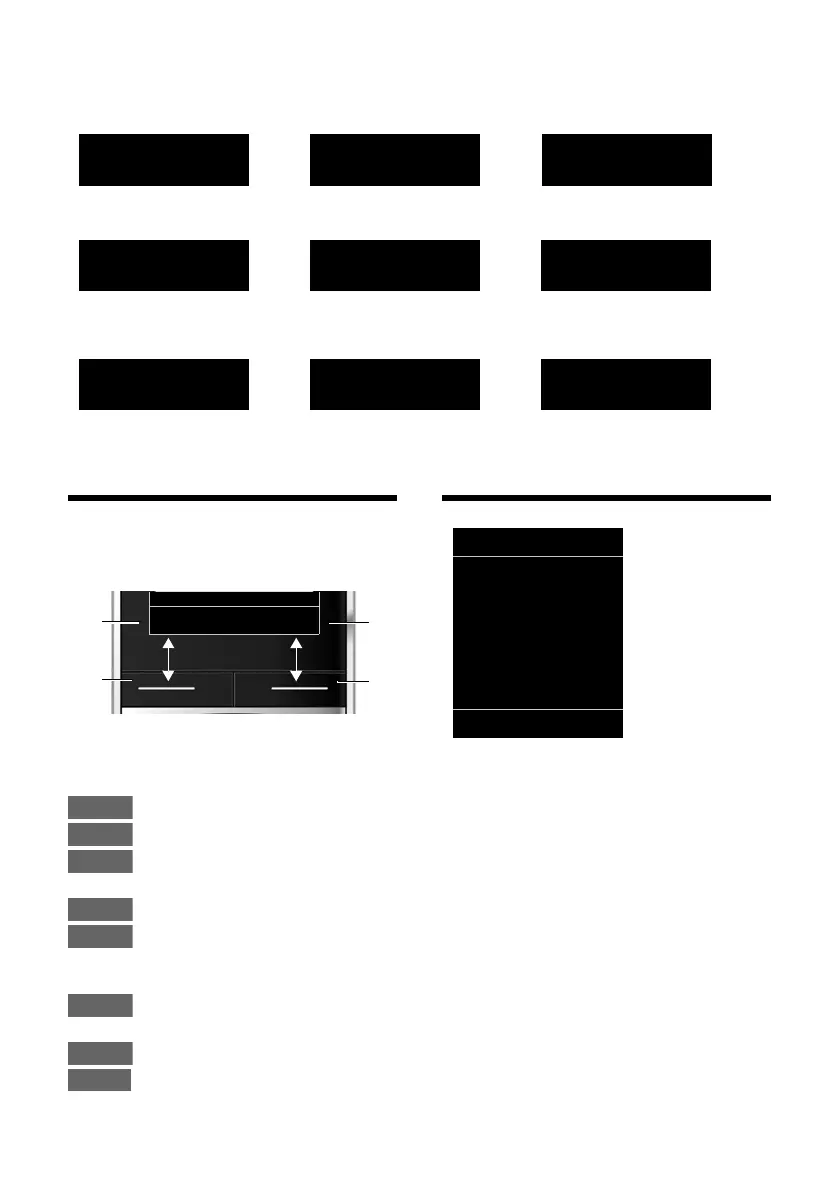
Display keys
The functions of the display keys change
depending on the particular operating situ-
ation. Example:
Important display keys:
Open call lists.
Open calendar.
Open a menu for further func-
tions.
Confirm selection.
Delete key: delete character by
character/word by word from
right to left.
Go back one menu level or can-
cel operation.
Save entry.
Forward a call to the answering
machine.
Main menu symbols
Information on using the menus
(
¢ page 22)
Menu overview (
¢ page 26)
Information
¶ Û
Query
Please wait...
À
Action failed
‰
Action complete
Á
Room monitor activated
(¢ page 67)
Ð
‹ Œ
°
Snooze mode
(¢ page 63)
Switch from earpiece
to handsfree mode
(
¢ page 32)
Switch from handsfree
to earpiece mode
(¢ page 32)
1
Current display key function
2
Display keys
1
2
1
2
Ç
Select Services
ò
Bluetooth
É
Additional Features
Ê
Call Lists
Ë
SMS
Ì
Voice Mail
á
Organizer
Â
Directory
Ï
Settings



 To Next Page