68
Using Bluetooth devices
Gigaset SL400-SL400A / EN for IM-Nord / A31008-M2103-R201-3-SM19 / registr_sett.fm / 01.02.2011
Version 4, 16.09.2005
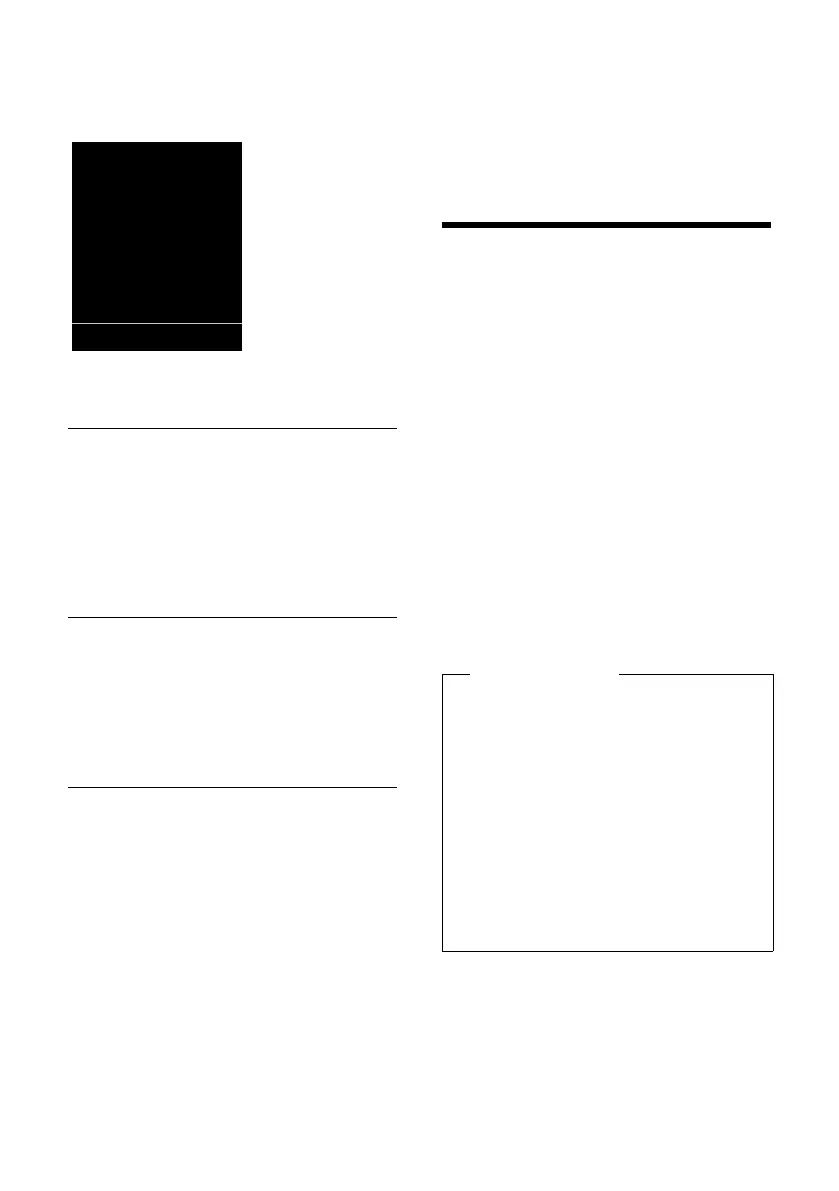
When the room monitor function is acti-
vated, the idle display appears as shown
below:
Changing the set destination
number
v ¢ É ¢ Room Monitor
¤ Enter and save number as described in
"Activating the room monitor and enter-
ing the destination number"
(
¢ page 67).
Cancelling/deactivating the room
monitor
Press the end call key a to cancel the call
when the room monitor is activated.
In idle state, press the display key
§OFF§ to
deactivate room monitor mode.
Deactivating the room monitor
remotely
Prerequisites: The phone must support tone
dialling and the room monitor should be set
for an external destination number.
¤ Accept the call from the room monitor
and press keys 9 ;.
The room monitor function will deactivate
after the call ends. There are no further room
monitor calls. The other room monitor set-
tings on the handset (e.g., no ringtone) will
remain activated until you press the display
key
§OFF§ on the handset.
To reactivate the room function with the
same phone number:
¤ Reactivate and save with §Save§
(
¢ page 67).
Using Bluetooth devices
Your Gigaset handset can communicate
wirelessly via Bluetooth™ with other devices
using this technology.
Before you can use your Bluetooth device,
activate Bluetooth, ensure the devices are
visible and then register the handset.
You can register one Bluetooth headset to
the handset. You can also register up to five
data devices (PCs, PDAs and mobile phones)
to send and receive directory entries as
vCards or exchange data with the computer
(
¢ page 87).
To use the phone numbers, dialling codes
(country and area code) must be stored in
the directory (
¢ page 76).
You will find a description of how to operate
your Bluetooth devices in the user guides for
these devices.
i à V
07:15
INT 1 05 Apr
Á
Room Monitor
0891234567
OFF Options
Please note
u You can operate headsets on your
handset that have the headset or
handsfree profile. If both profiles are
available, the handsfree profile is used
to communicate.
u It can take up to five seconds to estab-
lish a connection between your hand-
set and a Bluetooth headset. This
applies both when a call is accepted
using the headset or transferred to the
headset, and when a number is
dialled from the headset.



 To Next Page