61
Setting an appointment (calendar)
Gigaset SL400-SL400A / EN for IM-Nord / A31008-M2103-R201-3-SM19 / registr_sett.fm / 01.02.2011
Version 4, 16.09.2005
Setting an appointment
(calendar)
You can use your handset to remind yourself
of up to 30 appointments. Anniversaries
(
¢ page 41) entered in the directory are
automatically recorded in the calendar.
Saving an appointment.
Prerequisite: The date and time have
already been set (
¢ page 17).
v ¢
Í
¢ Calendar
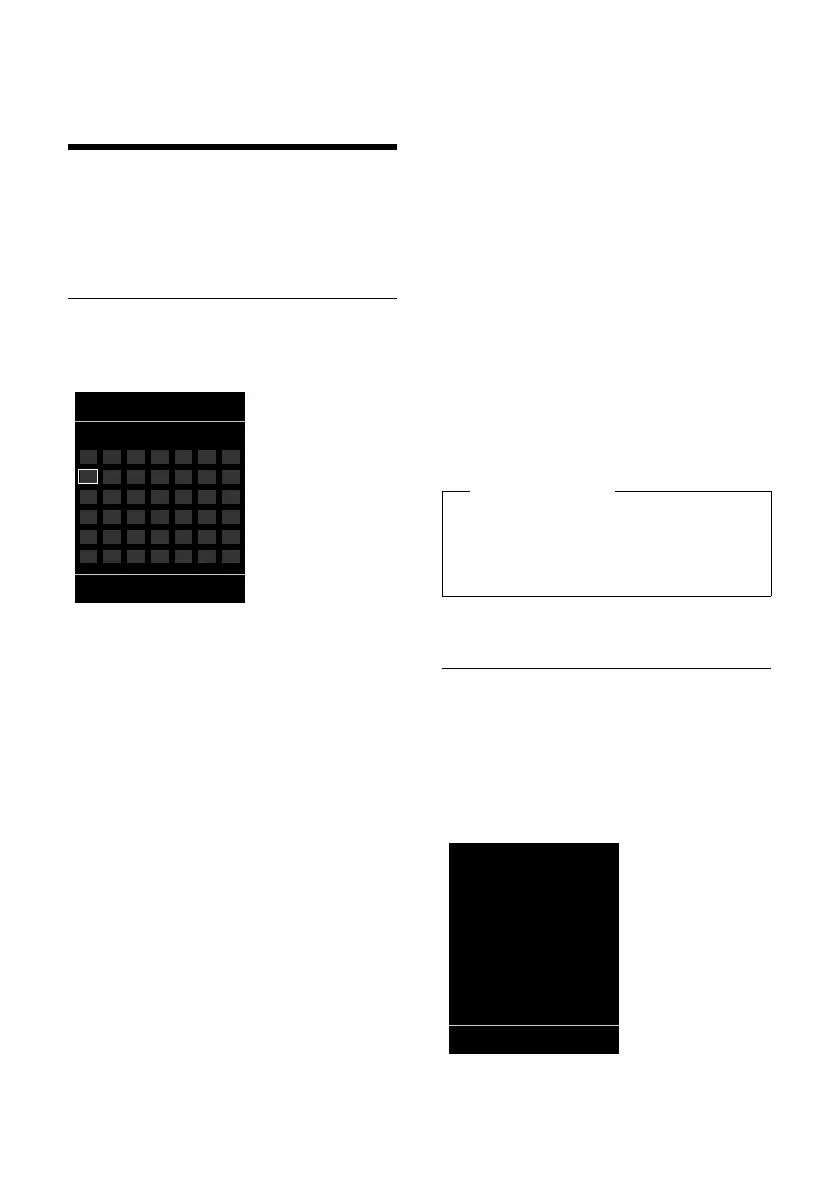
u The current day is selected (highlighted).
u Days on which appointments have
already been saved are highlighted.
r/q Select the required day in the
graphical calendar.
The selected day is highlighted. The current
day is highlighted in the same colour as the
digits.
w Press the centre of the control
key.
u If appointments have already been
entered, this will open the list of saved
appointments on that day.
Select <New Entry>
¢ §OK§ to open the
data input window.
u If no appointments have been entered,
the data input window will open immedi-
ately to add the new appointment.
¤ You can enter data in the following fields:
Activation:
Select On or Off.
Date:
Enter day/month/year in 8-digit format.
Time:
Enter hours/minutes in 4-digit format.
Text:
Enter text (max. of 16 characters). The
text appears as the appointment name in
the list and is displayed on the screen
during the appointment reminder. If you
do not enter any text, only the date and
time of the appointment are displayed.
Signal:
Select the reminder type.
§Save§ Press the display key.
Signalling appointments and
anniversaries
An appointment reminder is signalled in idle
state for 60 seconds with the selected ring-
tone at the volume that has been set for
internal calls (
¢ page 74).
The name is displayed for anniversaries,
while the entered text is displayed for
appointments along with the time.
Mo Tu We Th Fr Sa Su
01 02 03 04
05 06 07 08 09 10 11
12 13 14 15 16 17 18
19 20 21 22 23 24 25
26 27 28 29 30
Please note
If you have already saved thirty appoint-
ments, you will have to first delete an
existing appointment before adding a
new one.



 To Next Page