76
Defining handset settings
Gigaset SL400-SL400A / EN for IM-Nord / A31008-M2103-R201-3-SM19 / registr_sett.fm / 01.02.2011
Version 4, 16.09.2005
Deleting/renaming a picture/
sound
You have selected an entry.
§Options§ Open menu.
You can select the following functions:
Delete Entry
The selected entry is deleted.
Rename
Change the name (max. 16 characters)
and press
§Save§. The entry is stored with
the new name.
Checking the memory capacity
You can check how much memory is availa-
ble for screensavers, sounds and caller pic-
tures.
v
¢ É ¢ Resource Directory
¢ Capacity
Activating/deactivating
advisory tones
Your handset uses advisory tones to tell you
about different activities and statuses. The
following advisory tones can be activated/
deactivated independently of each other:
u Key tones: every key press is confirmed.
u Acknowledge tones:
– Confirmation tone: at the end of an
entry/setting and when an SMS or a
new entry arrives in the answering
machine list or call list
– Error tone: when you make an incor-
rect entry
– Menu end tone: when scrolling to the
end of a menu
u Battery: the battery needs charging.
In idle state:
v ¢
Ï
¢ Audio Settings ¢Advisory
Tones
¤ You can enter data in the following fields:
Key Tones:
Select On or Off.
Confirmation:
Select On or Off.
Battery:
Select On or Off.
§Save§ Press the display key.
Setting your own area
code
To transfer phone numbers (e.g., in vCards),
it is essential that your area code (interna-
tional and local area code) is saved on the
phone.
Some of these numbers are already preset.
v
¢
Ï
¢ Telephony ¢Area Codes
Check that the (pre)set area code is correct.
¤ You can enter data in the following fields:
q Select/change input field.
r Navigate in the input field.
Ñ If necessary, delete number:
press the display key.
~ Enter number.
§Save§ Press the display key.
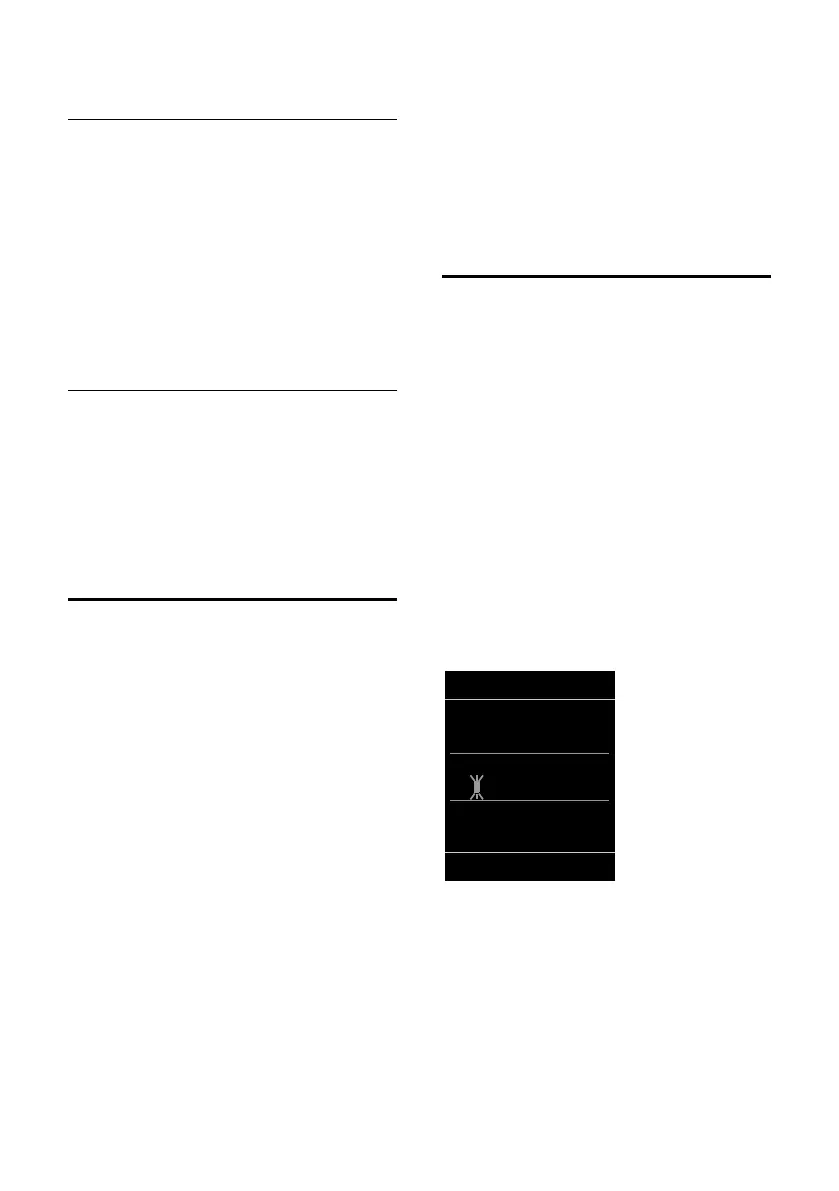
Example:
Area Codes
International code:
00 - 45
Local area code:
0 - [ ]
Û
Save



 To Next Page