16
First steps
Gigaset SL400-SL400A / EN for IM-Nord / A31008-M2103-R201-3-SM19 / starting.fm / 01.02.2011
Version 4, 16.09.2005
Changing the display language
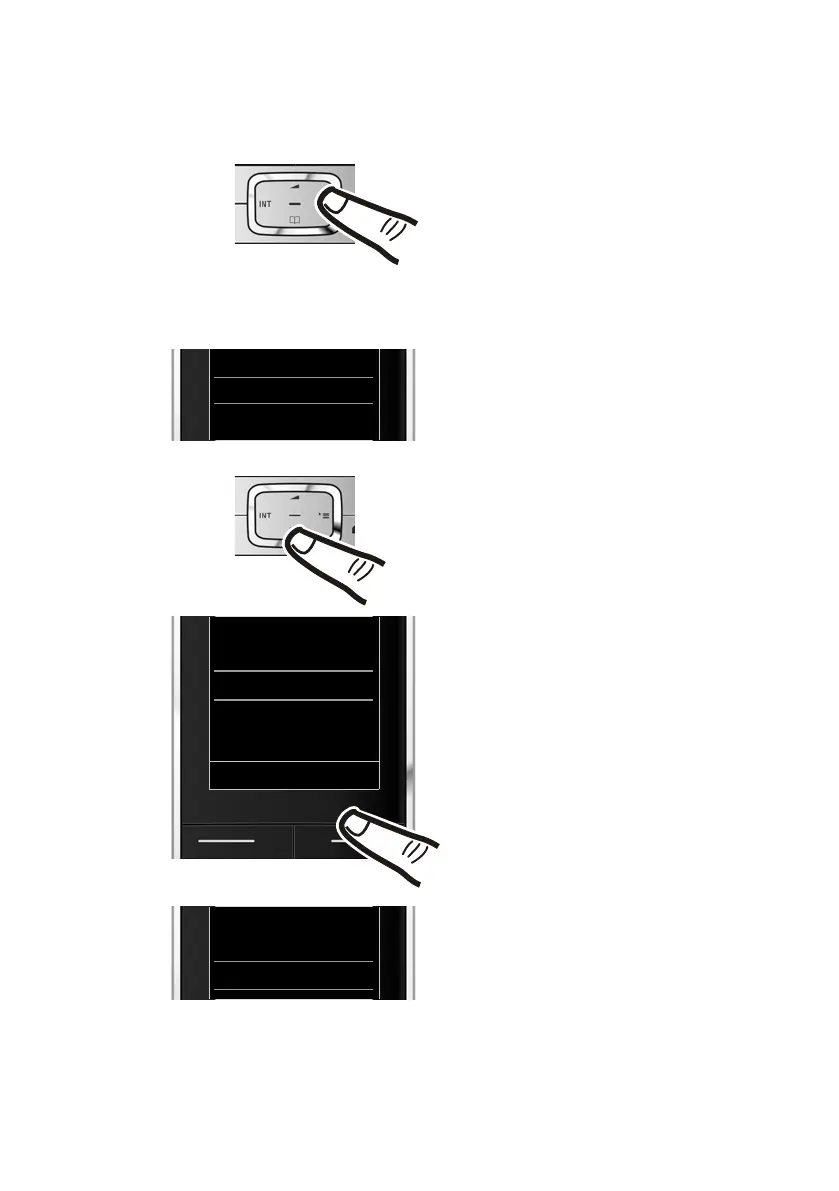
Change the display language if you do not understand the language currently set.
¤ Press and hold the end call key a to return to idle status.
O5
¤ Press right on the control key.
¤ Slowly press keys O and 5 one
after the other.
The display for setting languages appears.
The current language (e.g. English) is
selected.
¤ Press down on the control key
s
...
... until the language you wish to use is
marked, e.g., French.
¤ Press the right key directly below the
display to select this language.
The selection is marked with Ø.
Deutsch
±
English
Ø
Francais
±
It li
±
Deutsch
±
English
Ø
Francais
±
Italiano
±
Espanol
±
x
Back Select
Deutsch
±
English
±
Francais
Ø
It li
±



 To Next Page