88
Accessing additional functions via the PC interface
Gigaset SL400-SL400A / EN for IM-Nord / A31008-M2103-R201-3-SM19 / appendix.fm / 01.02.2011
Version 4, 16.09.2005
If the update procedure fails several times or
you can no longer connect to the PC, pro-
ceed as follows:
¤ Close the "Gigaset QuickSync" program
on the PC.
¤ Remove the USB data cable from the tel-
ephone.
¤ Remove the battery (¢ page 13).
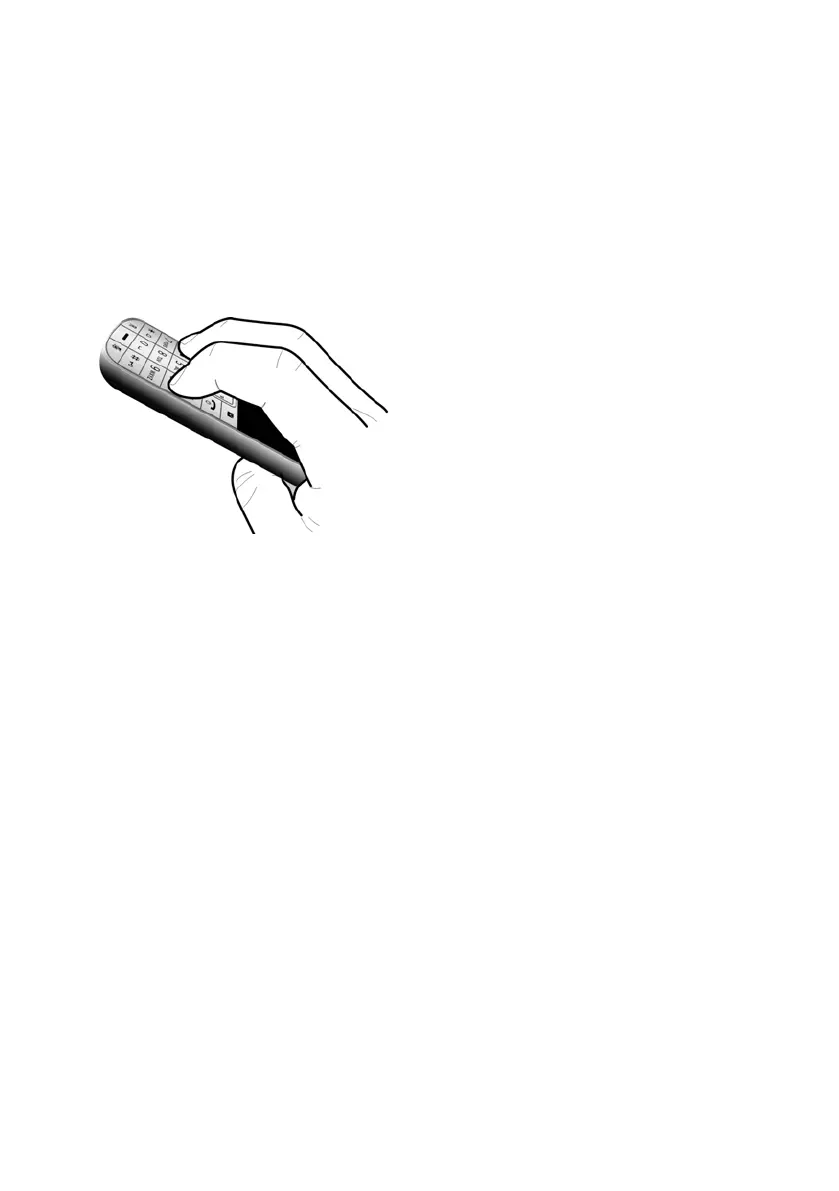
¤ Press and hold keys 4 and L with
the index and middle finger.
¤ Replace the battery.
¤ Release keys 4 and L. The message
key f and the talk key c will flash
alternately.
¤ Complete the firmware update as
described.



 To Next Page