Chapter 4 System Menu
This monitor features flexible configurations. You can customize monitoring content, waveform sweep speed, sound
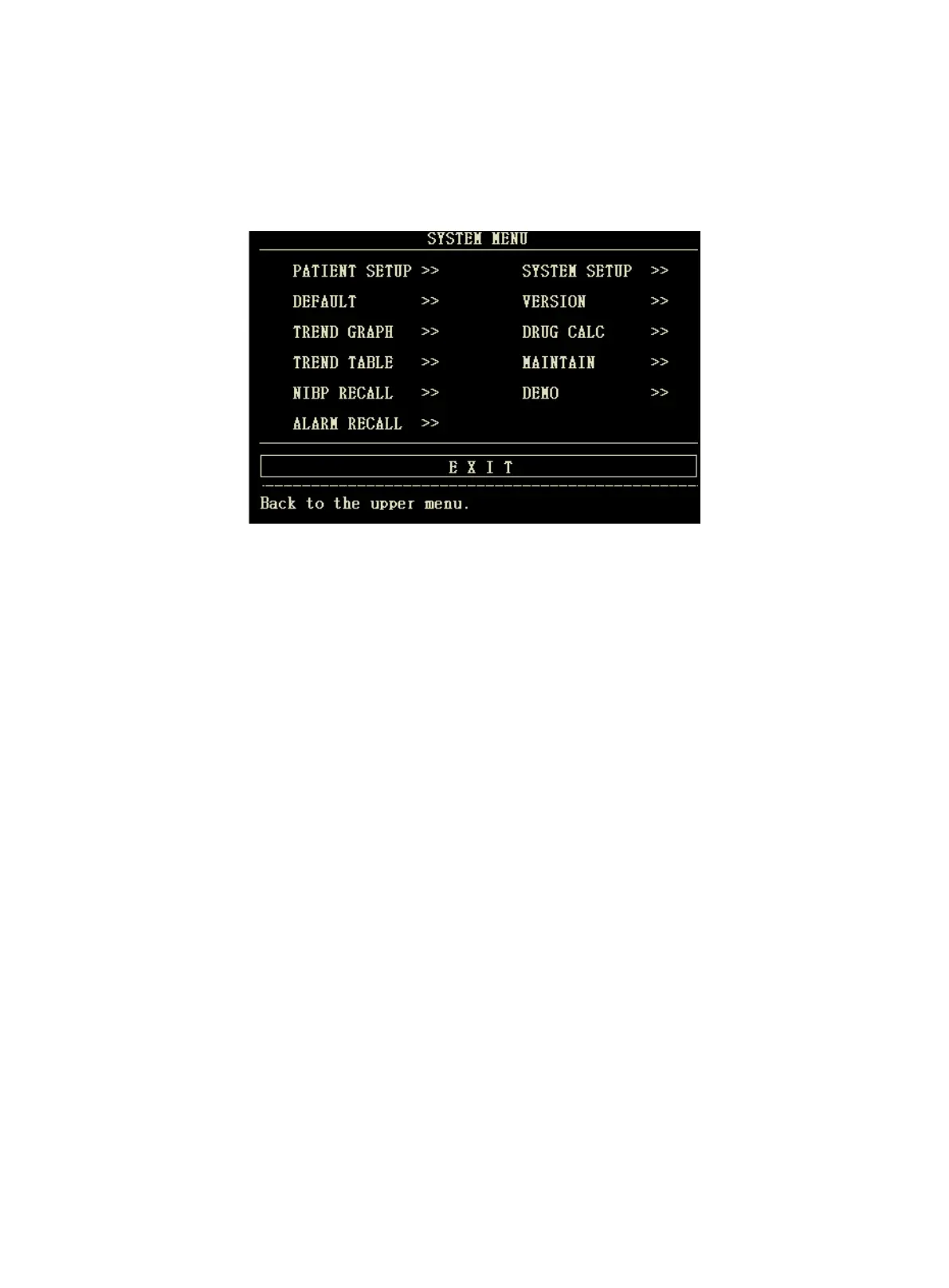
volume, and output content.Press the MENU button on the front panel of the monitor, the interface shown in the
following figure will appear:
4.1 Patient Information Setup
Select the "PATIENT SETUP" item in the "SYSTEM MENU", the following patient information can be set by user:
DEPT.: the department that the patient receives treatment
PAT NO.: case number of the patient
BED NO.: selectable from 1~100
DOCTOR: name of the attending doctor
NAME: patient's name (Valid characters: a~z, A~Z, 0~9, and the space, 12 characters can be
input at most)
SEX: patient's gender (female, male)
PAT T YPE : patient type (adult, pediatric, neonate)
ADMIT: date of admission (format: year/month/day)
BIRTH: patient date of birth (format: year/month/day)
HEIGHT (cm/inch): patient's height (turning the knob with the increase/decrease of 0.5 cm/inch each
time), the unit of height in other menus accord with the unit set here.
WEIGHT (kg/lb): patient's weight (turning the knob with the increase/decrease of 0.5 kg/lb each time), the
unit of weight in other menus accord with the unit set here.
BLOOD: blood type of the patient ((Available options: A, B, AB, O, N, "N" means unknown
blood type)
SAVE: to save the changes of patient information, corresponding information will be
displayed in Patient information area
DELETE: to delete the information of current patient, and to register a new patient



 To Next Page