4.4 System setup
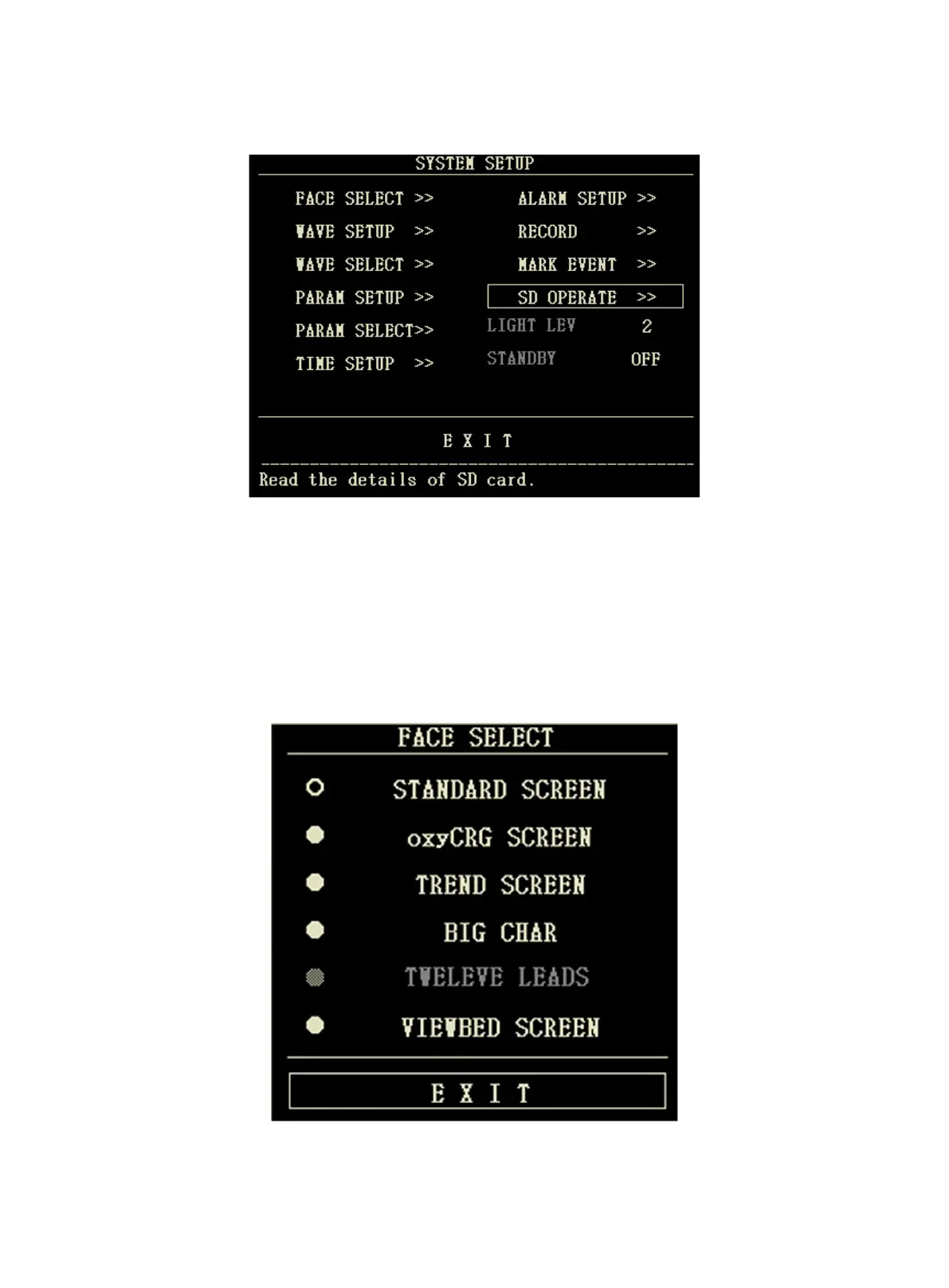
Select the "SYSTEM SETUP" item in the "SYSTEM MENU", the following menu will appear:
In the "SYSTEM SETUP" menu, user can set the following items.
4.4.1 Face select
The system provides 5 display modes: "STAND SCREEN", "OxyCRG SCREEN", "TREND SCREEN", "BIG CHAR"
and "VIEWBED SCREEN". You can choose any one of them according to clinical demand.
Select the "FACE SELECT" item in the "SYSTEM SETUP" menu to enter the following menu:



 To Next Page