NOTE:
l Data can be reviewed only after SD card has been mounted successfully for 90 seconds . Otherwise the two
buttons "REVIEW TREND" and "REVIEW ECGWAVE" are invalid.
4. Review trend
n Review trend
①
Select "REVIEW TREND" item in SD OPERATE menu.
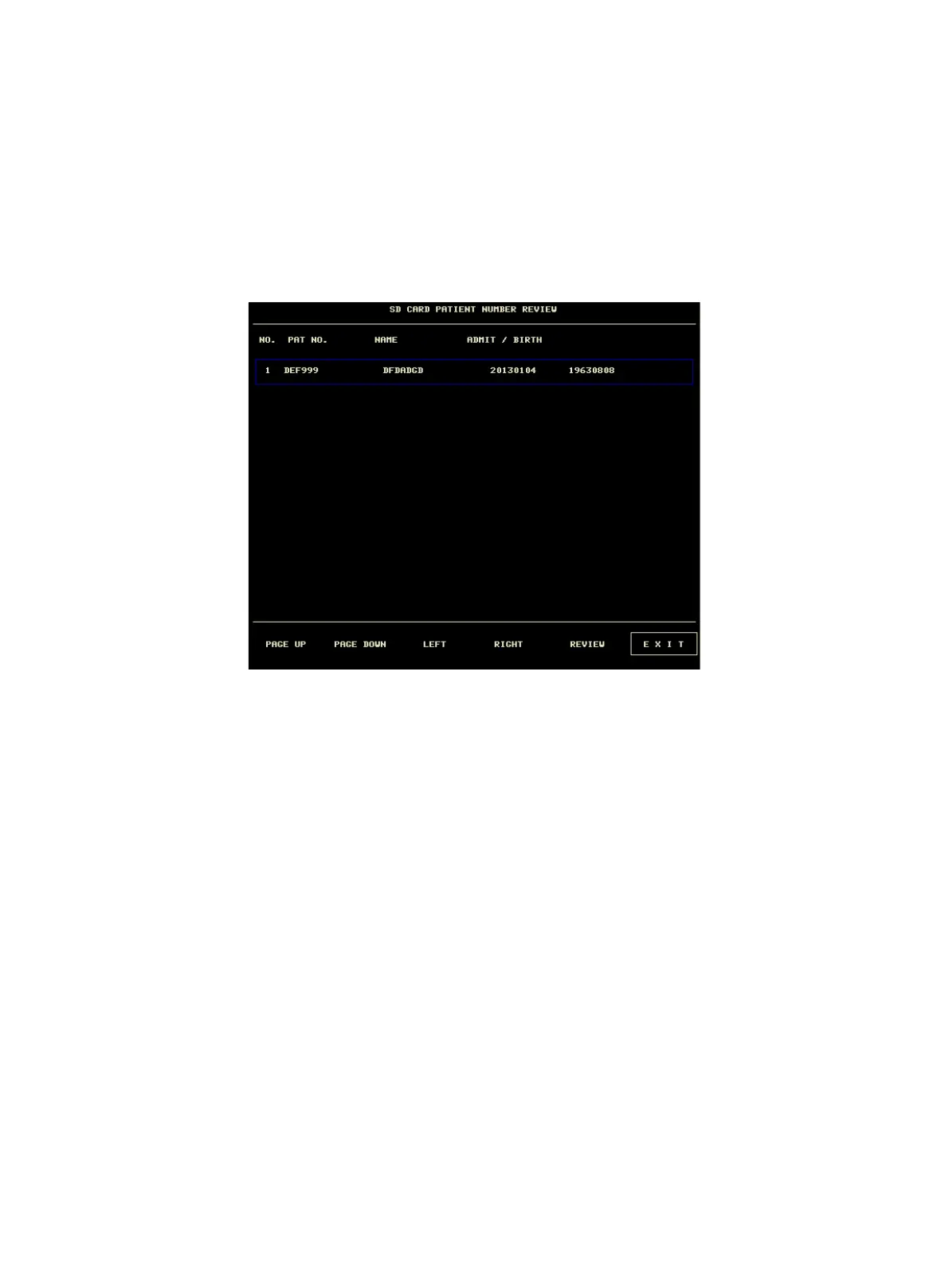
The following menu will pop up. In this menu, you can select any patient you want to review.
The items from left to right in this menu are No., patient No., patient name, admission date and birth date. The
information is displayed according to the content set in patient setup. The buttons at the bottom of menu includes:
u PAGE UP/PAGE DOWN: observe patient lists of other page.
u UP/DOWN: move the cursor to select a specified patient.
u REVIEW: press this button to call up the patient trend information.
②
Reading trend data's information
The menu displays the trend data's information according to the selected patient.
The header, from left to right is:
u Patient No.
u Patient's name
u Admission date
u Birth date
The content of list, from left to right is:
u The list number
u The time that the patient data was reviewed.
u The size of data having been saved to the time that the patient data was reviewed.



 To Next Page