n Review ECG waveform
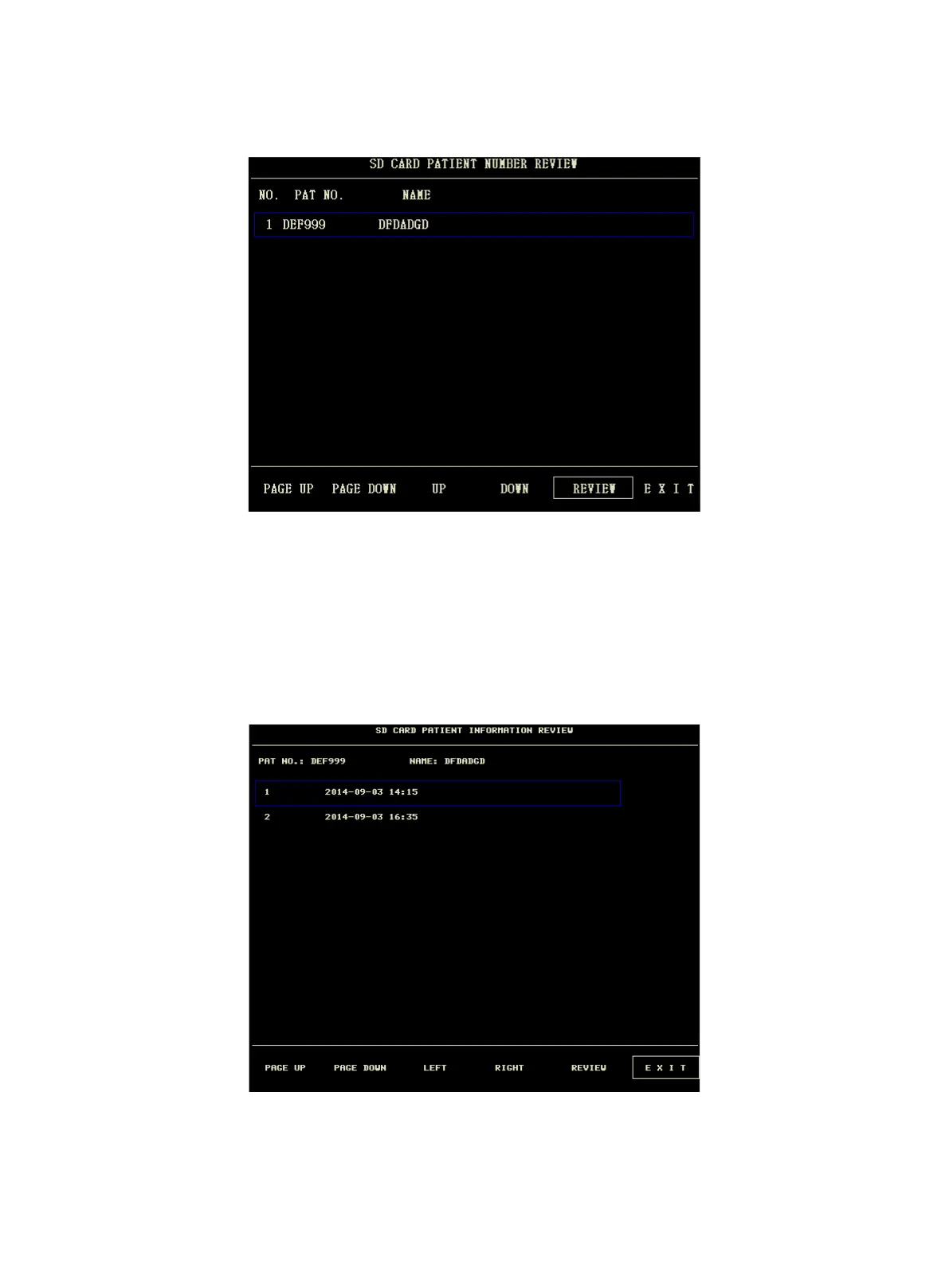
① Select the "REVIEW ECG WAVE" button in SD OPERATE menu, then choose a specific patient to review.
②
Select time span you want to review
ECG data is saved in many different files. It need save ECG data in a new file per half an hour. For example,
"2014-09-03 14:15" represents ECG file name, it also indicates the starting time that the file is saved.
Select the time span:
u To review the ECG waveform about "2014-09-03 14:15"
u By pressing cursor, select the item "1 2014-09-03 14:15"
u Press "REVIEW" button.



 To Next Page