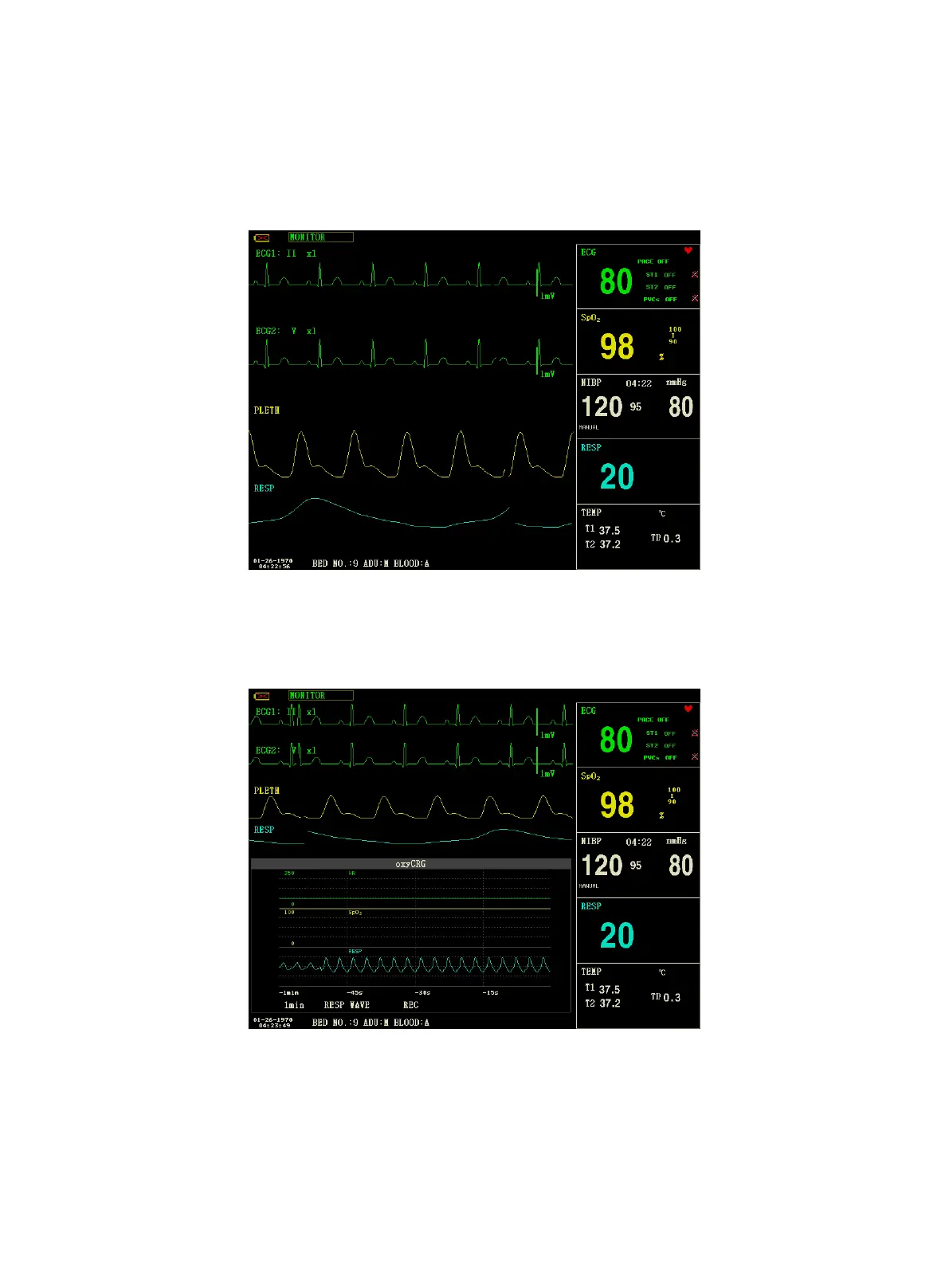
1. SCHERMATA STAND
"STAND SCREEN" è l'impostazione predefinita. Se l’interfaccia corrente non è la schermata standard, è possibile
accedere a quest’ultima selezionando "STANDARD SCREEN" e poi "EXIT" dal menù FACE SELECT.
Stand Screen
2. SCHERMATA OxyCRG
Per accedere a questa interfaccia, selezionare "OxyCRG SCREEN” e poi selezionare "EXIT" nel menù "FACE
SELECT".
OxyCRG Screen
La schermata OxyCRG si trova nella parte inferiore dell'area della forma d'onda e comprende il trend della frequenza
cardiaca (HR), il trend della SpO
2
e il trend della frequenza respiratoria (RR) o la forma d'onda compressa RESP. Sotto
il trend RR e la forma d'onda compressa RESP è indicata la scala temporale del trend. Sotto detta scala temporale
vengono visualizzate tre etichette, come segue:



 To Next Page