64
Use the numeric keypad to toggle the sub bands on and off while searching.
Press the
5
or
6
keys on the 5-way pushbutton pad to change the search
direction.
Press the
FrL/O
softkey to add a found frequency to the lockout list.
Press the
STOR
softkey to create a new CONV object using the found fre-
quency.
Using Weather Modes
Your PSR-310 also functions as a powerful weather alert receiver. There are
three modes of weather alert operation available to you.
NOTE: Your scanner incorporates weather alert as one of its features and
is an extremely sensitive high quality receiver on the weather frequencies.
However, the included flex antenna is optimized for general purpose scan-
ning. If you use this scanner as your only means for receiving weather alerts,
please check to be sure you are receiving a clear signal on the flex antenna
or switch to an external antenna that gives you clear reception of a local
NOAA weather broadcast.
Weather Radio Mode
Weather radio mode allows you to receive weather broadcasts from your lo-
cal weather service anytime of the day.
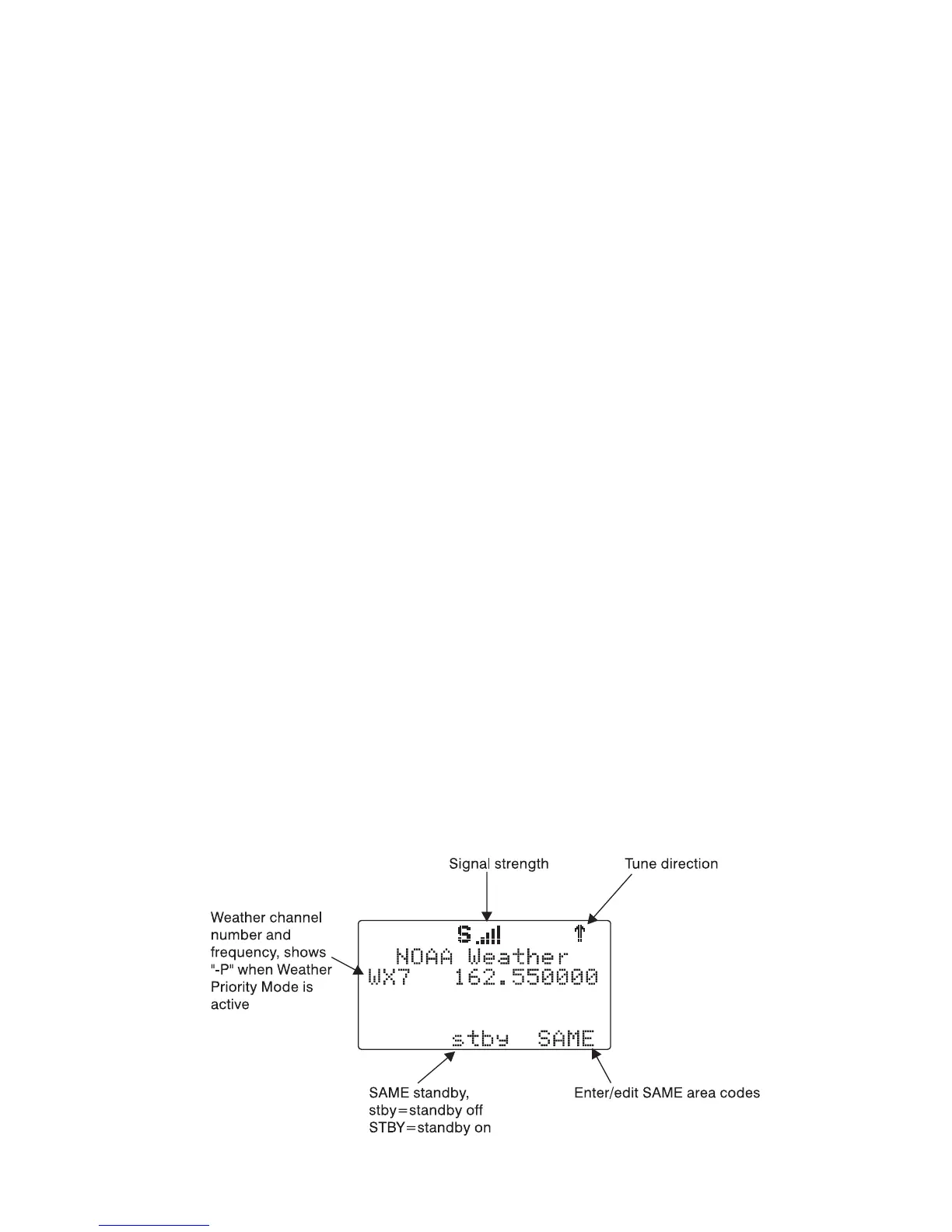
To use weather radio mode, simply press the WX button on the keypad.
The scanner will quickly scan and lock on to the first active weather radio
frequency it receives. You can use the
5
or
6
keys on the 5-way pushbut-
ton pad to force the radio to look for other weather radio transmitters. It is
generally best to select the weather radio transmitter that provides you with
the strongest signal. You can use the signal meter to help you chose the
best weather radio transmitter for your area. While operating in Weather Ra-
dio Mode, your scanner will alert on SAME messages that match the SAME
location codes you have entered, or all SAME messages if you do not enter
any SAME location codes.



 To Next Page