Chapter 2, Equipment Description 39
Haemonetics
®
Cell Saver
®
Elite
®
User Manual P/N 120745-IE, Manual revision: AA
Phase Pads
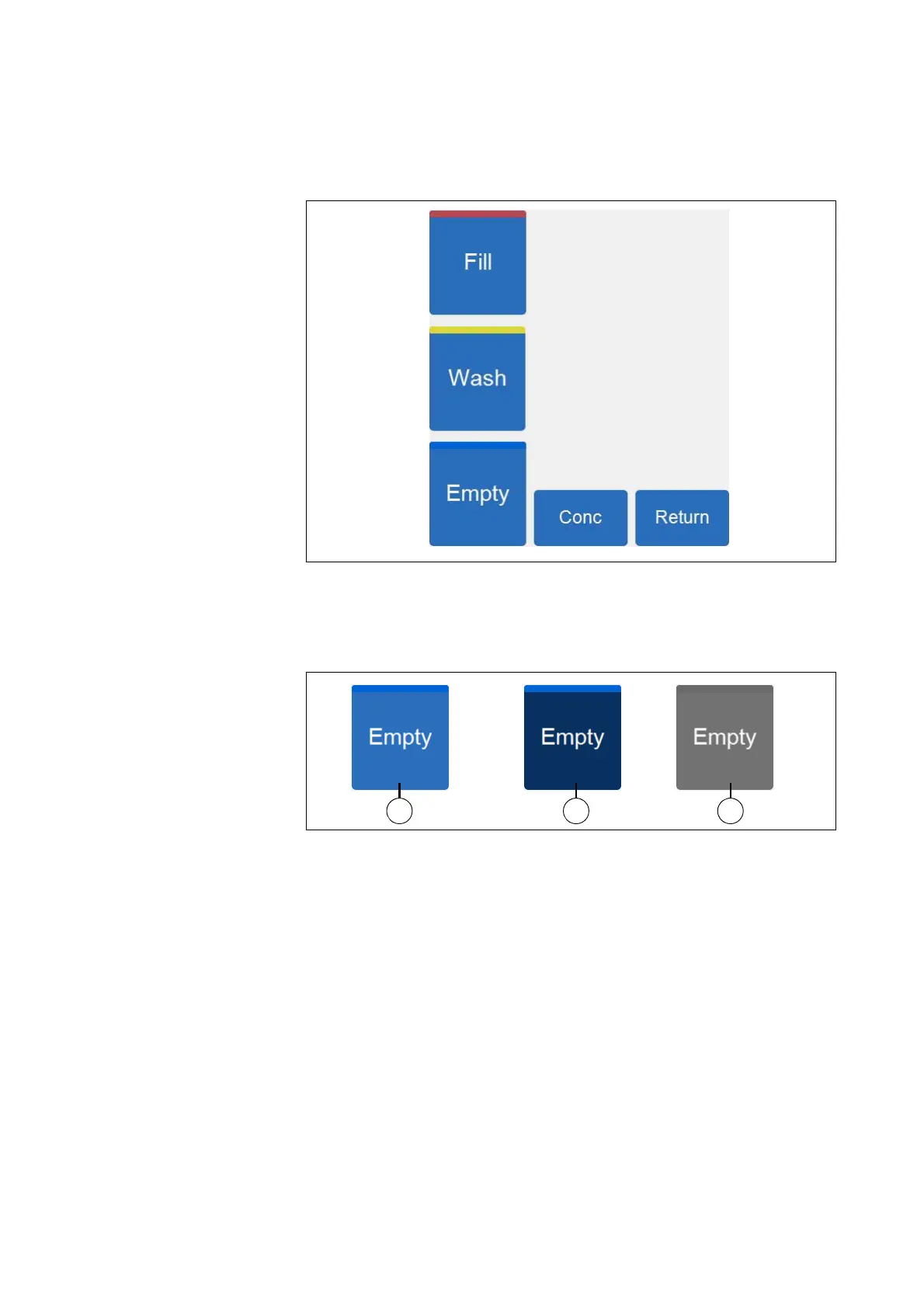
Figure 10, Example of the phase pads
The phase pads include the Fill, Wash, Empty, Conc, and Return pads.
Phase pads change color based on their status:
Figure 11, Example of a phase pad in different states
Light blue background: The phase pad is available. You can touch the
pad to override the automatic progression of the device and manually
move the device into that phase.
Dark blue background: The device is already in the corresponding
phase. If the device is in a paused or stopped state, you can touch the
pad to resume the procedure.
Grayed: The pad is disabled.
1. Available pad (inactive
phase)
2. Active phase pad
3. Disabled pad



 To Next Page