Chapter 4, Getting Started 35
Haemonetics
®
TEG
®
6s User Manual P/N 115191-IE, Manual revision: AB
Note: Haemonetics recommends the use of a UPS (Uninterruptible Power
Supply) between the analyzer and the wall outlet. This would allow a test to run
to completion in the event of a power loss.
Start the
analyzer
To turn on the analyzer, move the power switch at the rear of the analyzer from
the "O" position to the "I" position. After a brief startup sequence, an
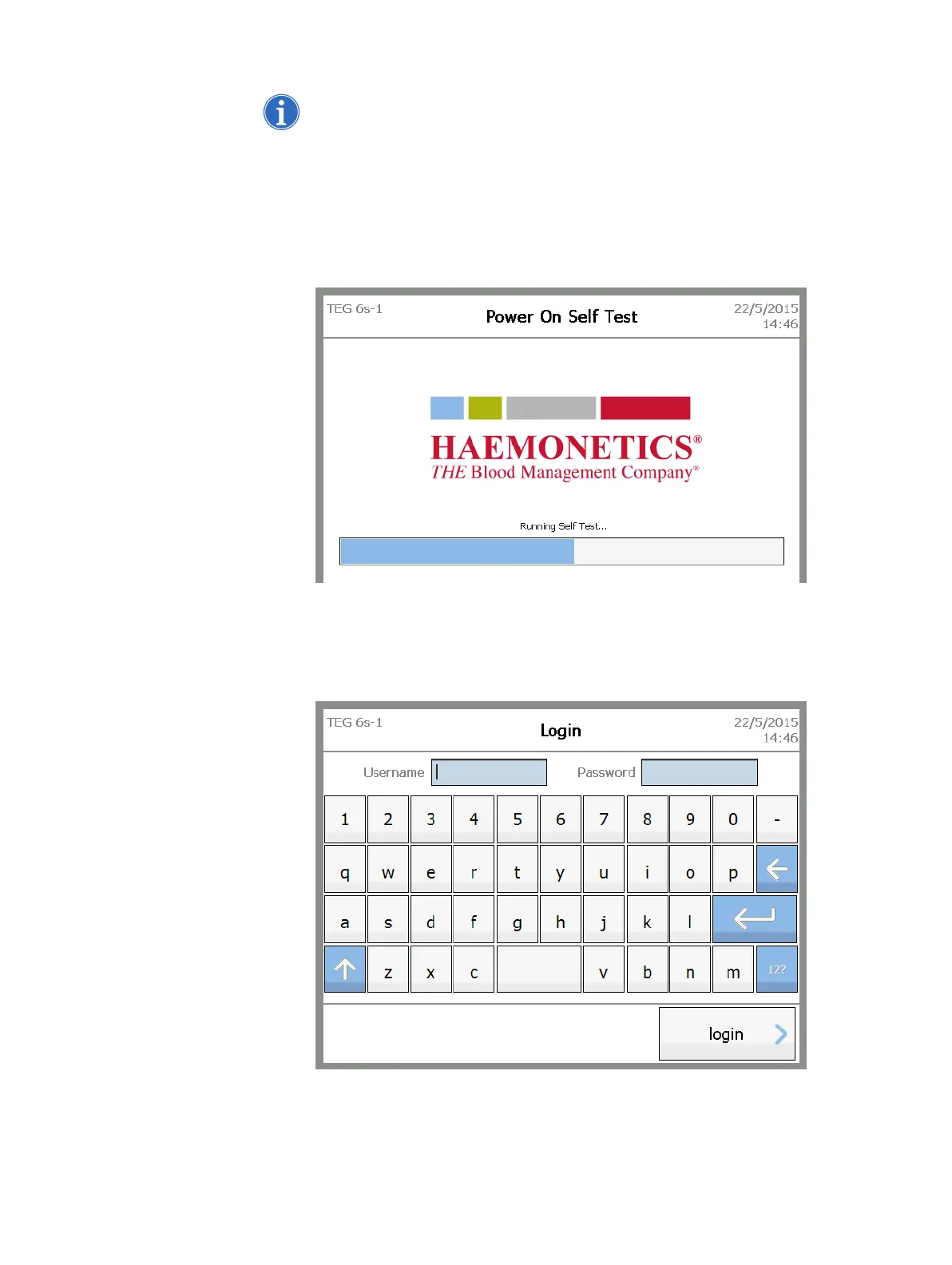
initialization screen appears, and then the device executes a Power-On Self
Test (POST).
Figure 4-2, Initialization and POST screen
Log into the
analyzer
Following a successful POST (see Figure 4-2 above), the login screen
displays.
Figure 4-3, Login screen



 To Next Page