Chapter 4, Getting Started 47
Haemonetics
®
TEG
®
6s User Manual P/N 115191-IE, Manual revision: AB
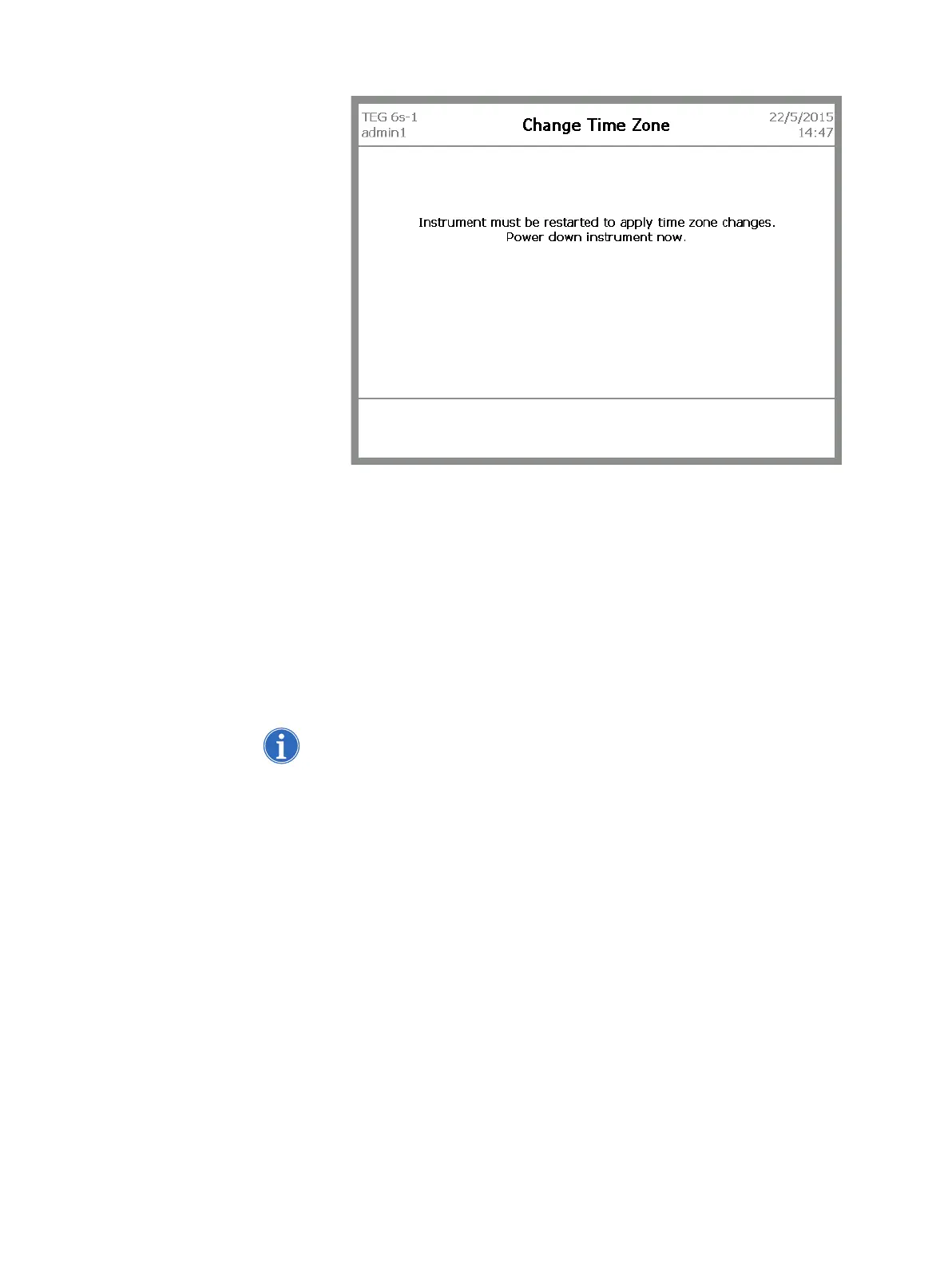
Figure 4-15, Power down message
4. Turn the analyzer off and then back on again.
Configure LAN
settings
The LAN Settings screen allows you to select how you want the analyzer’s IP
address to be assigned within the Local Area Network (LAN). In most cases,
the DHCP (Dynamic Host Configuration Protocol) mode is preferred, allowing
the router to assign the IP address and subnet mask. For more advanced
network setup, it is possible to select the Static mode and configure a static IP
address and subnet mask. For more information, contact your network
administrator.
Note: You must restart the analyzer for LAN setting changes to take effect.
To configure the analyzer’s LAN settings:
1. From the Settings screen, touch LAN settings. The LAN Settings screen
displays.



 To Next Page