Chapter 4, Getting Started 39
Haemonetics
®
TEG
®
6s User Manual P/N 115191-IE, Manual revision: AB
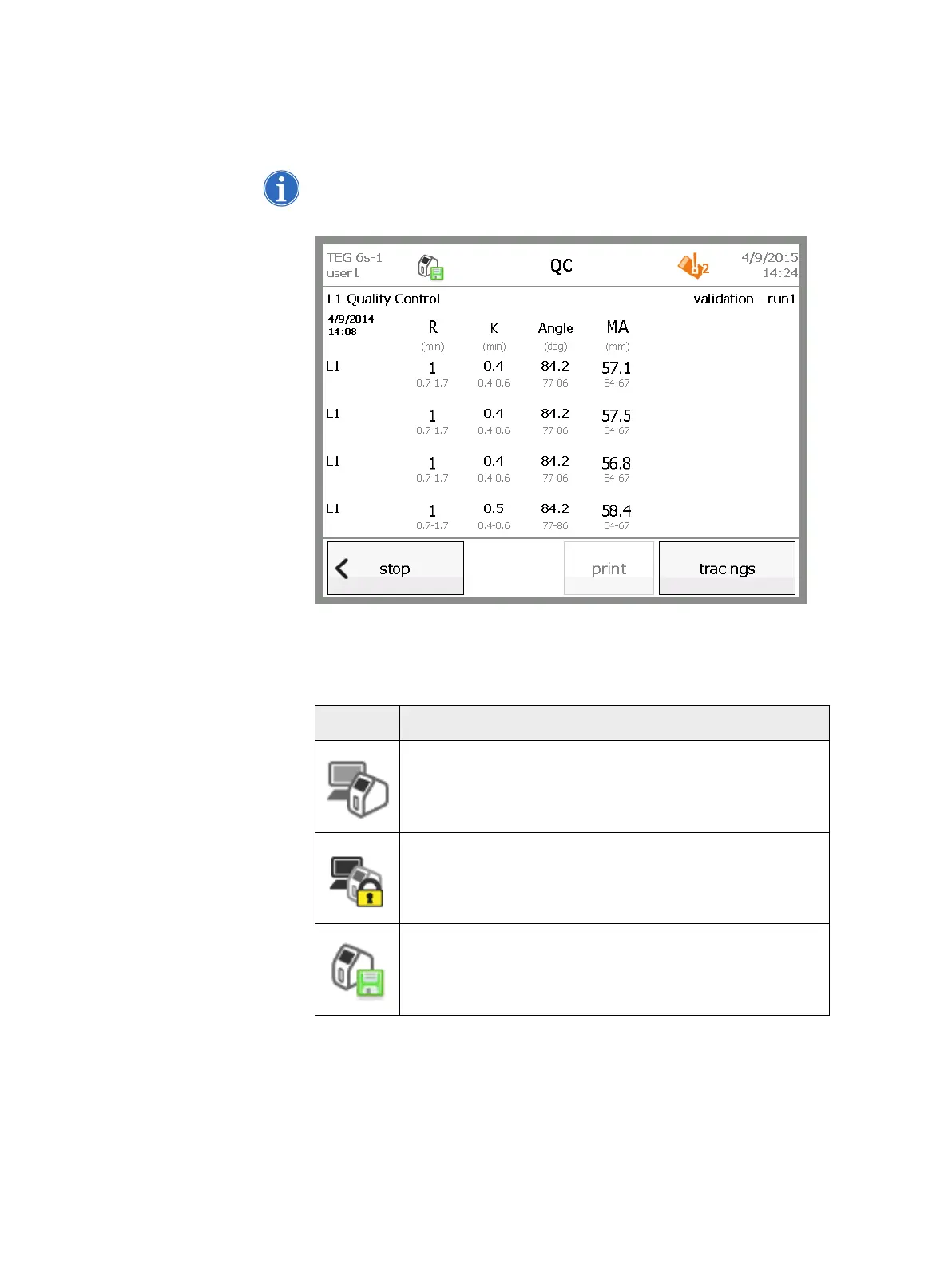
Icons Icons at the top of the screen indicate the status of the analyzer, such as
whether the device is saving data, is locked, is being accessed by a remote
user, or has expired QC.
Note: Errors, critical errors, and warnings are displayed in popup windows. For
more information on error messages, see “Errors and Alerts” on page 82.
Figure 4-7, Location of icons in the interface
The following table lists the icons that you may encounter when operating the
TEG analyzer, along with their definitions.
Icon Description
The analyzer is being accessed by a remote user while a
local user is logged in.
The analyzer is being accessed by a remote user and is
locked to prevent a local user logging in.
Data is being saved.



 To Next Page