82 Chapter 7, Troubleshooting and Maintenance
P/N 115191-IE, Manual revision: AB Haemonetics
®
TEG
®
6s User Manual
Errors and Alerts
The following section describes common error, warning, and critical alert
messages that may display on the TEG
®
6s analyzer.
For all error and alert messages, the analyzer emits an audible tone at the
same time as the message is displayed on the touchscreen.
Note: If any problem persists after performing the recommended correction,
contact the local Haemonetics representative to arrange for repairs or return
(see “Customer Service” on page 12). Be prepared to describe the problem
and report the error code number that accompanied the error message.
Error messages When an error occurs, the TEG analyzer displays a description of the error and
instructions for correcting the issue. An error causes the test to stop and may
require you to replace the cartridge or to turn the power off and back on in an
attempt to clear the error. Follow the instructions on the error message to
prevent further errors.
Note: If an error occurs during data collection, the data is NOT saved.
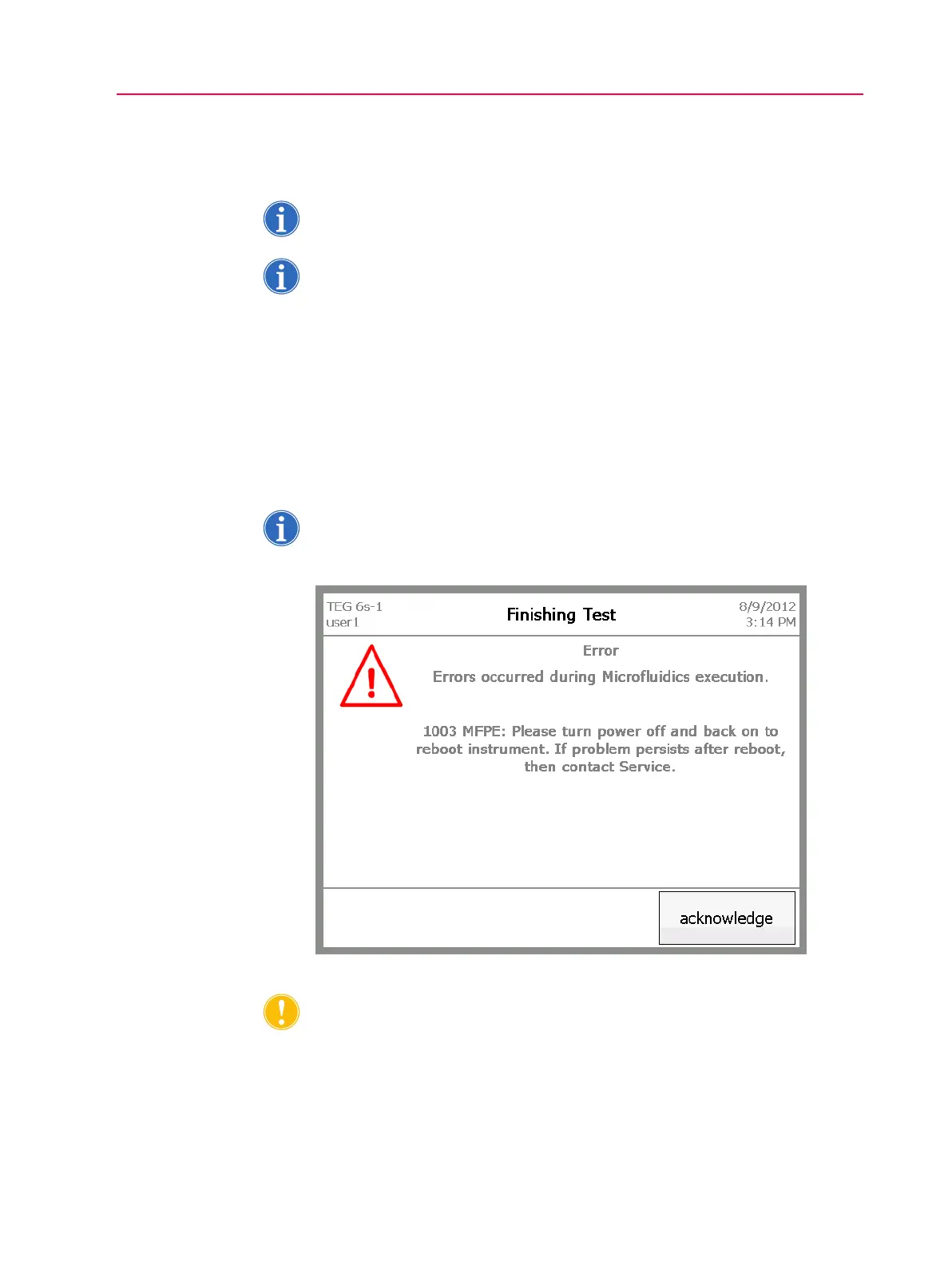
Figure 7-1 shows an example of an error message screen.
Figure 7-1, Error screen
Caution: If an error is triggered by a faulty cartridge, remove the cartridge and
rerun the test with a new cartridge. DO NOT attempt to repair or reuse the old,
faulty cartridge.



 To Next Page