Chapter 6, Quality Control 77
Haemonetics
®
TEG
®
6s User Manual P/N 115191-IE, Manual revision: AB
Viewing Stored QC Data
Quick guide for
viewing stored
QC data
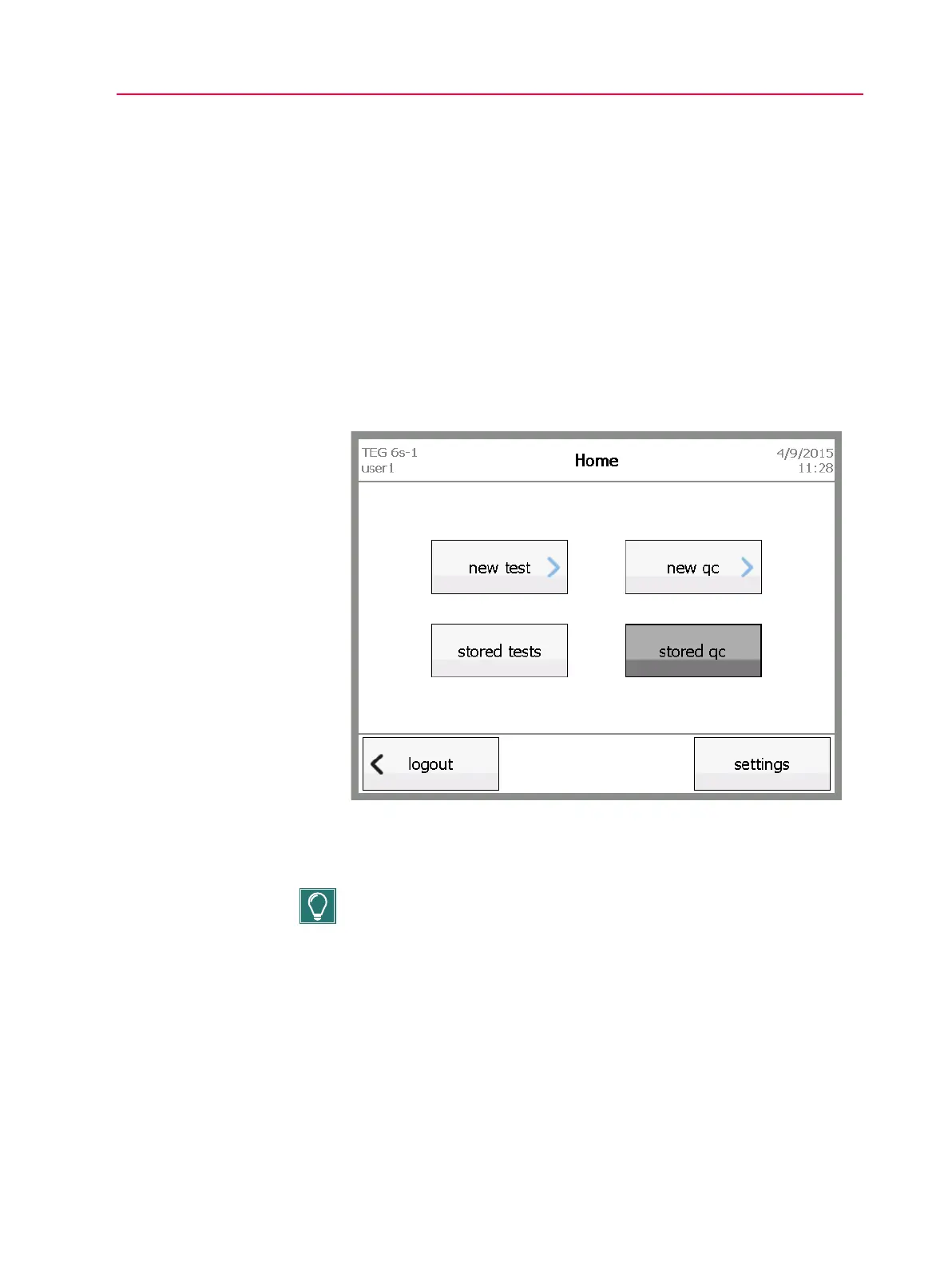
1. From the Home screen, touch stored qc.
2. On the Stored QC screen, select the desired test, and then touch
results.
3. On the QC screen for the selected test, view the results.
4. If desired, touch tracings to view a graphic representation of the results.
To return to the results page, touch results.
5. Touch home to return to the Home screen.
Detailed guide
for viewing
stored QC data
1. From the Home screen touch stored qc.
Figure 6-10, Home screen - touch stored qc
2. On the Stored QC screen, select the desired test, and then touch
results.
Tip: Use the up and down arrows on the right side of the screen to scroll
through the list of completed QC tests.



 To Next Page