Chapter 4, Getting Started 37
Haemonetics
®
TEG
®
6s User Manual P/N 115191-IE, Manual revision: AB
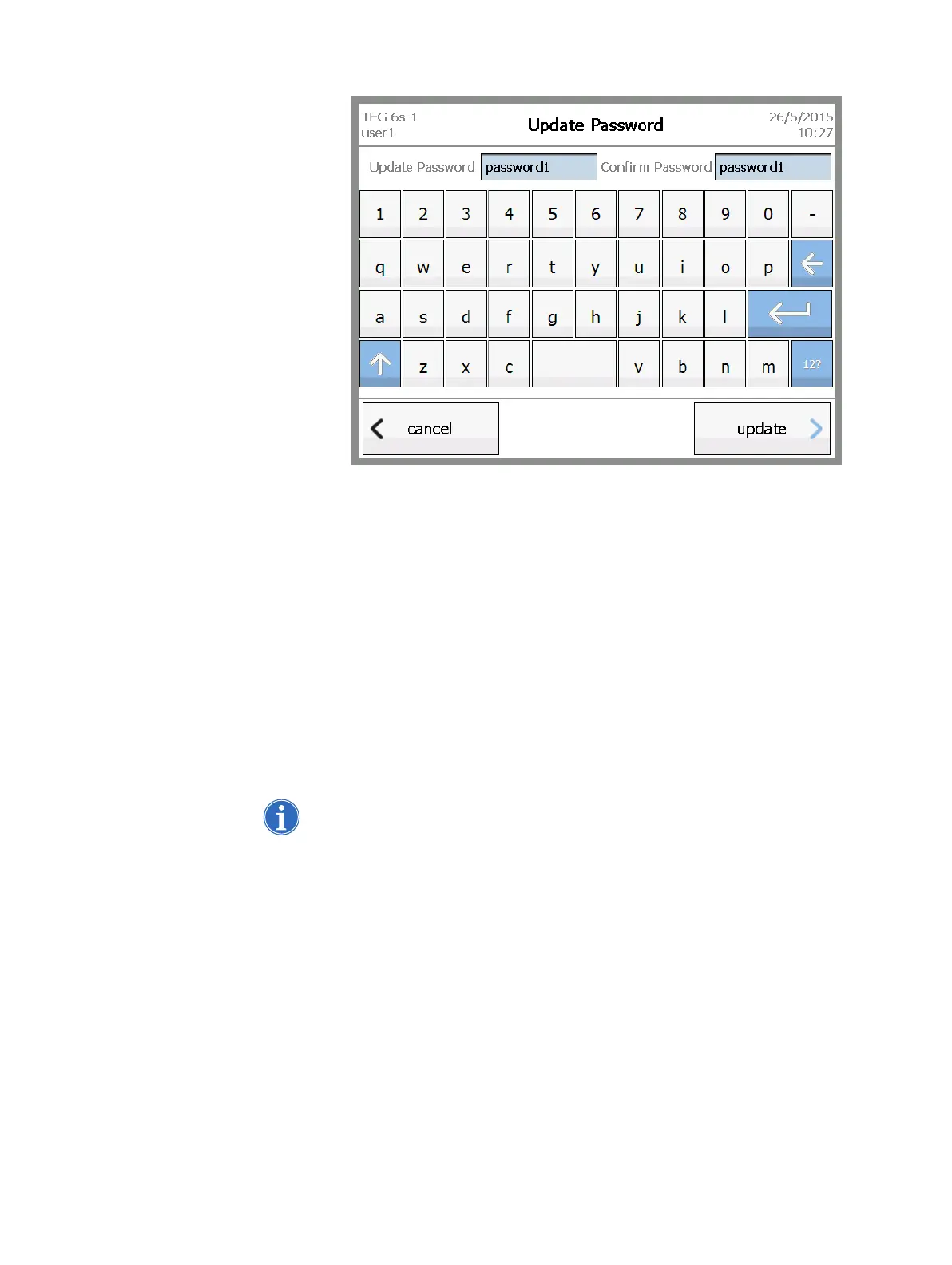
Figure 4-5, Update Password screen
4. Touch update.
5. In the password confirmation message, touch ok.
Log out of the
analyzer
After you log into the analyzer, you can log out at any time from the Home
screen, by touching logout in the lower left corner of the screen. For more
information about the Home screen, see “Exploring the Touchscreen” on
page 39.
Turn off the
analyzer
It is safe to turn off the analyzer from the Login screen. To do this, move the
power switch at the back of the analyzer to the off position.
Note: Make sure that you remove any existing cartridge from the cartridge slot
before you turn off the analyzer. When the analyzer is off, a cartridge that
remains in the device is clamped with a spring to prevent its removal.



 To Next Page