42 Chapter 4, Getting Started
P/N 115191-IE, Manual revision: AB Haemonetics
®
TEG
®
6s User Manual
G. Reference ranges: The maximum and minimum limits for normal results
for each parameter appear under the parameter values.
H. Test information: The information that is added for the test in the Test
information screen displays at the top right of the screen.
I. Additional parameters: If additional parameters are calculated for any
test, they display in the right column.
Tracing screens TEG tracings provide information at a glance about running or completed tests.
At any time, you can access tracings by touching the tracings button on the
results screen.
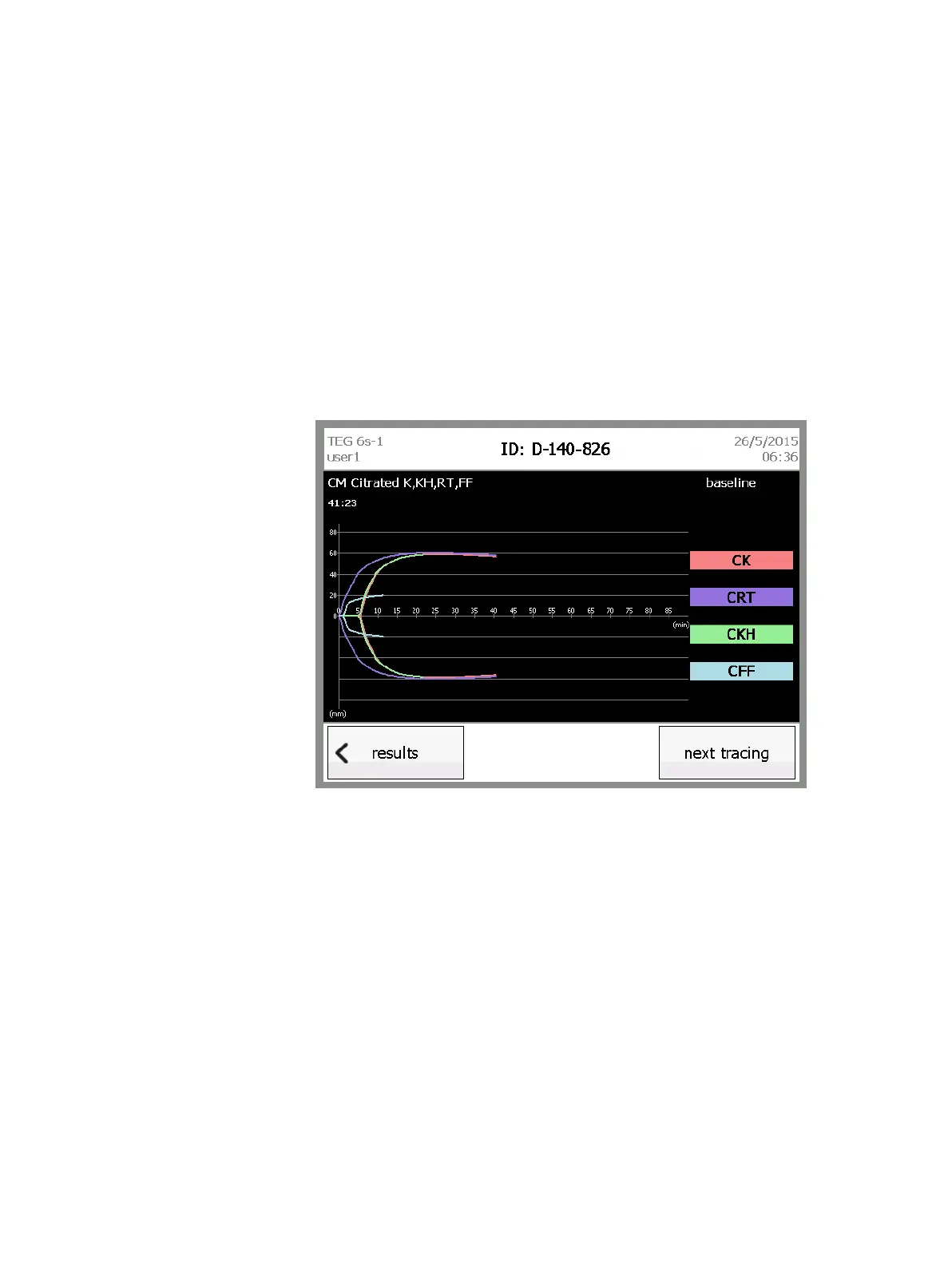
You can view the tracing for a test in three modes: superimposed, offset, and
individual-channel. From any tracing screen, touch next tracing to cycle
through the view modes (see Figures 4-9 to 4-11).
Figure 4-9, Superimposed tracings
Superimposed and individual-channel tracings display a Y axis that indicates
the amplitude (in millimeters). All tracing modes display an X axis that indicates
the time (in minutes).



 To Next Page