48 Chapter 4, Getting Started
P/N 115191-IE, Manual revision: AB Haemonetics
®
TEG
®
6s User Manual
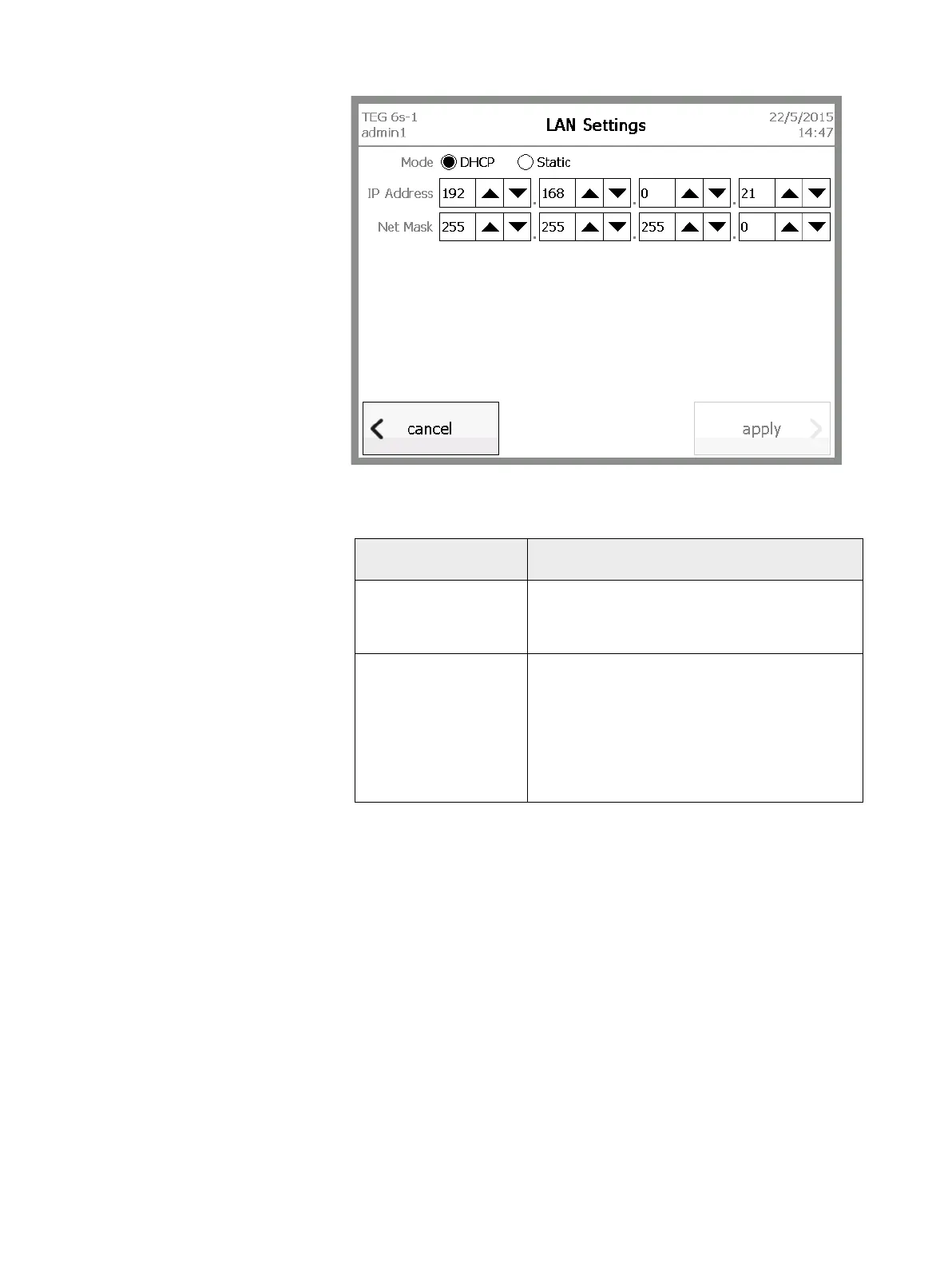
Figure 4-16, LAN Settings screen
2. Do one of the following:
3. From the Home screen, touch logout.
4. Turn the analyzer off and then back on again.
If you want to... Then:
Allow the router to
assign the IP address
and subnet mask
a. Next to Mode, select DHCP.
b. Touch apply.
Configure a static IP
address and subnet
mask
a. Next to Mode, select Static.
b. Next to IP Address, touch the up or down
arrows to enter the desired values.
c. Next to Net Mask, touch the up or down
arrows to enter the desired values.
d. Touch apply.



 To Next Page