64 Chapter 5, Operating the TEG
®
Analyzer
P/N 115191-IE, Manual revision: AB Haemonetics
®
TEG
®
6s User Manual
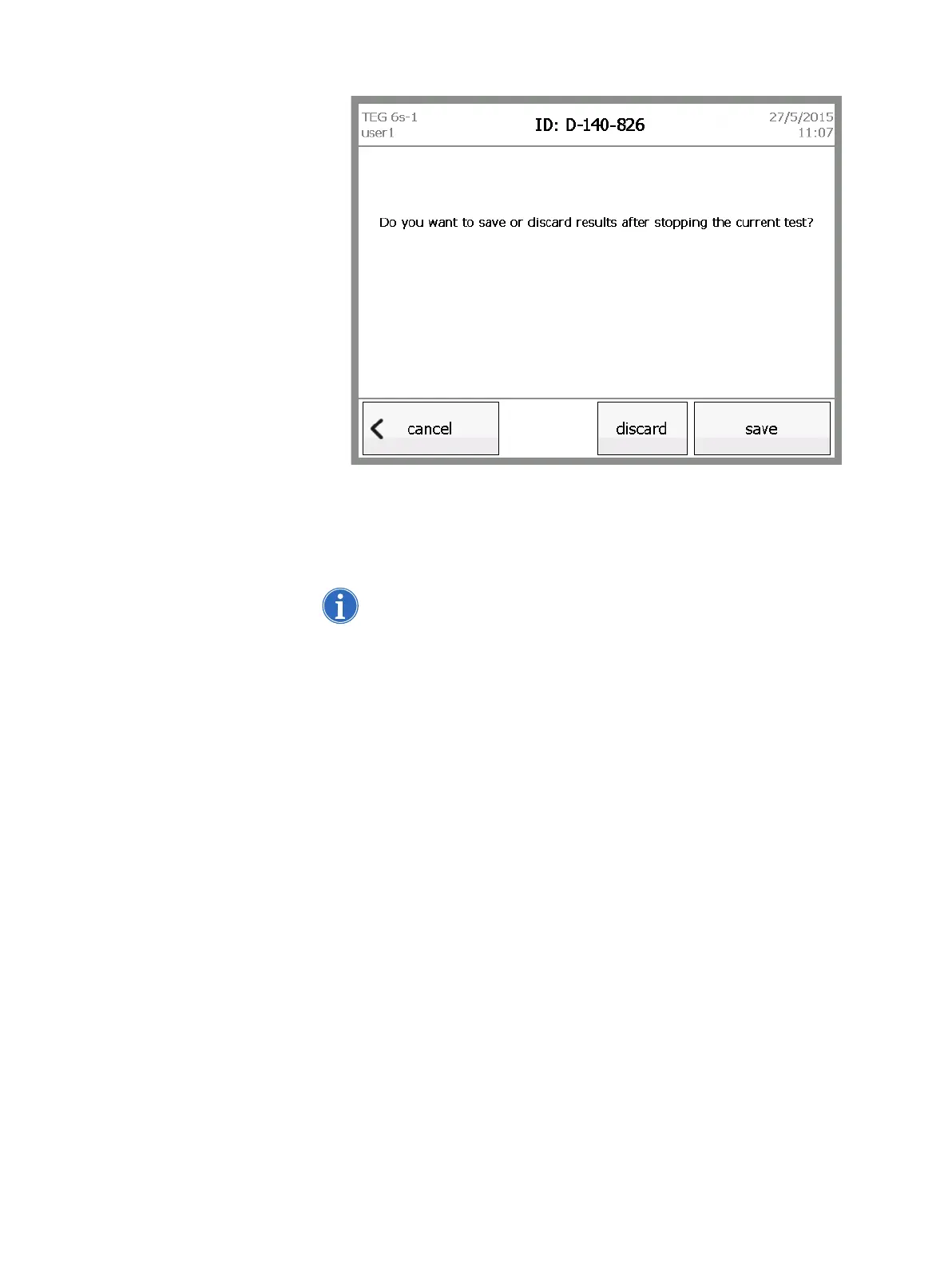
Figure 5-14, Stopped test screen for a patient test
2. Do one of the following:
Touch discard to delete the test and return to the main menu.
Touch save to store the partial test.
Note: If partial results are saved, the test record shows that the run was
aborted by the user.
Touch cancel to continue the test.



 To Next Page