49
15.2.3. Socket
This section concerns the current status of the sockets.
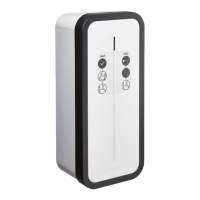
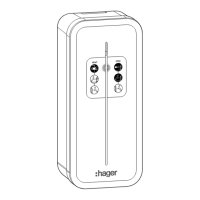
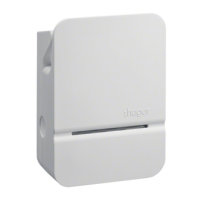
T2S mode 3 socket: 2TE mode 2 socket:
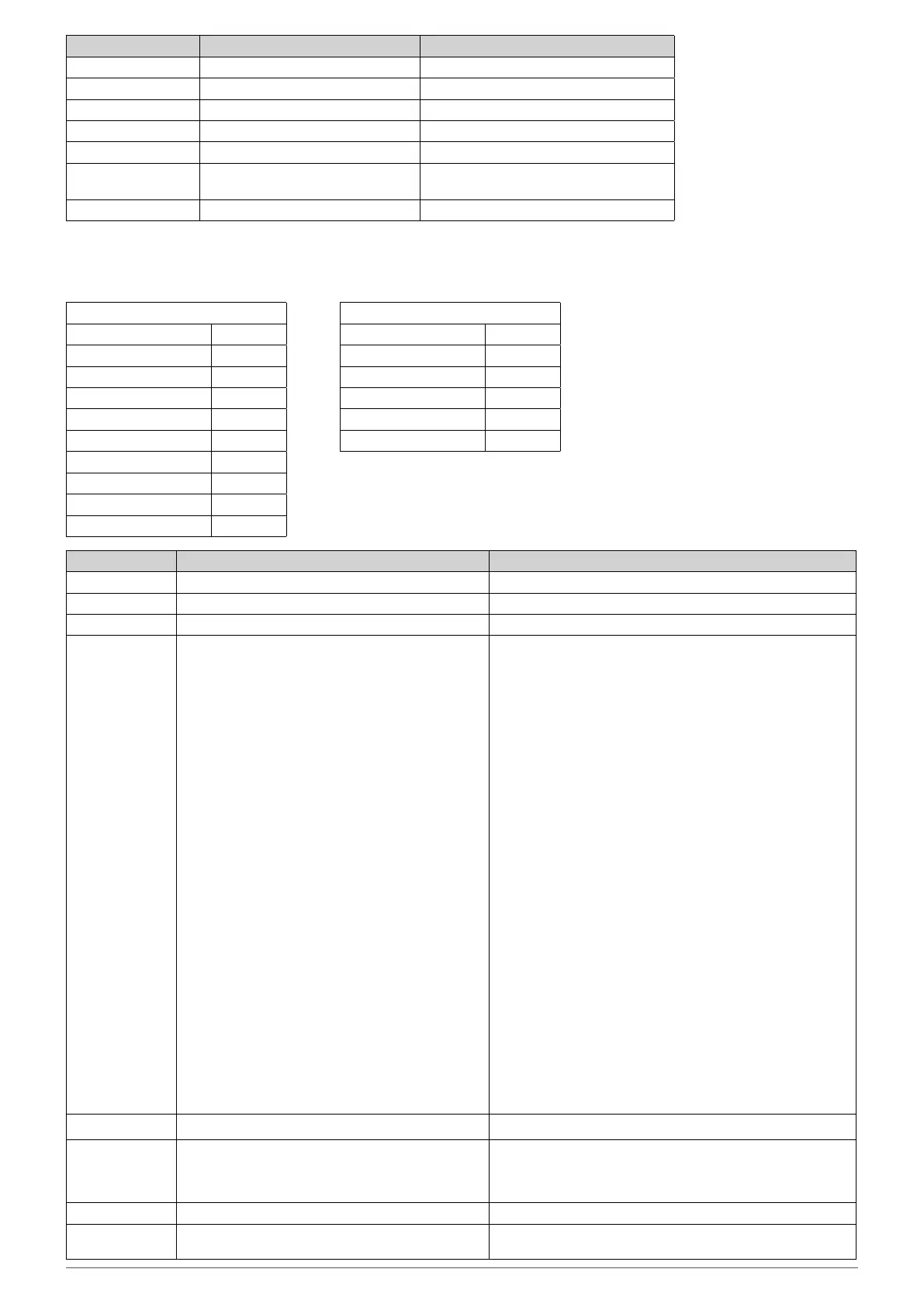
Field Possible value Note
Slider = Immediate; Delayed; Pin (Test mode) Immediate; Delayed; Pin (Test mode)
Current_selector = 13 A;16 A;20 A;25 A;32 A Charging current set
Tari = Low tari; High tari O-peak tari; Peak tari
CHP_Input = Open; Close External signal status (Open; Closed)
Temp = [0-125]°C Temperature of the B1280 controller board
Key_Switch = Locked; Unlocked Charging station locked/Charging station
unlocked
Installation_phases = Single-phase; Three-phase Single-phase; Three-phase
[Socket1]
BP_Timer 0 s
EVSE_Contactor Open
EV_consumption_p1 = 0 A
EV_consumption_p2 = 0 A
EV_consumption_p3 = 0 A
HMI_status Ready
Charging_Mode 3
Cable 32 A
Ctrl_pilot Typical
State A1
[Socket2]
BP_Timer 0 s
EVSE_Contactor Closed
EV_consumption_p1 = 0 A
HMI_status Ready
Charging_Mode 2
Cable Connected
Field Possible value Note
BP_Timer 0-60 Seconds Time remaining to change the D/N mode with the BP
EVSE_Contactor Open; Close Contactor Open; Closed
EV_consumption nA n: Instantaneous charging station current
HMI_status "
O
Ready
Ready tic faulty
Ready tic idle
Ready (Purple)
Waiting for EV reaction
Waiting for EV (de)connection
Waiting for authorization signal ie:
\ D/N; CHP; TIC;
Blackout resume timer
Waiting for authorization signal ie:
\ D/N; CHP; TIC;
Blackout resume timer; M3 release
Waiting for Power availability or M3 release
Waiting for Power availability / Wifi start
Waiting for Power request from EV
EV Charging (led cycle ~10s)
EV Charging (led cycle ~20s)
EV Charging with faulty TIC
EV Charging with standby TIC
EV Charging after Load Shedding
EV don’t request charging
EV don’t request charging (tic faulty)
EV don’t request charging (tic standby)
Fatal Error
Error"
"This corresponds to the LED statuses. Each of these could be
followed by the Access Point (AP) on the B1280 controller.
O
Ready
Ready tic faulty
Ready tic idle
Ready (Purple)
Waiting for EV reaction
Waiting for EV (de)connection
Waiting for authorisation signal, i.e.
D/N; CHP; TIC;
blackout timer in case of power failure
Waiting for authorisation signal, i.e.:
D/N; CHP; TIC;
blackout timer; M3 version
Waiting for power supply or M3 version
Waiting for power availability/Wi-Fi start-up
(depending on charging station version)
Waiting for Power request from EV
Vehicle charging in progress (LED cycle approx. 10s)
EV Charging (led cycle approx. 20s)
EV Charging with faulty TIC
EV Charging with standby TIC
EV Charging after Load Shedding
EV don’t request charging
EV don’t request charging (tic faulty)
EV don’t request charging (tic standby)
Fatal Error
Error”
Charging_Mode 2;3 Charging mode 2 or 3
Cable Failed; 13 A; 20 A; 32 A; 63 A; Not Connected; Un-
known
"Cable value: Failed; 13 A; 20 A; 32 A; 63 A; Not Connected;
Unknown
Failure means that the cable resistance coding is outside of
tolerance"
Ctrl_pilot Standard; Simplified -> Current Max 10 A Standard; Simplified -> Current Max 10 A
State A1; A2; B1; B2; C1; C2; D1; D2; E; F; U:
as defined in the standard IEC 61851-1
A1; A2; B1; B2; C1; C2; D1; D2; E; F; U:
as defined in the standard IEC 61851-1



 To Next Page