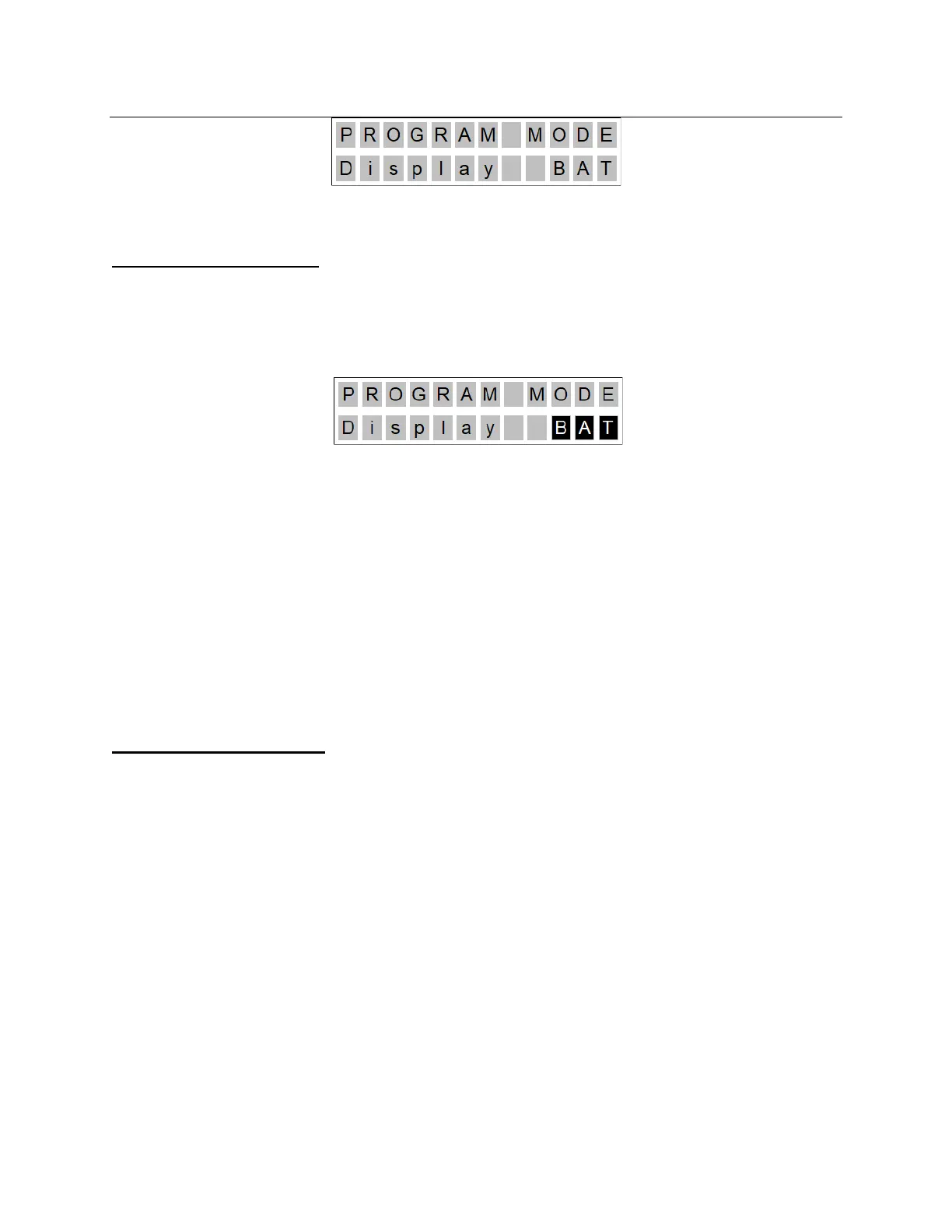
• Using the ‘Up’ and ‘Down’ buttons, the user should then be able to cycle through their
choices.
Change Setting Mode
• To change one of the programmable settings, the user should press the ‘Up’ and ‘Down’
buttons simultaneously when a particular setting is being displayed.
• The display will then display the setting name and the setting itself. The setting will then
display as reverse-highlighted (as in the following example)
• Once in Change Setting Mode, the user can cycle through the possible settings by using
the ‘Up’ and ‘Down’ buttons. The setting should remain highlighted as the user cycles
through their options.
• To select the setting, the user then presses the ‘Up’ and ‘Down’ buttons simultaneously
for three (3) seconds. The lift should then:
o Beep one (1) time.
o Go back into Programming Mode and allow the user to cycle through the other
settings using the ‘Up’ and ‘Down’ buttons.
• If the user does not press any buttons for ten (10) seconds while in Change Setting
Mode, the lift should revert back to Programming Mode.
Programming Options
The programming mode will offer the following choices:
Display Mode
• Battery Level (factory setting)
• Number of Lifts
Traversing Speed.
• 2
• 4
• 6 (factory setting)
• 8



 To Next Page