Setup/Installation
26
PC & Storage
Interface
Logged data on edge™ can be transferred from the meter to a PC by following
these simple directions. The minimum operating system for the PC is Windows
X P.
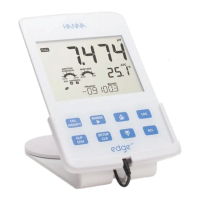
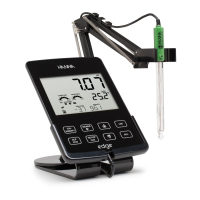
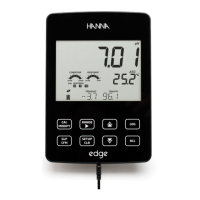
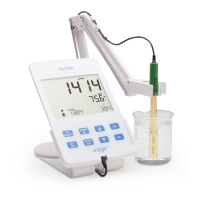
1. Connect the edge™ to the PC using the supplied micro USB cable.
2. Turn on the edge™.
3. If “LOG ON EDGE” is enabled, go to SETUP and chagne to “EXPORT TO PC”.
The PC should detect the edge as a removable drive. Open the drive to view
the stored les. Log les are formatted as comma separate values (*.csv) and
can be opened with any text editor or spreadsheet program
Interval logs are designated as pH, EC or DO Lots. ie. PHLOT001, ECLOT002,
DOLOT003.
The Manual Lots are PHLOTMAN, ECLOTMAN, and DOLOTMAN.
The Stability Lots are PHLOTSTAB, ECLOTSTAB, and DOLOTSTAB. All stability
logs, regardless of stability setting, are located in the same stability le for
that measurement.
Click on the desired log to view data.
Note: If C! appears in log data the sensor/probe was used out of the operation
parameters. If C!! appears in log data, the temperature probe is broken






 To Next Page