Setup/Installation
17
LCD Contrast Permits
modication
of the display
contrast for
various lighting
conditions
1 to 8 3 Available
Flash Format
Only seen when
log errors are
present.
Permits
formatting the
ash drive.
On or O OFF Available
Message
Transition
User may choose
how messages
are displayed on
3rd LCD line of
display.
Word scroll
messages or
letter scroll
messages
Letter scroll
messages
Available
Reset Cong To
Default
Press the MODIFY key and CFM (when prompted) to
reset parameters.
Available:
RESETS with
Basic Mode OFF.
Instrument
Firmware/ Probe
Firmware
Displays rmware
version of meter.
Using the u
key switches to
Probe rmware
(if connected)
and diagnostic
made for
troubleshooting.
View only Current
rmware
version.
Available
Meter ID 4 digit numeric User selectable 0000 Available
Note: Parameters that are grayed out are seen under special conditions only.
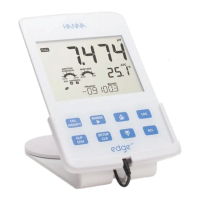
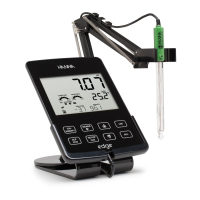
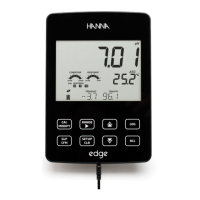
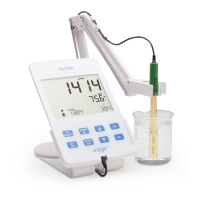
edge™ oers a basic operation mode that streamlines measurement
conguration for pH and EC measurements and is useful for many routine
applications. Basic pH SETUP reduces parameter selection to the basic set.
The meter limits calibration to 5 standard pH buers; 6.86, 7.01, 4.01, 9.18
and 10.01 buers. All pH measurements will display, log and export with 0.01
pH resolution. Interval logging is also eliminated. Manual and Manual stability
Logs on demand are still functional. pH CONDITION, RESPONSE graphs are not
displayed, giving the display a “Basic” measurement screen with just pH data
Basic Mode
General
Setup






 To Next Page