Setup/Installation
14
Power Connection
Connect the micro USB connector into
the USB socket on the cradle or into the
micro USB socket of edge™. Plug the
5 Vdc adapter into the power supply
socket. edge™ can be also powered by
connecting with a USB cable directly to
a PC.
Note: edge™ is supplied with a
rechargeable battery inside, which
ensures about 8 hours of continuouse
use. Whenever edge™ is connected to
the power adapter or to a PC, the battery
is recharging.
Connect the connector of the probe to
the probe input located on the bottom of
edge™. Make sure the probe is completely
connected. If the probe is recognized,
“CONNECTING” message is displayed.
If the probe is not connected or not
recognized, “NO PROBE” message is
displayed.
Electrode
& Probe
Connections
Setting Up
edge™

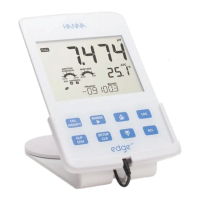
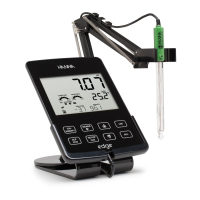

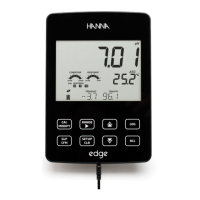
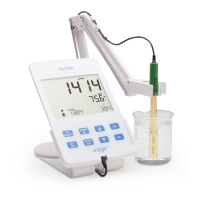




 To Next Page