Setup/Installation
12
The main operating modes of edge™ are setup, calibration, measurement,
data logging, and data export. Follow this general outline of steps to get you
started in taking measurements. The following topics are expanded upon in
the sections that follow in this manual.
1. Familiarize yourself to the design features of this unique meter.
2. Decide how the meter will be used and set up the wall or bench cradle in
a clean area near line power.
3. Turn edge™ on using the ON/OFF button located on the top of the meter.
4. Plug in the probe required for measurement.
5. SETUP the measurement parameters required for the measurement you
will be making.
6. Calibrate the sensor/probe.
You are now ready for measurements.
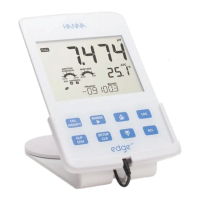
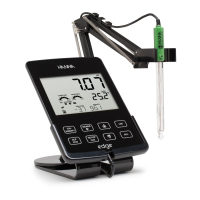
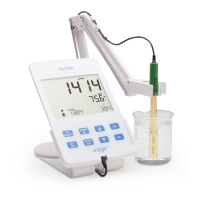
Bench Cradle Setup
Insert electrode holder arm into the
post on the pivoting base.
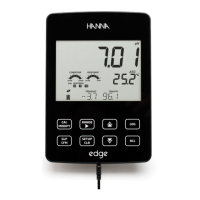
Connect the probe connector to the
socket located at the bottom of the
instrument.
Slide edge™ into the cradle while
positioning the probe cable behind the
cradle. Put the probe/sensor into the
electrode holder and secure cable in
clips.
Setting Up
edge™






 To Next Page