-CS -28
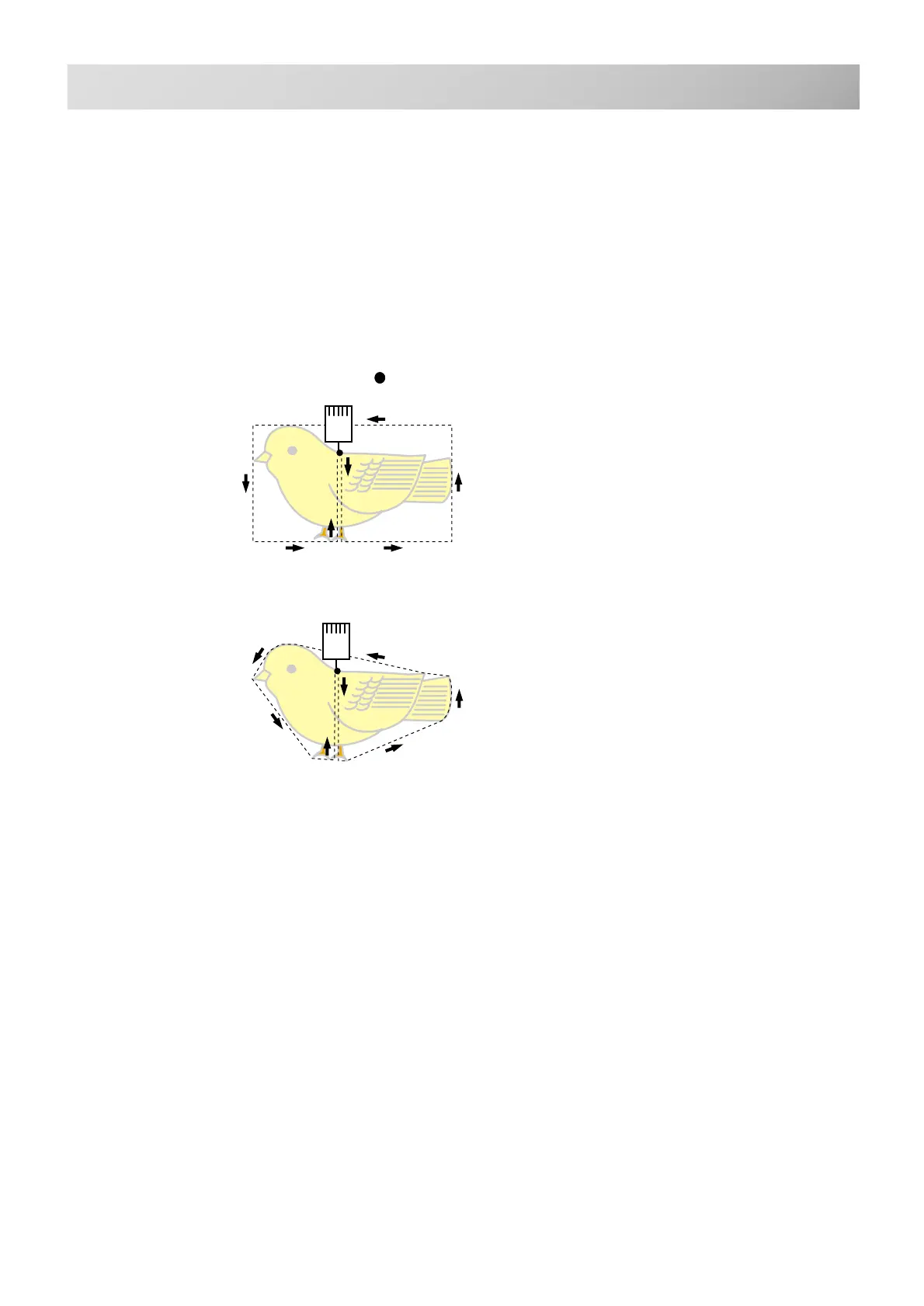
Area
Outline
: Start point
5-3
MACHINE SETTINGS
5_3 D609
Detailed explanation of machine setting
#18 Trace type (Select type of design trace)
You can compare the design size and design
position to the embroidery frame before you
start sewing. The embroidery frame moves
around the actual design size.
At this time you can choose which type of trace
from 2 types of traces like the following figures.



 To Next Page