-CS -47
7-2
CAP FRAME (OPTION)
7_2 E801
Changing the needle plate
You need to change the needle plate when you
embroider a cap.
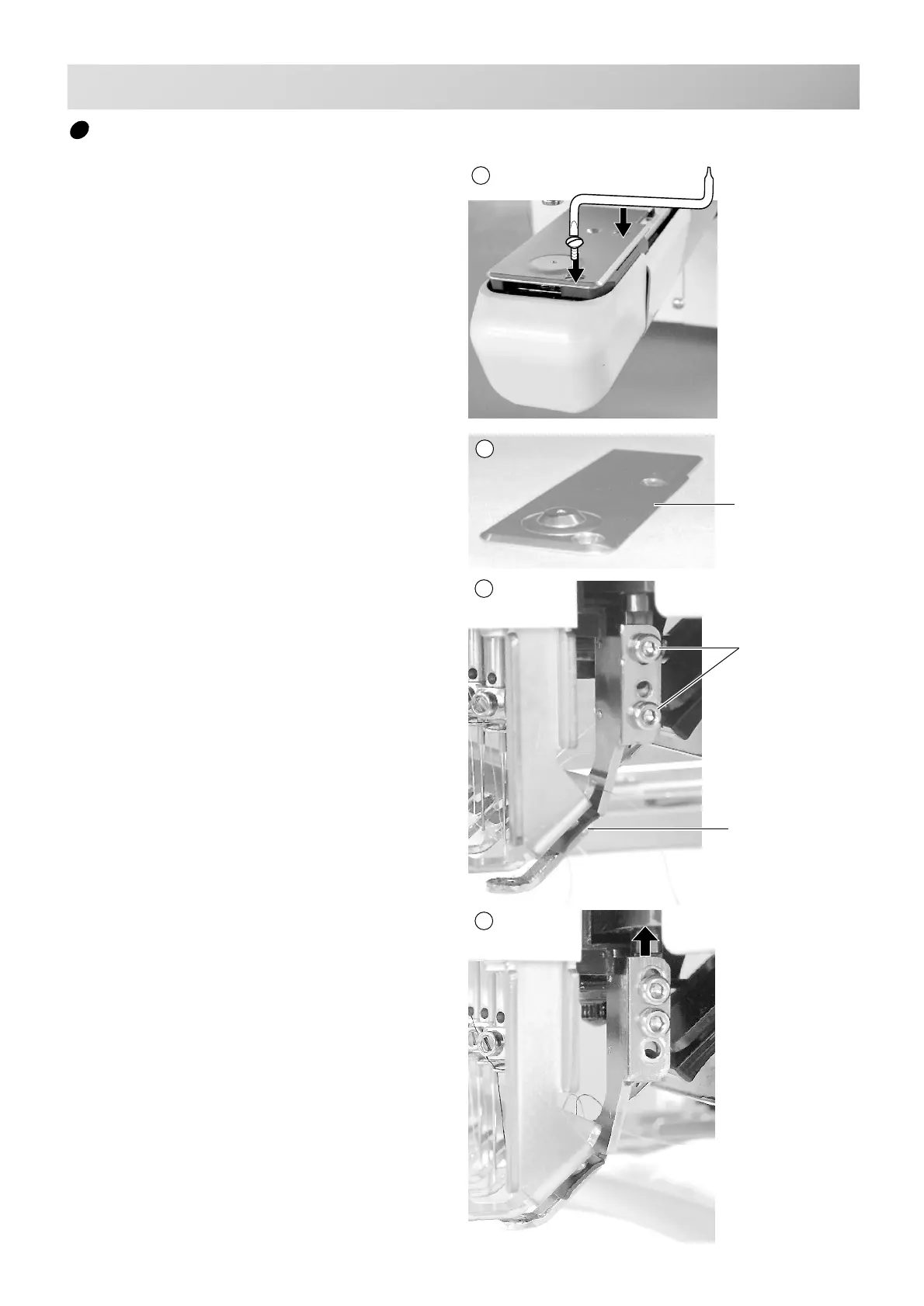
1. Remove the set screw (2 pieces) by offset
driver and remove the needle plate.
2. Put the needle plate for cap on the bed and
tighten with the set screw.
3. Loosen the set screw (upper side) of pres-
sure foot and unscrew the set screw (lower
side).
4. Press up the pressure foot and tighten set
screw (upper side) and tighten set screw
(lower side) as it shown in the diagram.
Set screw
Pressure foot
Needle plate for
cap frame
1
2



 To Next Page