-CS -33
5-5b
PREPARATION OF PATTERN DATA
5_5 H701
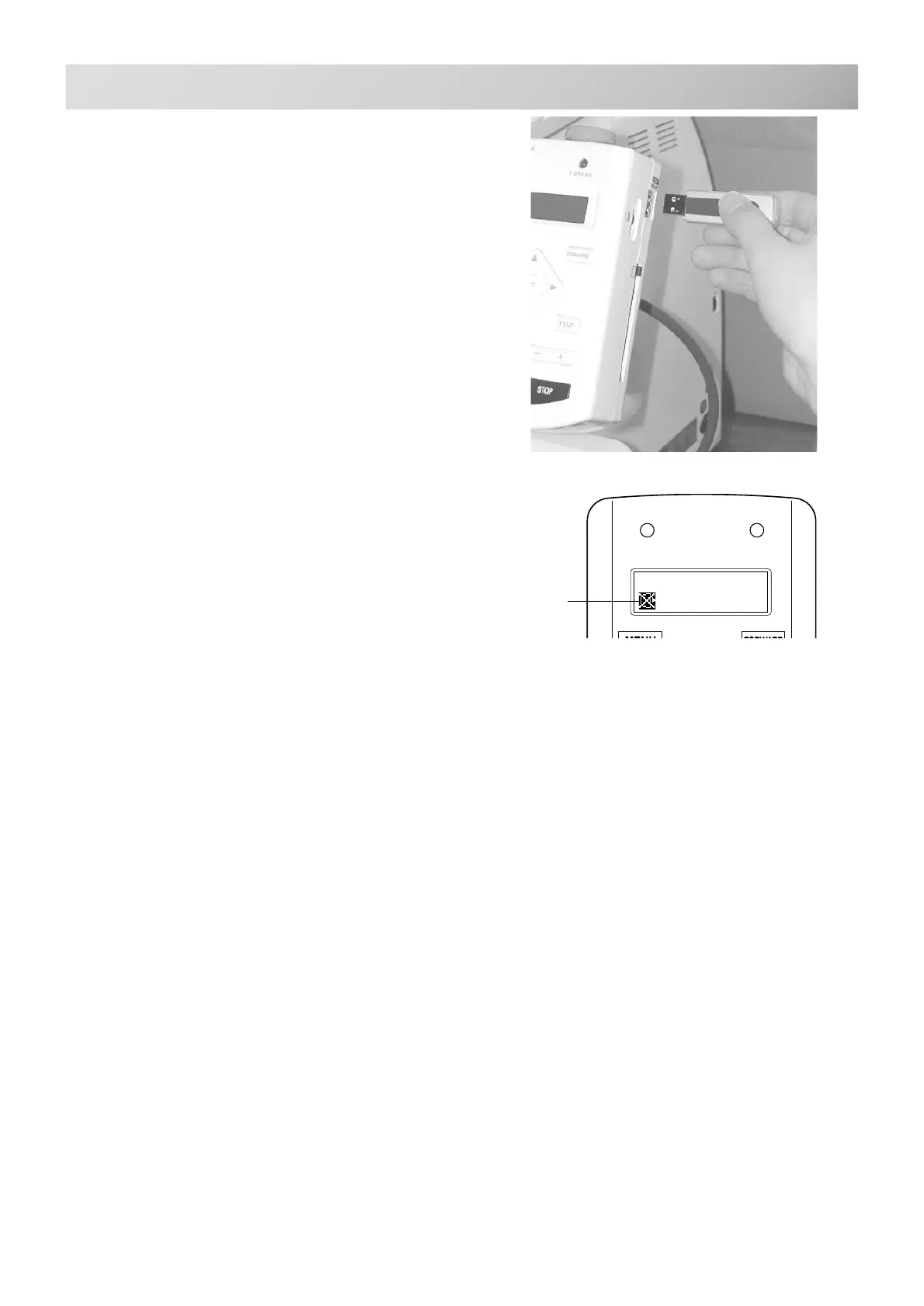
To insert a USB memory
1. Insert the USB memory all the way into the
USB memory port of the machine (right side
of controller).
2. Read embroidery design data according to
following “Memory card reading” in the next
section.
To remove a USB memory
1. Please check that the “Do Not Remove”
icon is not shown.
2. Please handle USB memory carefully.
Do Not Remove
memory media



 To Next Page