-CS -57
7-4b
CAP FRAME (OPTION)
7_4b K101
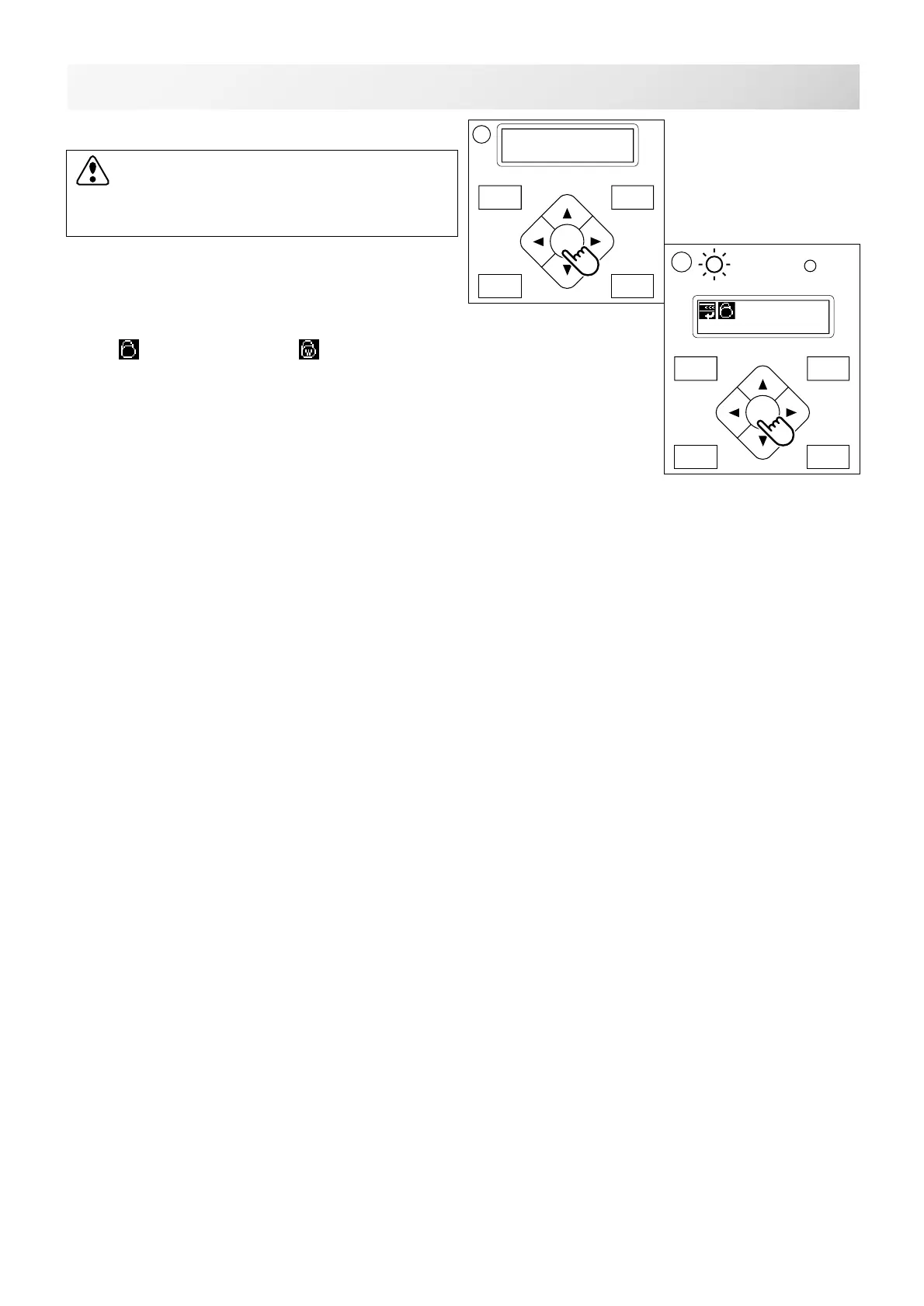
10.Press the "ENT. button".
11.Press the "ENT. button".
The cap drive frame moves to the center of
embroidery area automatically.
(Normal cap frame) or (Wide cap frame)
will be indicated on the panel.
Then Cap Mode will be set.
CAUTION: To prevent accidents.
The frame moves quickly.
Keep hands away from the frame.
FORW ARD
P.FOOT T.CUT
MENU
ENT.
ID:10 Nd: 4
BIRD
G
11
FORW ARD
P.FOOT T.CUT
MENU
ENT.
Caution !!
Frame Moves



 To Next Page