Harman EASY Touch Control Owners Manual
34
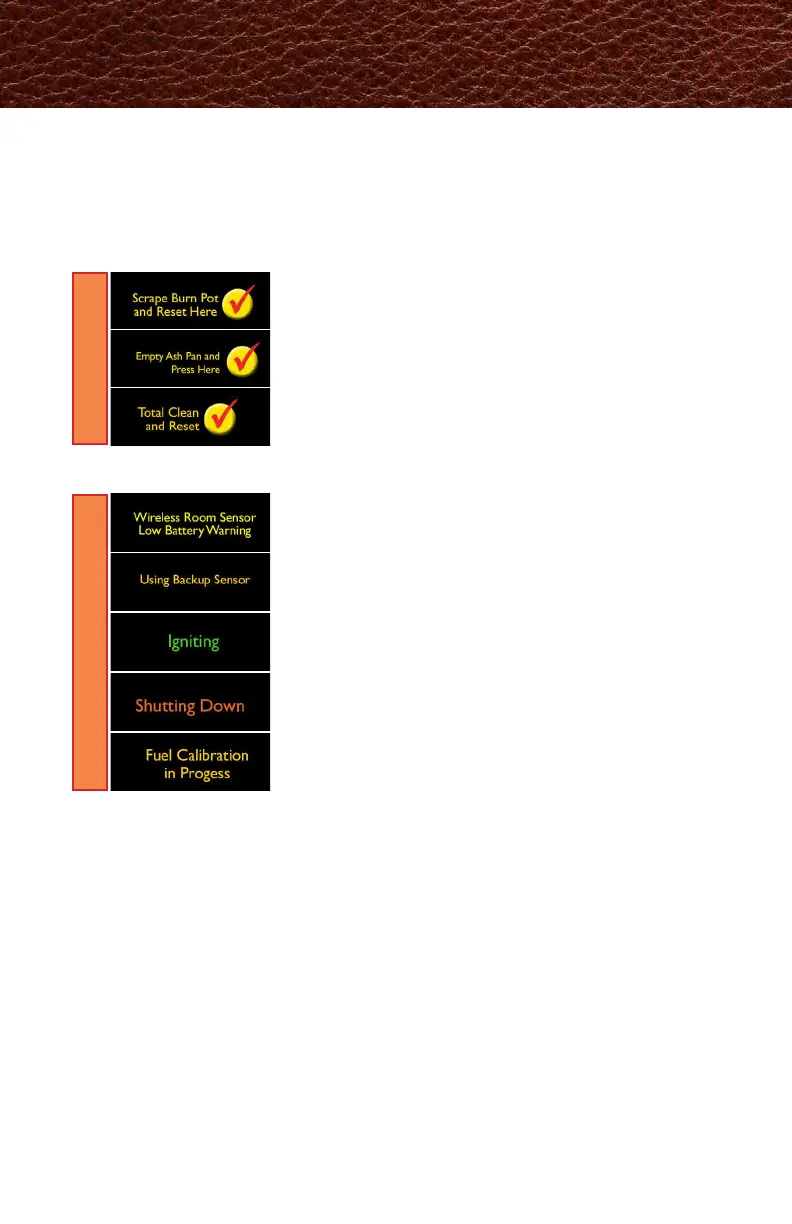
Your EASY Touch Control communicates with you by showing messages on
the top center of the EASY Touch Control home screen. If you have more than
one message, the messages will show consecutively until you acknowledge the
message by performing the task. These communications include:
A prompt means cleaning needs to be performed.
Cleaning Prompts, Messages and Errors
PROMPTS
When prompted, scrape burnpot. Press checkmark to reset.
When prompted, inspect and empty ash pan as needed. Press
checkmark to reset.
When prompted, inspect and perform total clean. Press
checkmark to reset.
MESSAGES
Replace the two AA batteries in the Wireless Room Sensor.
If wireless room sensor batteries die, the backup sensor will
continue to heat your home.
Will show on the display when the unit is in the process of
igniting.
Will show on the display when the unit is in the process of
shutting down.
Will show in display when Fuel Calibration has been enabled.
Once calibration is complete, message will disappear.
A message is a notication.



 To Next Page