27
PME-MP60/MP07
A0616-13.4 en HBM
5 Setting up and operation (MP60)
5.1 Operating principles
1. Switching from measuring mode to
setup mode
2. Select the first parameter within the
group.
3. Confirm input
4. Return to measuring mode (press
for 2 secs.)
Select parameter/group
SET
Hold key down - values run through (the harder you press, the faster they run
through)
Hold key down briefly - switch values one at a time
These keys are pressure-sensitive:
Functions of keys:
+
-
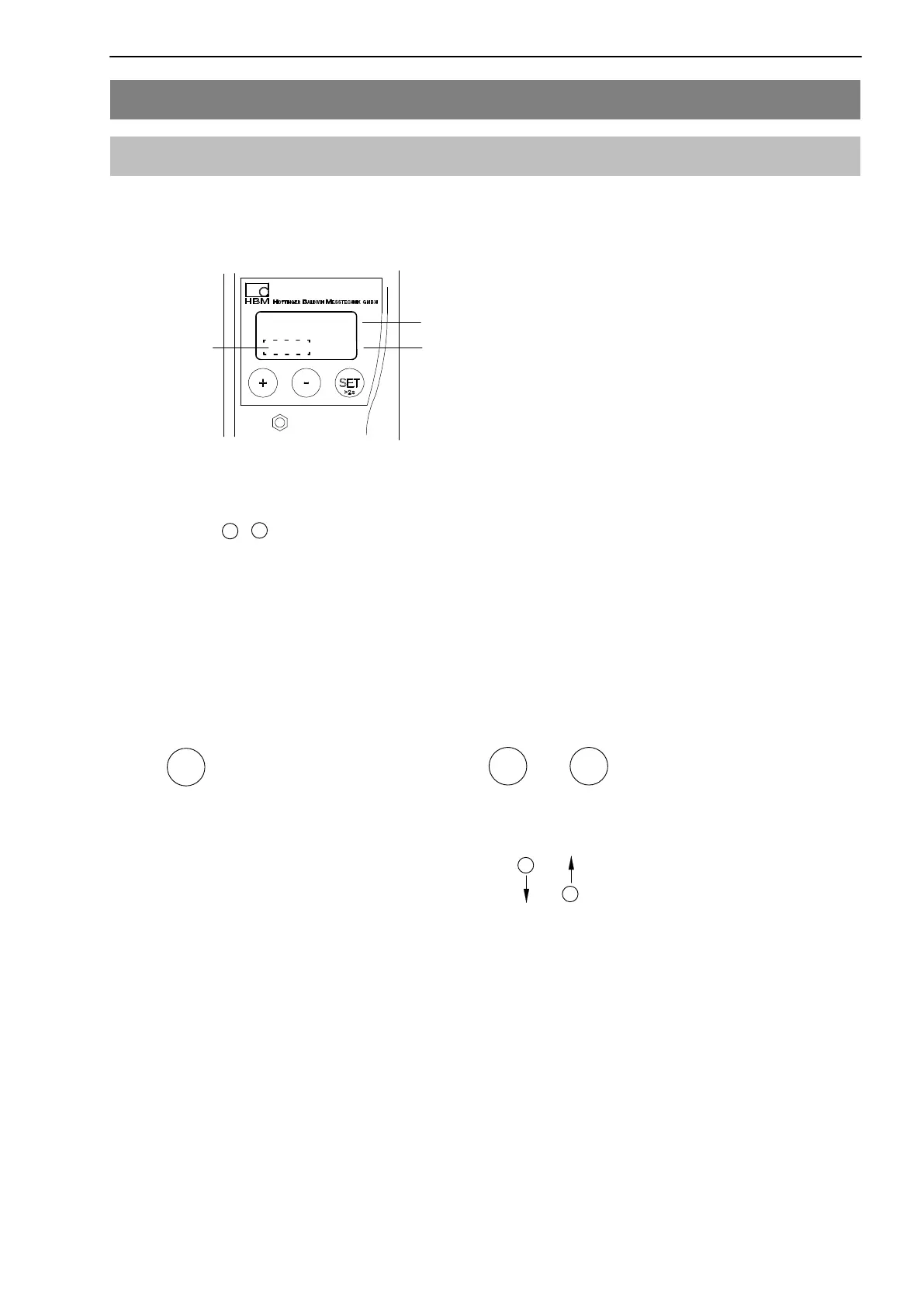
Display in measuring mode:
-18.00
kNm
Measured value
Unit
Status field
↓
↑
Flashes in status field, if parameter value is editable
+
-
+
-



 To Next Page