EasyManua.ls Logo

HBM MP60 - Set up All Parameters

HBM MP60
76 pages
Print Icon
To Next Page IconTo Next Page
To Previous Page IconTo Previous Page
Loading...
32
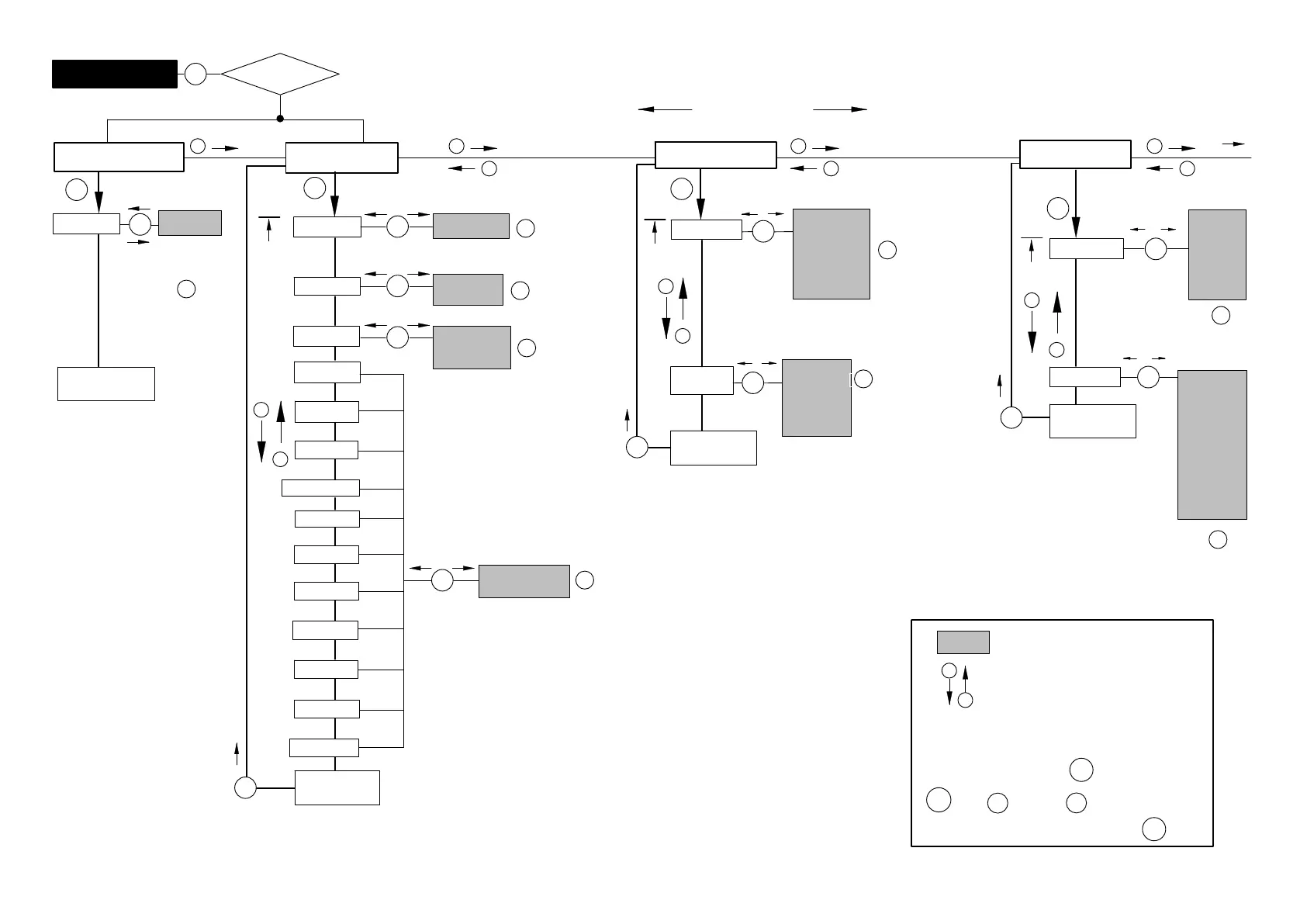
5.3.1 Set up all parameters
active
inactiv
DIALOGUE
Password
_ _ _ _
PassStat
Language
Deutsch
English
Francais
I.ParaS
I.Displ.
PARAM. SET
Load ?
Save ?
ParaS.1
ParaS.2
ParaS.3
ParaS.4
FactSet
No
ParaS.1
ParaS.2
ParaS.3
ParaS.4
No
+/-
I.Transd
I.Condit
I.Analog
I.LimVal
I.PStore
I. I/O
I.CAN
I.AddFnc
free
locked
SET
+ -
+/-
+/-
=
or
Confirm input:
press
+/-
+/-
+/-
+/-
DISPLAY
DecPoint
.00000
.0000
.000
.00
.0
Tab.
Step
0001
0002
0005
0010
0020
0050
0100
0200
0500
1000
SET
Back to
MAINGRP
Transducer
SET
SET
SET
SET
SET
SET
SET
+
-
+
-
Flashes if parameter value editable
Parameter values
SET
Back to
MAINGRP
Back to
MAINGRP
+
-
+
-
+
-
+
-
Select parameter
PASSWORD
SET
Password
_ _ _ _
SET
Enter
password
Specify password
continue with
DIALOGUE
+
SET
SET
SET
SET
2sec
SET
PassStat
active
Return to measuring mode:
SET
2sec
+/-
+/-
+/-
Note:
If a group cannot be selected, check under DIALOGUE whether the group has been enabled.
Groups
NOYes
SET
I.TrdCal
+
-
Meas. value
A0616-13.4 en HBM

Related product manuals