EasyManua.ls Logo

HBM MP60 - Page 28

HBM MP60
76 pages
Print Icon
To Next Page IconTo Next Page
To Previous Page IconTo Previous Page
Loading...
2
8
PME-MP60/MP07
A0616-13.4 enHBM
SET
2
secs
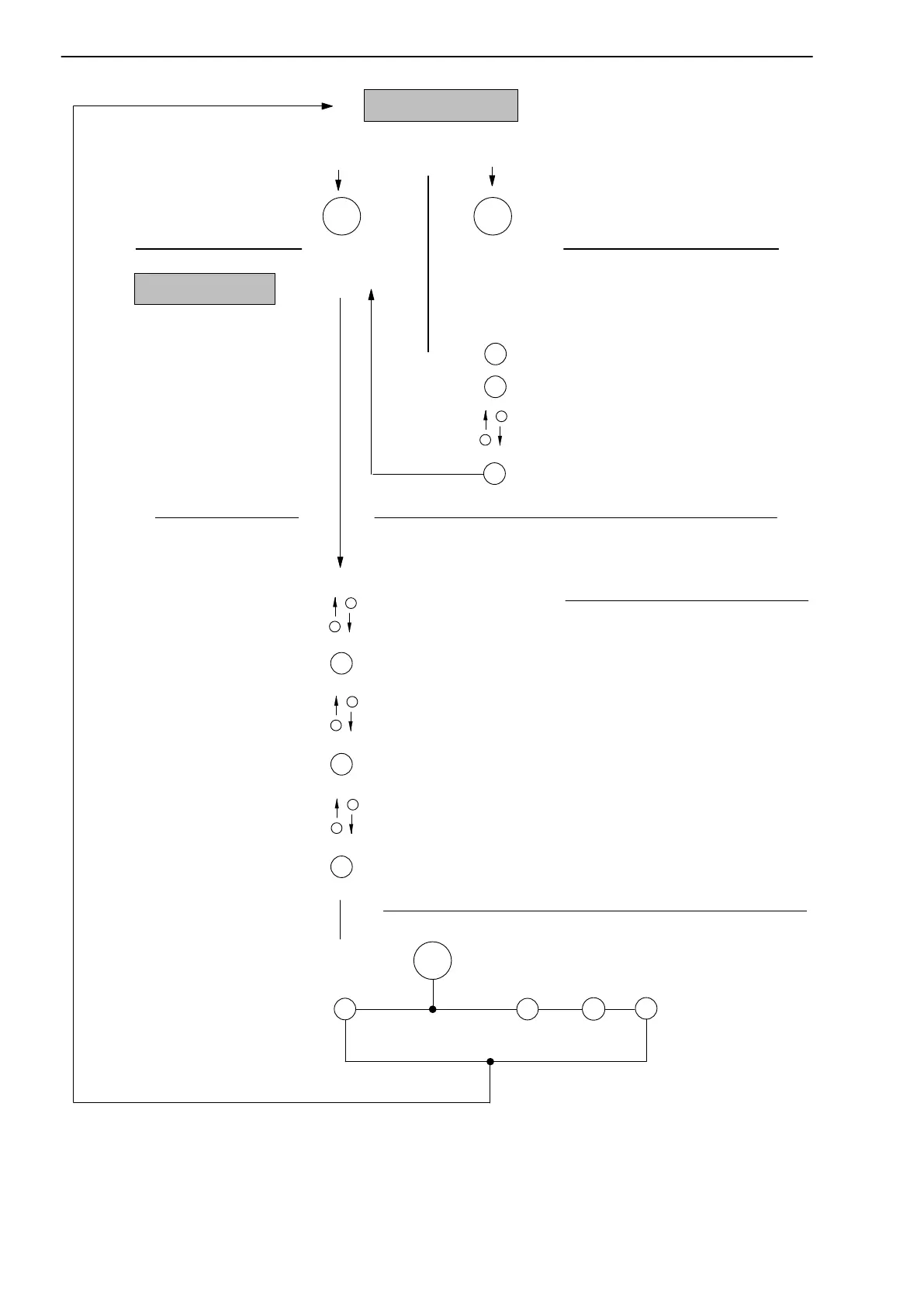
Measuring mode
Enter password:
Return to measuring mode:
SET
Select first
parameter
SET
Example:
NVal kHz
0.000
SET
SET
TRANSDUCER
Go to input mode
Enter numerical value or
SET
Confirm
2x
PME queries: Save ?
Select
group
0.5Hz
CONDITIONING
>0< kNm
Select required parameters
SET
SET
Enter required password
(factory setting 0)
Confirm
Set-up mode
Password
Input mode
+
-
SET
Change settings:
+
-
+
-
+
-
Enter numerical
value
Select table
value
Yes No
+/-
SET
Save
?No
unit
2.000
Filter
_ _ Hz
Select table value
SET
2 secs.
Password status activePassword status
inactive (factory setting):
DIALOG
SET
2 secs.
PASSWORD
Saving

Related product manuals