29
PME-MP60/MP07
A0616-13.4 en HBM
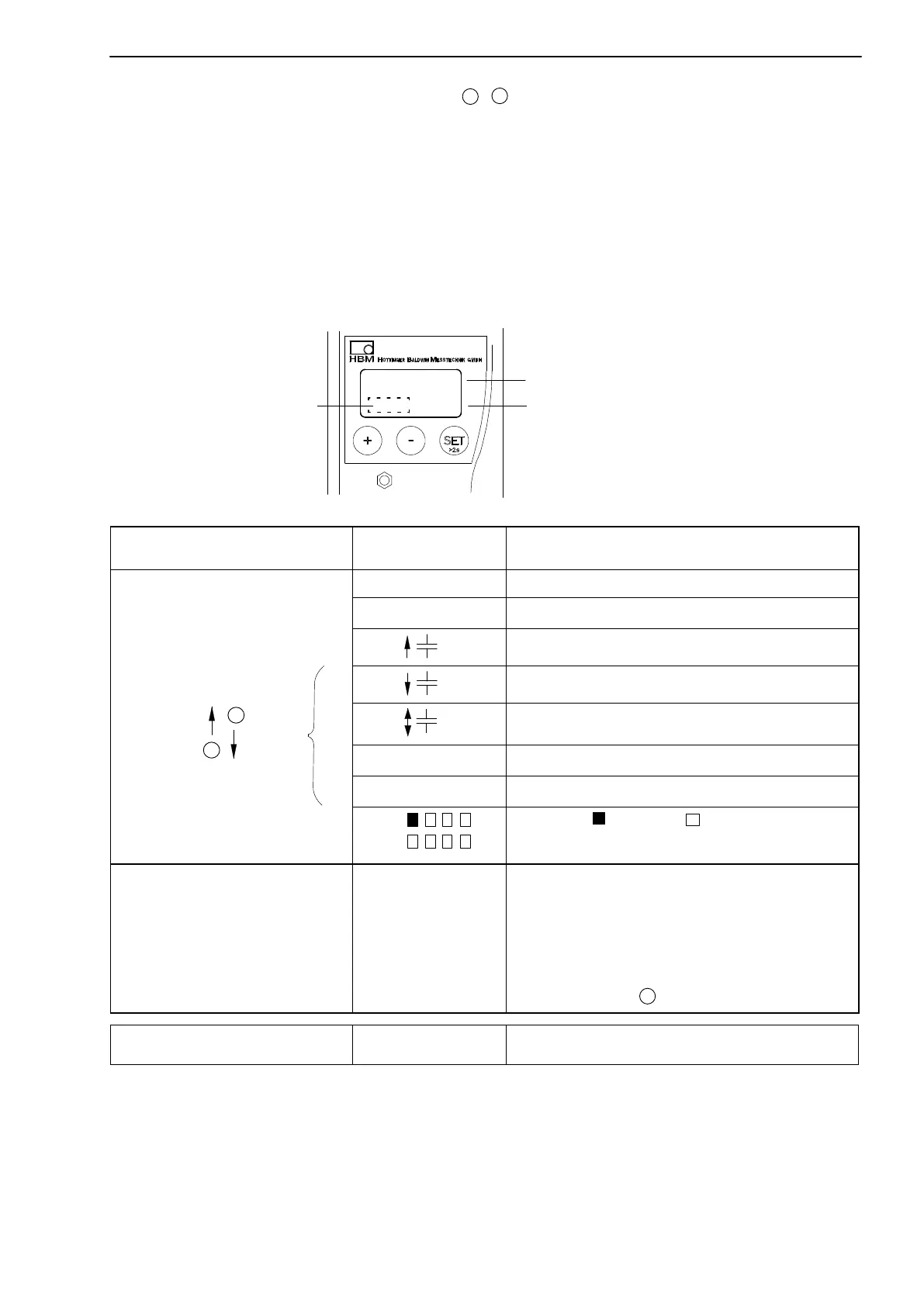
During measurement you can press
+
-
- view on display:
1. measured value
2. analogue output value
3. status of digital I/Os
4. the error list
The symbol is displayed in the status field
!
, this indicates an error which is
described in the error list.
-18.00
kNm
Measured value
Unit
Status field
Symbol in status
field
Display mode
no character Gross signal
>T< Net signal
Maximum peak value signal
Minimum peak value signal
Peak-to-peak signal
kHz
1)
Input signal
V or mA Analog output signal
Outp
Inpt
set, not set
Status of input and output
e.g.
ERROR PkValMax
Error messages
During measurement, the character !
indicates a module error.
Errors which have currently occurred are
automatically displayed one after another in
the ”ERROR” display mode (can be
accessed with ).
*)
+
Status field
!
Error occurred
1)
During impulse measurement, Imp or kImp is displayed
*
)
see Chapter 8 ”Error messages”, page 67
if
active
+
-



 To Next Page