51
HVAD
®
Patient Manual
4.9 Changing Controller to Back-Up Controller (continued)
Steps continued on next page
Steps to Change the Controller (continued):
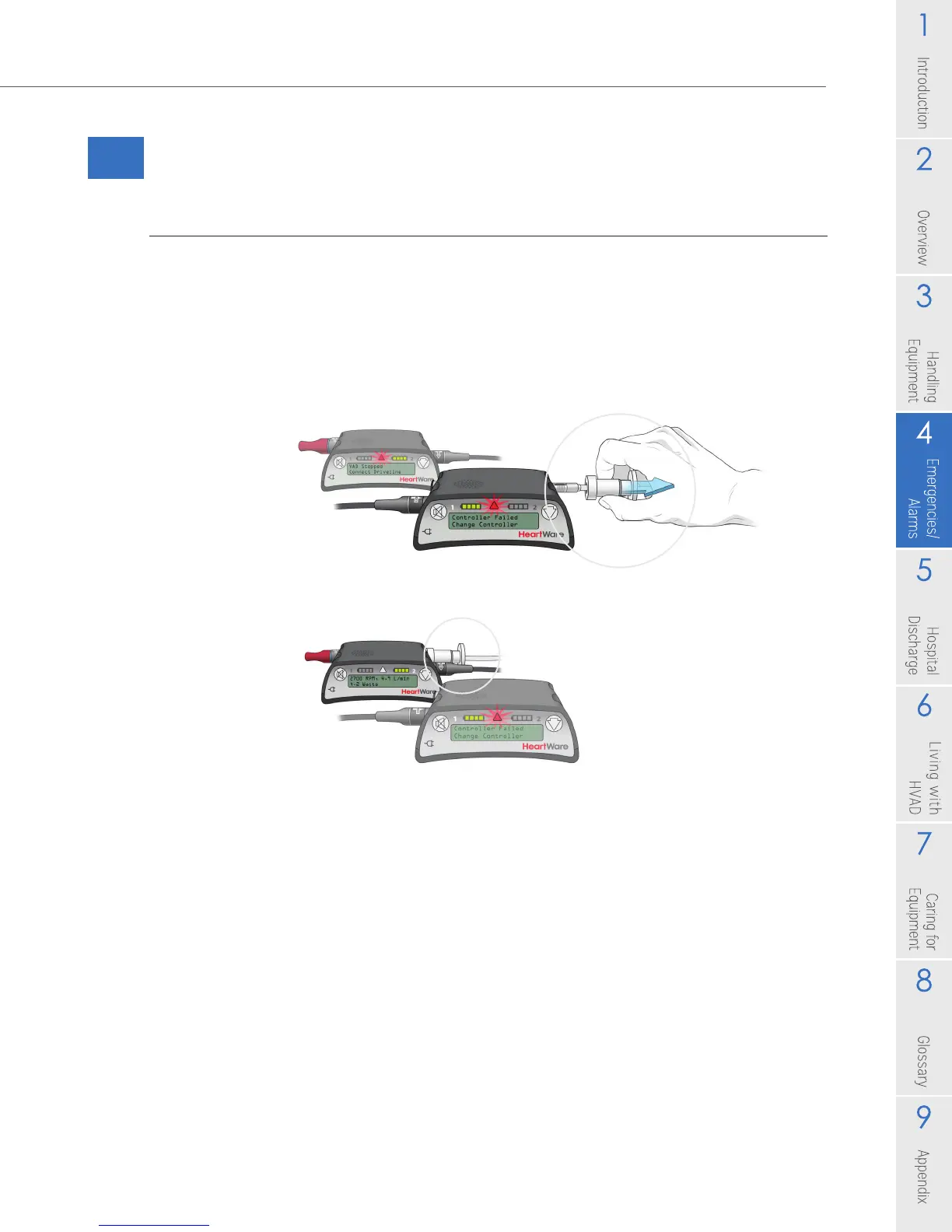
3. Disconnect the driveline from the original controller and connect the driveline to
the new controller. This should restart your PUMP.
• Verify that the pump is working. The RPM, L/min and Watts numbers should
show on the Controller Display. If your pump does not restart, re-check driveline
and power source connections, if it still doesn’t start call for medical assistance
immediately.
• If you have only connected 1 power source to the new controller, you will also
have a [Power Disconnect, Reconnect Power] alarm.
Figure 72: Disconnect
Figure 73: Connect



 To Next Page