53
HVAD
®
Patient Manual
4.9 Changing Controller to Back-Up Controller (continued)
Steps to Change the Controller (continued):
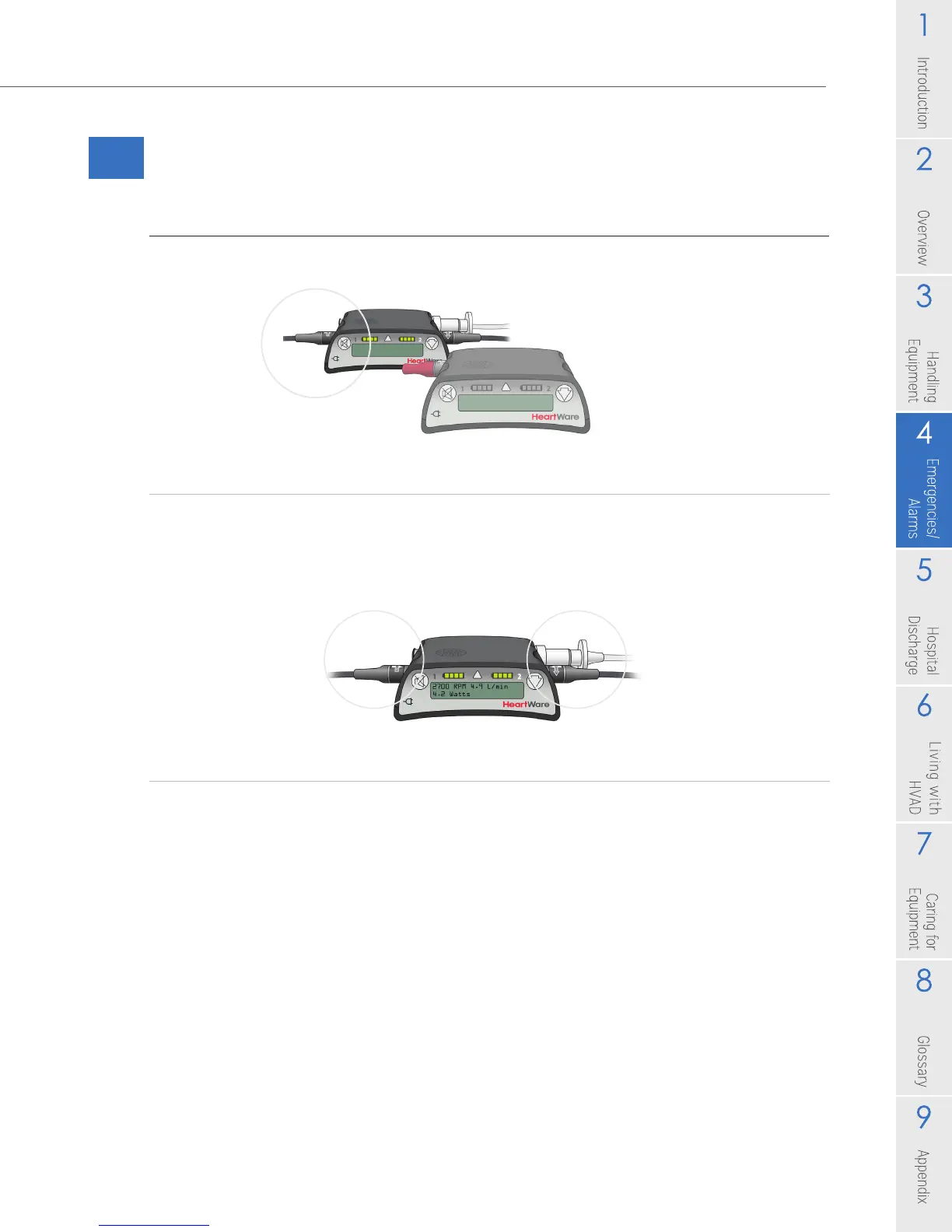
5. Connect a second POWER source to the new controller.
6. Be sure the driveline cover is over the silver driveline connector and the data
port is covered by the dust cap. If the red alarm adapter is connected to the
controller that is now running the pump, remove it and close the cap on the
data port.
7. Call your clinician to obtain a new back-up controller.
Figure 76
Figure 77



 To Next Page