MPC Platinum Installation and Operation Manual
43
HT# 059085-00 F
TROUBLESHOOTING
Sensor Inputs
Display shows Sensor OPEN or SHORT
• When any sensor reads
OPEN, check if the sensor wires are continuous to the MPC Platinum.
Use an Ohm meter to measure the resistance between the sensor wires when they are not
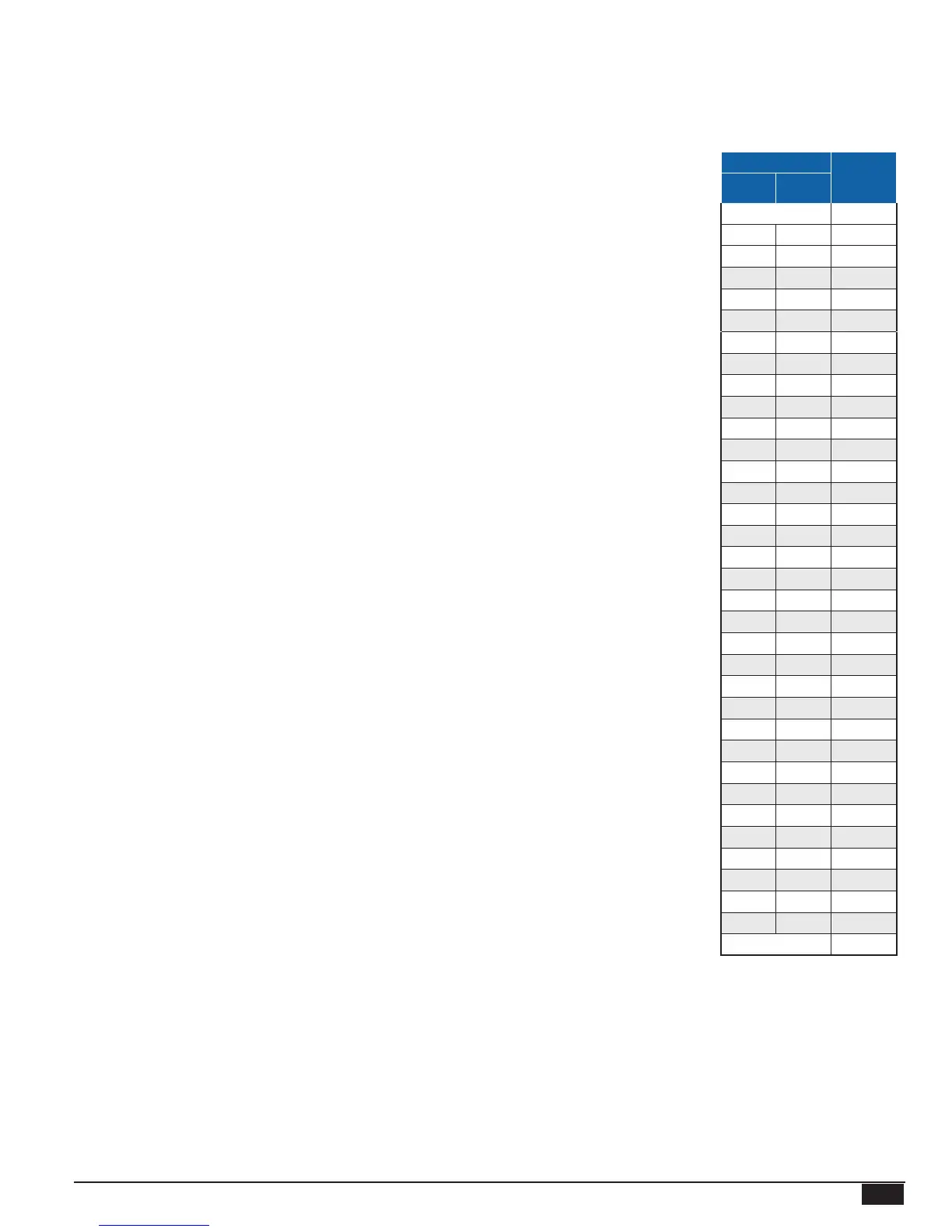
connected to the control. If the readings are out of the Temperature Sensor Chart range, follow the
procedure for Display Shows Incorrect Temperature.
• When in SHORT, remove the wires from the sensor terminals. The display should change to
read OPEN. If it does not, the MPC Platinum may be damaged.
Display shows an Incorrect Temperature
Remove the wires from the sensor terminals. The display should change to read
OPEN. If it
does not, the MPC Platinum may be damaged. Using a multi-meter set to measure resistance,
take an ohm reading across the detached sensor wires. The ohm reading should correspond to the
Temperature Sensor Table. If it does not, the sensor may be damaged and needs to be replaced.
Note that sensors are not designed to be placed in the water or steam. A well (HT# 904011-00) or
a strap-on sensor (HT# 904220-00) must be used.
Control Operation
Too Much Heat
Check if the control has any of the following conditions:
• BypassMode- The MPC Platinum will only manage the boiler or valve if the Bypass switch is
set to Auto. See "AUTO/BYPASS Switch" on page 16.
• Day/NightHeatAdjustment- If the overheating occurs only during day hours, decrease the Day
Heat Adjustments. If the overheating occurs only during night hours, decrease the Night Heat
Adjustments. See "Day and Night Heat Adjustment" on page 23.
• BoostSettings- If the excess heat is only during the morning, then check the Boost settings. You
may need to reduce the Vari Boost curve. If the control is set to Manual Boost, reduce the Manual
Boost Time or switch to Vari Boost as Manual Boost is not affected by the weather. See "Boost
Mode" on page 26.
• OutdoorCutoffSettings- If the Outdoor Cutoff setting is too high during mild weather, the
building may over-heat. Also, if the Outdoor Cutoffs are set too high during colder weather, the
result may be longer Cycle-ON periods. See "Day and Night Outdoor Cutoff" on page 24.
• SystemSetPoint- If the control takes a long time to establish heat, it will overheat the building.
Re-adjust the set point correctly. See "System Set Point" on page 24.
• ThermalLockout- If the Thermal Lockout is disabled, the control may start another cycle when
there is additional energy in the system. See "Thermal Lockout" on page 28.
• SpaceLockout- If the Space Lockout is disabled or no space sensor are available, the control
may start another cycle when the space is already satised. See "Space Lockout" on page 28.
Too Little Heat
Check if the control has any of the following conditions:
• Day/NightSchedule- If reduced heat occurs only during specic hours, check the Day/Night
Schedule. Make sure to view all the schedule settings for each of the week days. See "Schedules"
on page 29..
• Day/Night Heat Adjustment - You may need to increase the Heat Adjustment for either the Day or
the Night, depending on the low-heat period. See "Day and Night Heat Adjustment" on page 23.
• OutdoorCutoffSettings- If the Outdoor Cutoff setting is too low, the building may not get any
heat during mild weather. Also, if the Outdoor Cutoffs are set too low during mild weather, the
result may be shorter Cycle-ON periods. See "Day and Night Outdoor Cutoff" on page 24.
• BoostSettings- If the excess heat was only during the morning, then check the Boost settings.
You may need to reduce the Vari Boost curve. If the control is set to Manual Boost, change to Vari
Boost as Manual Boost is not affected by the weather. See "Boost Mode" on page 26.
• SystemSetPoint- If the control establishs heat in a short time, the return may not be hot enough
to heat the building. Re-adjust the set point correctly. See "System Set Point" on page 24.
Temperature Sensor
Chart
TEMPERATURE Value
(in
Ohms)
°F °C
OPEN 150000
-30 -34 117720
-20 -29 82823
-10 -23 59076
0 -18 42683
10 -12 31215
20 -7 23089
25 -4 19939
30 -1 17264
35 2 14985
40 4 13040
45 7 11374
50 10 9944
55 13 8714
60 16 7653
70 21 5941
80 27 4649
90 32 3667
100 38 2914
110 43 2332
120 49 1879
130 54 1524
140 60 1243
150 66 1021
160 71 842
170 77 699
180 82 583
190 88 489
200 93 412
210 99 349
220 104 297
230 110 253
240 116 217
250 121 187
SHORT 100



 To Next Page