E9Screen Software EPC9 Manual 42
kHz in 0.1 kHz steps (guaranteed accuracy 0.5-15 kHz). Two filter characteristics can
be selected from the pop-up menu:
• Bessel
• Butterworth
The -3 dB point is given in both cases. Bessel is the best characteristic for general use;
the Butterworth response rolls off more rapidly with frequency and is mainly useful
for power spectral analysis. The setting of the Filter 2 control is the actual effective
bandwidth of the series combination of Filter 1 and Filter 2, i.e., the bandwidth of the
signal actually recorded at I-mon 2.
If you want to use an external filter rather than Filter 2, you can proceed as follows:
Connect current monitor 1 (I-mon 1) to the external filter input, feed the filter output
back into one of the AD channels (AD 0...AD 5), and select this channel as input
channel.
Note: Filter 2 is disabled when I-mon 1 is selected. This is to prevent the user to mistake the
Filter 2 bandwidth with the active filter bandwidth used for the sampled data, i.e., Filter 1
bandwidth. To change Filter 2 in this case, select I-mon 2 first.
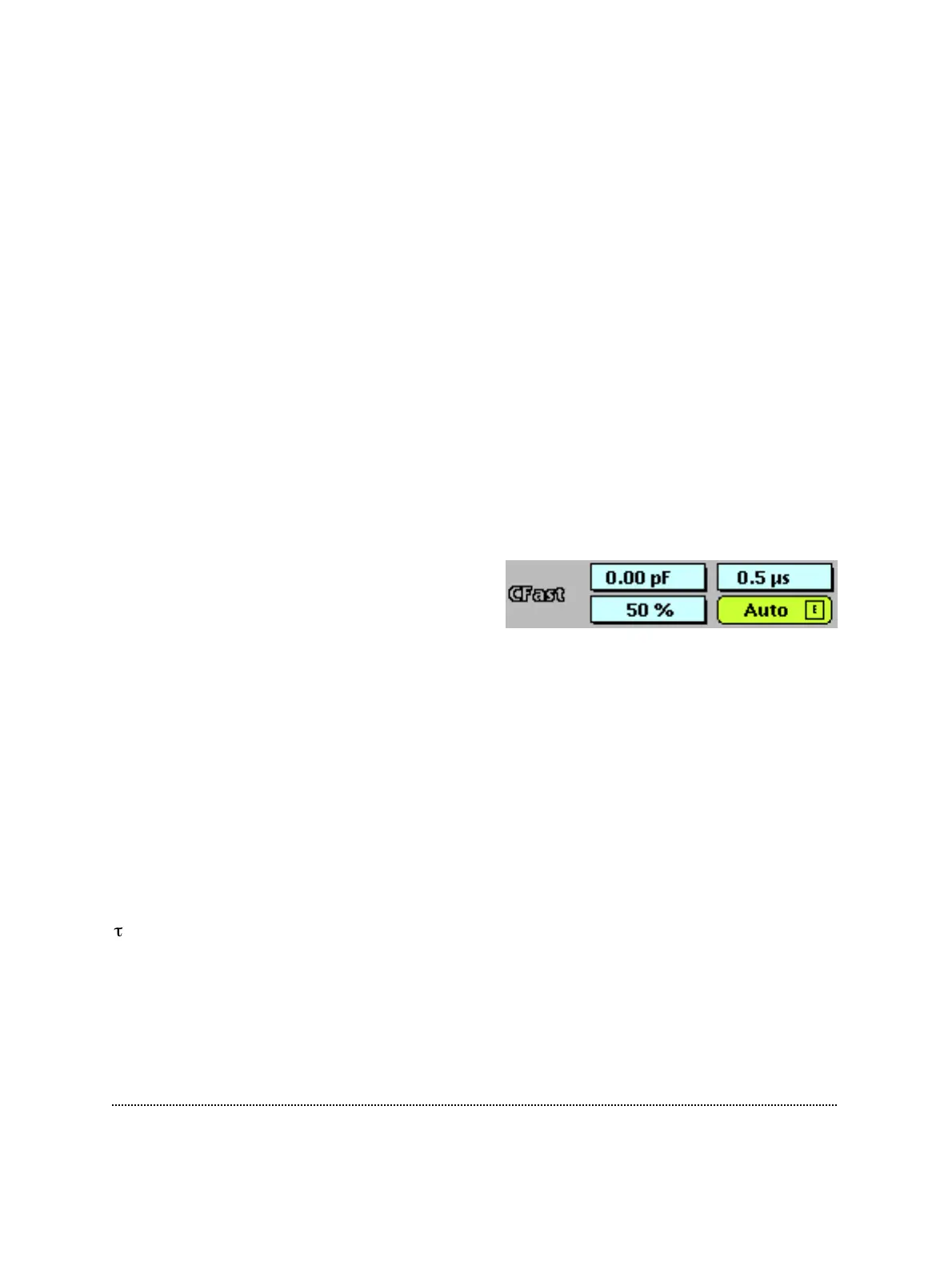
C-fast: This is used to cancel fast capacitive
currents that charge the pipette and other
stray capacitances (range: 0-15 pF). With
nothing connected to the probe input, cancellation is typically obtained at a setting of
1-1.5 pF due to the residual input capacitance of the current-measuring amplifier.
The compensation can be performed manually by dragging the mouse or typing.
Actually, the setting consists of two components, a completely unfiltered one and a
second one filtered by τ-fast. The program allows you to set the amplitude of the sum
of the two components and the relative contribution of the filtered component (in %).
The %-setting acts like a vernier to τ-fast. A useful way of adjusting the values
manually would be to roughly adjust the value of C-fast at a setting of 50%
contribution and then adjust τ-fast. Thereafter, one can fine-tune the %-setting to
fully compensate capacitive transients. A much easier way of adjusting C-fast and τ-
fast is provided by the automatic compensation feature (simply select the Auto
button; see below).
-fast: This determines the time constant of C-fast (range: 0.5-8 µs in steps of 0.5 µs).
The degree to which the filtered component contributes to the compensation is
specified by the %-setting in C-fast. The value of τ-fast may be adjusted by dragging
the mouse, or typing, or automatically by selecting the Auto function.



 To Next Page