QuickStart Guide REX 200/250 | Version 5 | 26.05.2021 13
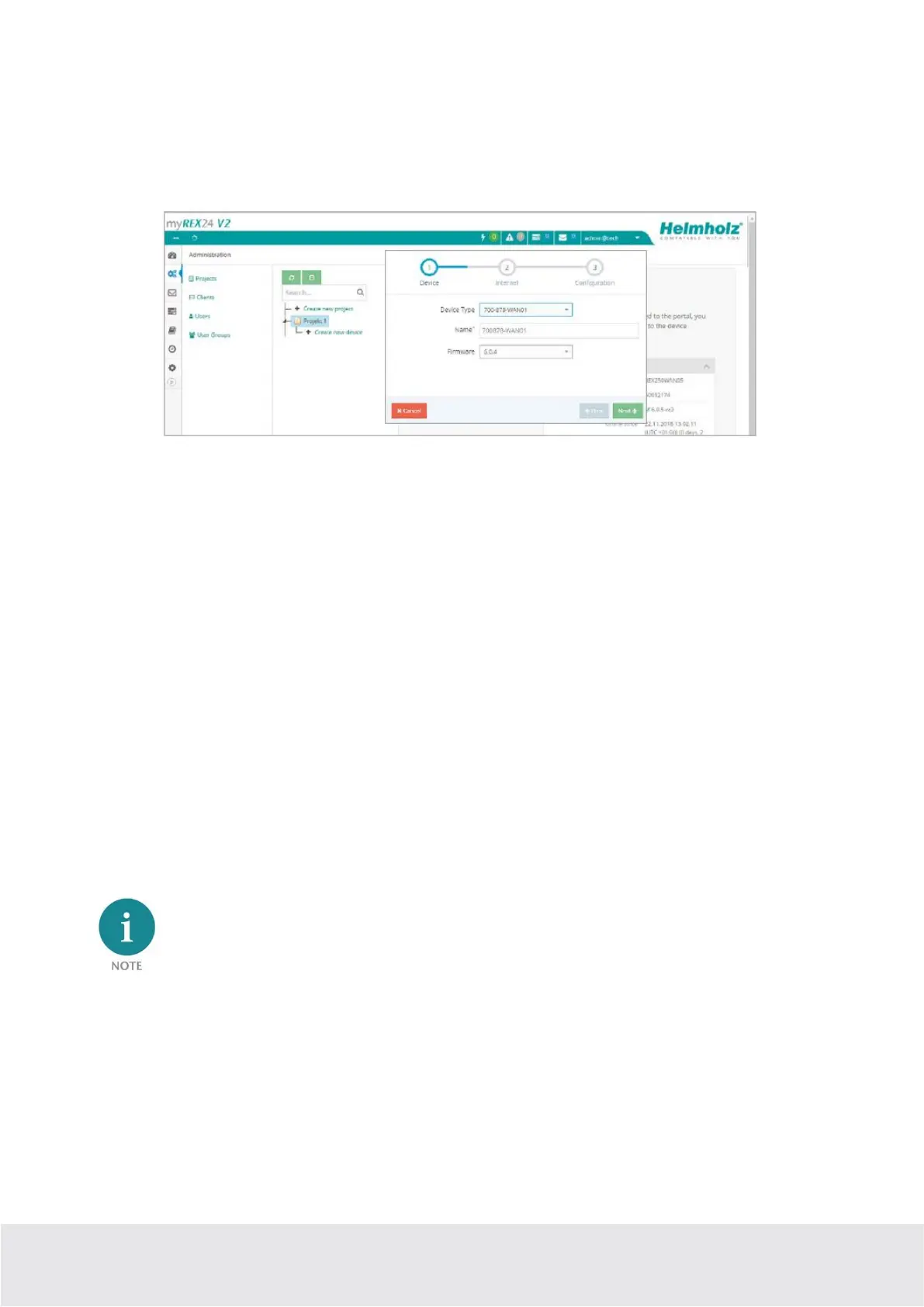
5.4 Step 1 „Device “– Selection of the type and name
In the first step, the correct device type (matching the device order number) must be selected. A unique,
freely selectable name should be assigned to this router.
Only numbers and letters may be used (0 to 9, A to Z, a to z and no spaces or special characters).
5.5 Step 2 „Internet“ – Network settings
In Step 2, the network configuration for the LAN, WAN and, depending on the version, the LTE cellular
or the Wi-Fi settings must be defined.
LAN All REX 200/250 routers come with the IP address 192.168.0.100/24 as a default. If necessary,
modify the IP address and subnet mask according to the specifications from the machine net-
work to be maintained remotely.
WAN The required information for the DHCP or static IP settings is provided by the respective net-
work administrator. DHCP is preset at the factory.
Modem The parameters for the APN access point (Access Point Name) of the card provider and the
correct SIM PIN must be available to you and be stored here. There are already several provid-
ers available for selection (sorted by country). If the correct provider is not present, this can al-
so be entered manually.
WLAN Enter the Wi-Fi-specific access data. The corresponding data provides you with the responsible
network administrator.
If you use DHCP, make sure that the DHCP server does not assign an IP address the WAN interface
that is already active on the LAN side. IP addresses from two different subnets must be assigned to
each router’s LAN and WAN interfaces.



 To Next Page