QuickStart Guide REX 200/250 | Version 5 | 26.05.2021 8
3.7.2 REX 200/250 LTE (4G)
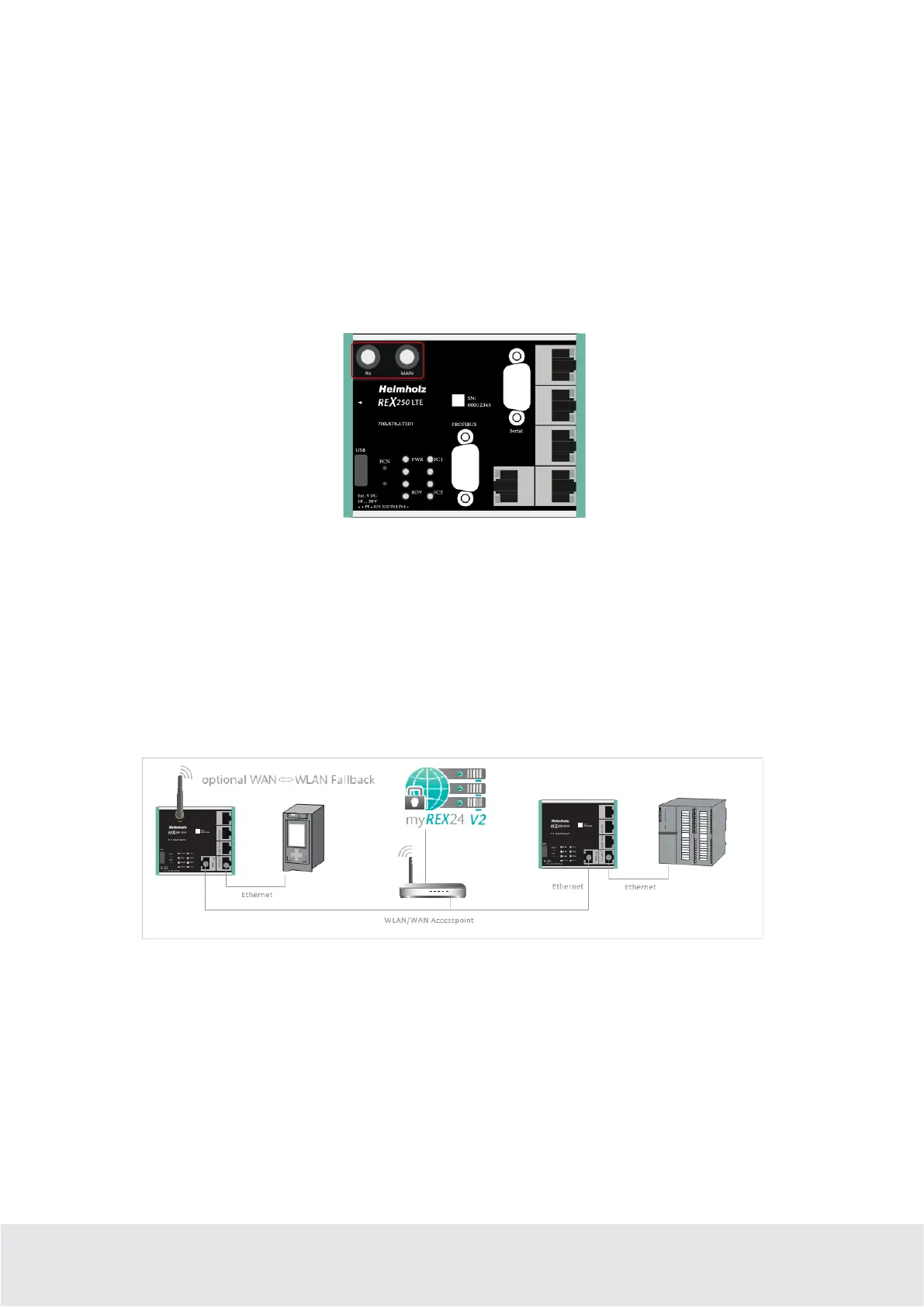
For radio reception, a suitable antenna must at least be screwed onto the SMA socket “MAIN”. In order to
improve the data throughput, a second antenna terminal is available on the REX 100 LTE router with the
SMA socket “Rx” that can be used as an option. This functionality is called antenna diversity in the
“WCDMA mode” and Downlink-MIMO in the “LTE mode”. The second receiver antenna should not be
located in the immediate vicinity of the main antenna. In order to improve the diversity gain and reduce
other reciprocal interactions (interference effects), the two antennas should be (taking the space availa-
ble in the application into account) installed with the greatest possible distance between them.
For the same reason, the second antenna should be mounted cross-polarized (rotated by 90° in relation to
the main antenna).
3.8 REX 200/250 LTE + REX 200/250 Wi-Fi with failover
Only with this device variant, a failover can be parameterized in the configuration if required (see chap-
ter 5.5). For this application, connect the WAN interface (P1 WAN) of the REX 200/250 with a patch ca-
ble to the higher-level (company) network/router.
Furthermore, the requirements from points 3 and 3.6 must be met. The VPN connection is primarily im-
plemented via the WAN interface. If the connection is not established or is interrupted, the REX 100 au-
tomatically switches to the appropriate wireless connection. As soon as WAN is available again, it switch-
es back. The switchover takes place with a delay to detect if there is just a short interruption.
Application example
3.9 Boot process
The PWR LED lights up when the 24-volt supply voltage is applied. The boot process starts following the
internal system check, which is indicated by the blinking RDY LED. The REX 100 is ready for operation as
soon as the PWR LED and RDY LED light up continuously (duration: approx. 90 sec.).



 To Next Page