QuickStart Guide REX 200/250 | Version 5 | 26.05.2021 7
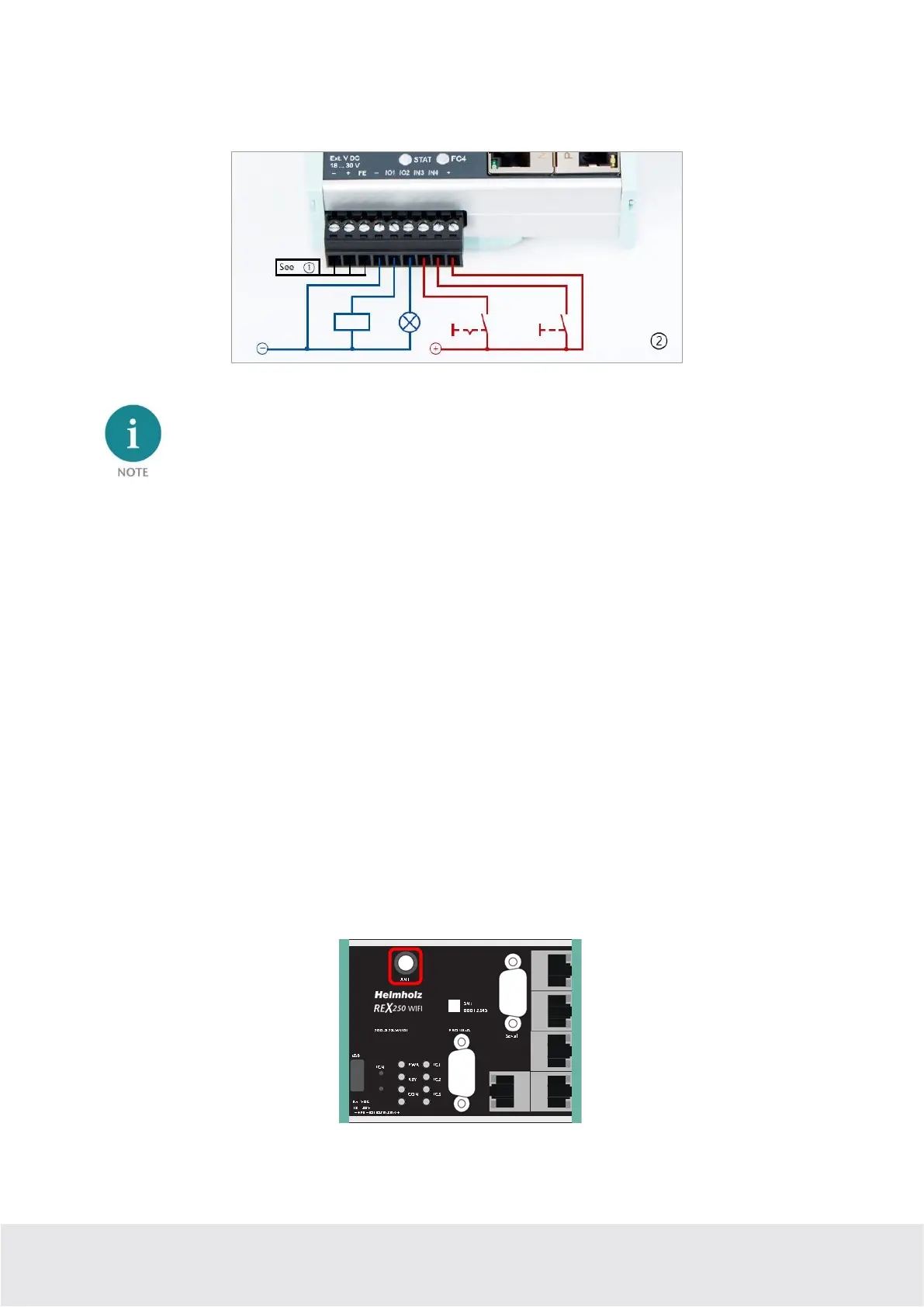
The configurable output wiring makes available signals for the status of an active Internet, VPN or user
connection or a device fault of the REX 200/250.
When using outputs O1 and O2, the corresponding input signals I1 and I2 assume the respective
output status and can themselves no longer be used externally for other alarm input signals.
3.6 REX 200/250 WAN
Connect the WAN interface of the REX 200/250 (P1 WAN) with a patch cable with the higher level
(company) network/router. All device variants have 4 additional LAN ports for connection to the ma-
chine network and for commissioning via PC.
3.7 Antenna connection
Only connect antennas that are included in the Helmholz accessories and ensure prior to installation
that the antenna is positioned in such a way that the modems receive a permanent radio signal to a
WLAN access point or can connect to an adequate 4G mobile network. Also be sure to follow the instruc-
tions from the technical data sheets of the antenna manufacturer and do not install these into metal
housings (e.g., control cabinet).
3.7.1 REX 200/250 WiFi
With this device variant, a wireless connection to the Internet can also be configured as an alternative to
the P1 WAN interface. The WLAN radio module only works in the 2.4 GHz range and it must be ensured
that the required inter-net connection can be established via an existing access point in the (company)
network. The required WLAN antenna is connected to the RP-SMA socket.



 To Next Page