QuickStart Guide REX 200/250 | Version 5 | 26.05.2021 9
The 4G products 700-877-LTE01 and 700-878-LTE01 are intended for use in Europe and Asia.
Before using an LTE router, please compare the LTE frequency bands of the selected device with the
supported frequency bands of the provider in the country of use.
If you have any further questions on this issue, our technical sales team will be happy to help you.
4 Access to the myREX24 V2 portal
The complete configuration of the REX 200/250 can be done via the myREX24 V2 portal.
The shDIALUP remote client software enables you to administrate the myREX24 V2 portal and realize a
VPN tunnel to a REX router. The software (shDIALUP) can be found in the download area at
www.helmholz.de. There you can also download more documents with additional information at any
time.
Alternatively, you can create the REX configuration on the myREX24 server with an HTTPS-secured
direct call from your browser. The call is possible via the following URL: https://v2.myREX24.net.
However, it is not possible to realize a VPN remote maintenance via the browser.
Always use your myREX24 V2 account data to log in.
Information on alternative parameterization methods can be found in Chapter 14.
4.1 Registration
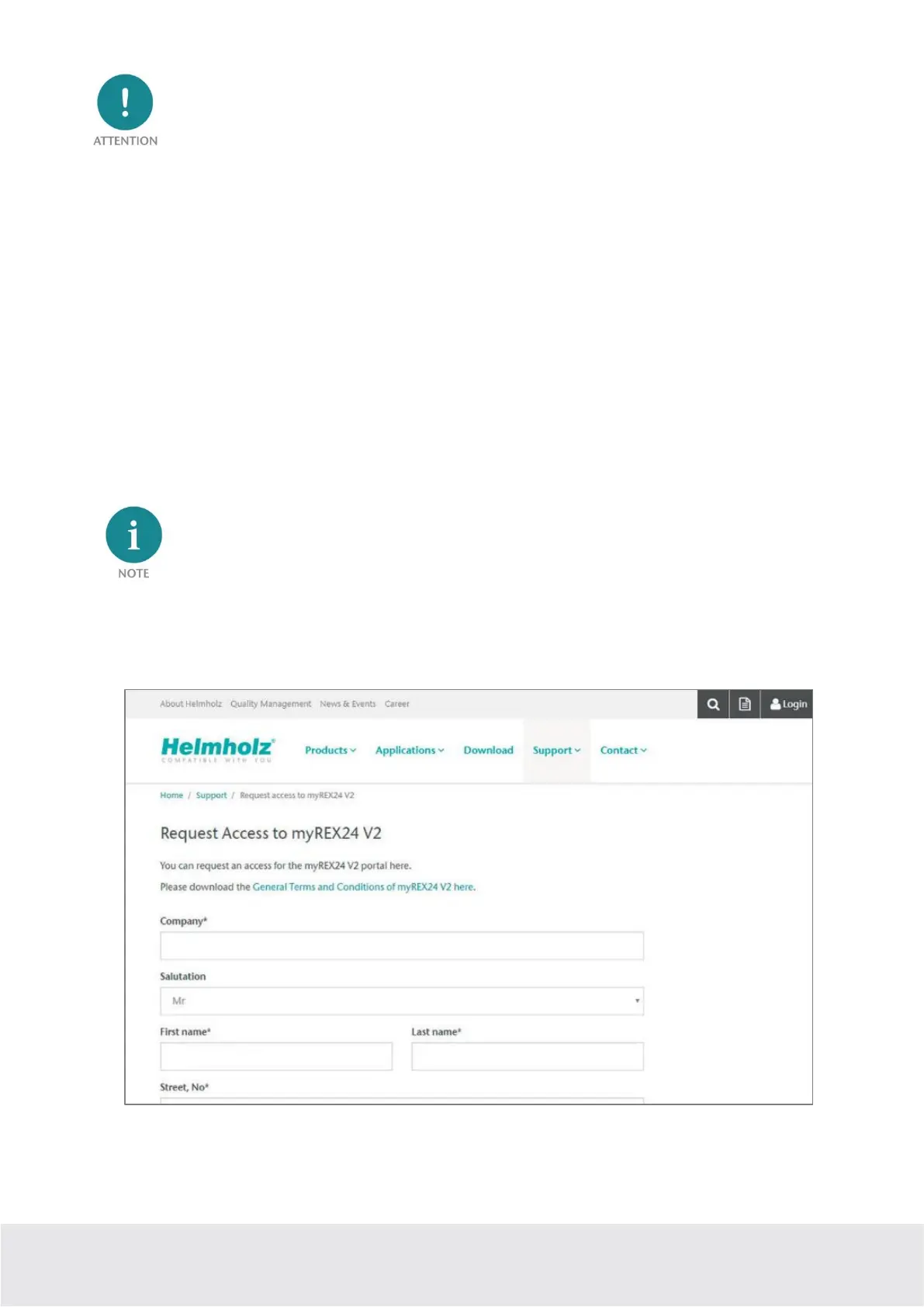
You should only register at www.myREX24.net if you do not yet have a myREX24 V2 portal account or
have not received user access from a myREX24 account administrator.
Fill out the required fields there. After your data is checked by our service team (Mon. to Fri., 8 a.m. to 5
p.m. CET), you will receive two separate e-mails with the access data.
One e-mail contains the username, and the second the password.



 To Next Page