QuickStart Guide REX 200/250 | Version 5 | 26.05.2021 26
12 Description of LEDs and buttons
12.1 Function and status LEDs in normal operation
The power supply is connected to the terminal and switched on.
The power supply to the router is interrupted/The router is not connected to the power supply
Waiting for boot loader or signature successfully checked
Checking signature, loading kernel
Boot process complete; the device can be used.
No VPN connection started
Internet connection is established, and VPN connection is started
Flash frequency of 1.5 Hz: VPN connection is established
Internet connection is established
Flash frequency of 3 Hz: Internet connection is being established
In conjunction with the myREX24 V2 portal
Network connection present
Network data traffic active
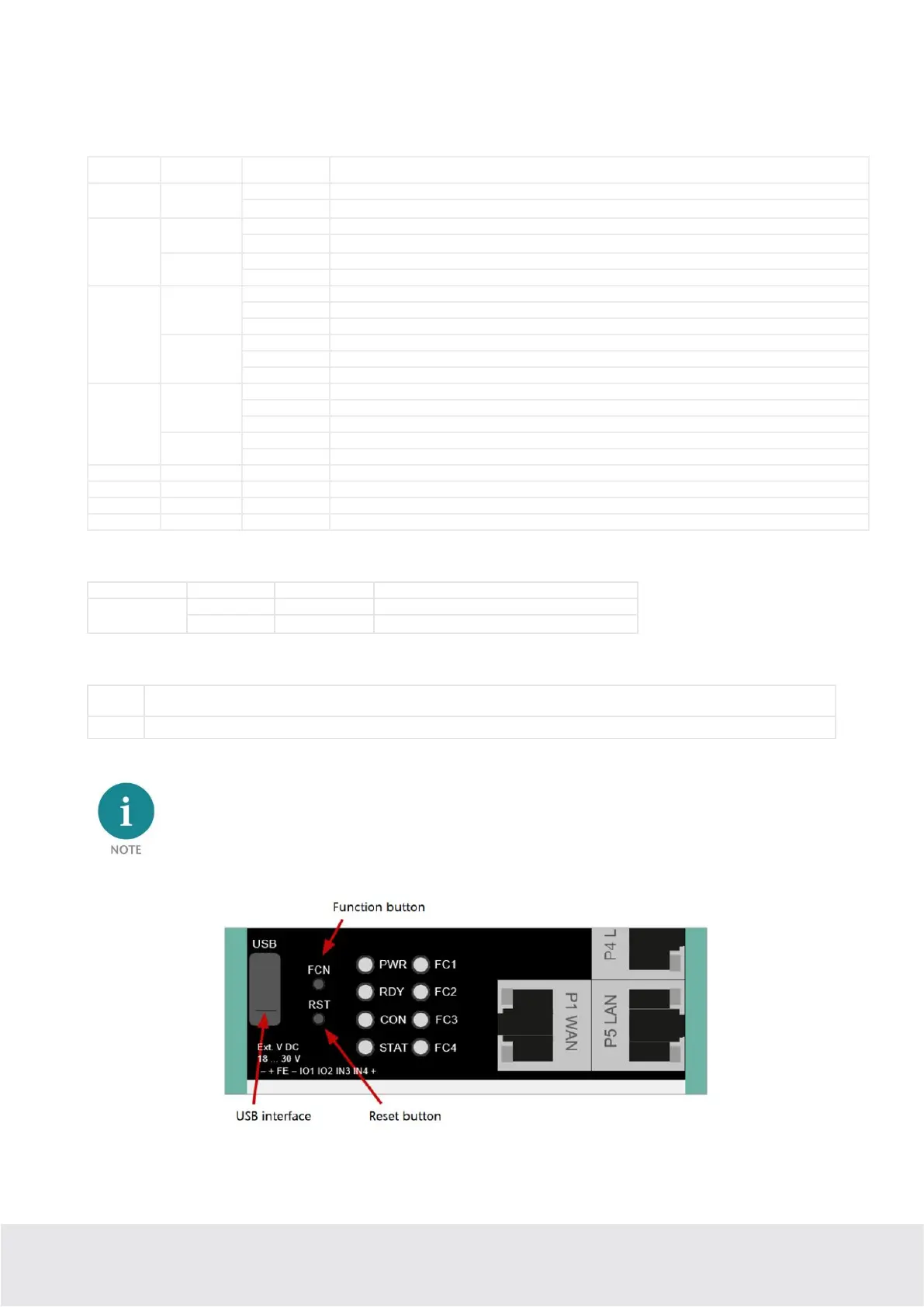
The FUNCTION button is used, among other things, to establish an Internet or VPN connection (press and hold the button
until the Con LED begins flashing). Other functions are described in chapters 13 and 15.
Reset button for restarting the router
Use the provided tool to activate the buttons (SIM card ejector).



 To Next Page